Roll and cut
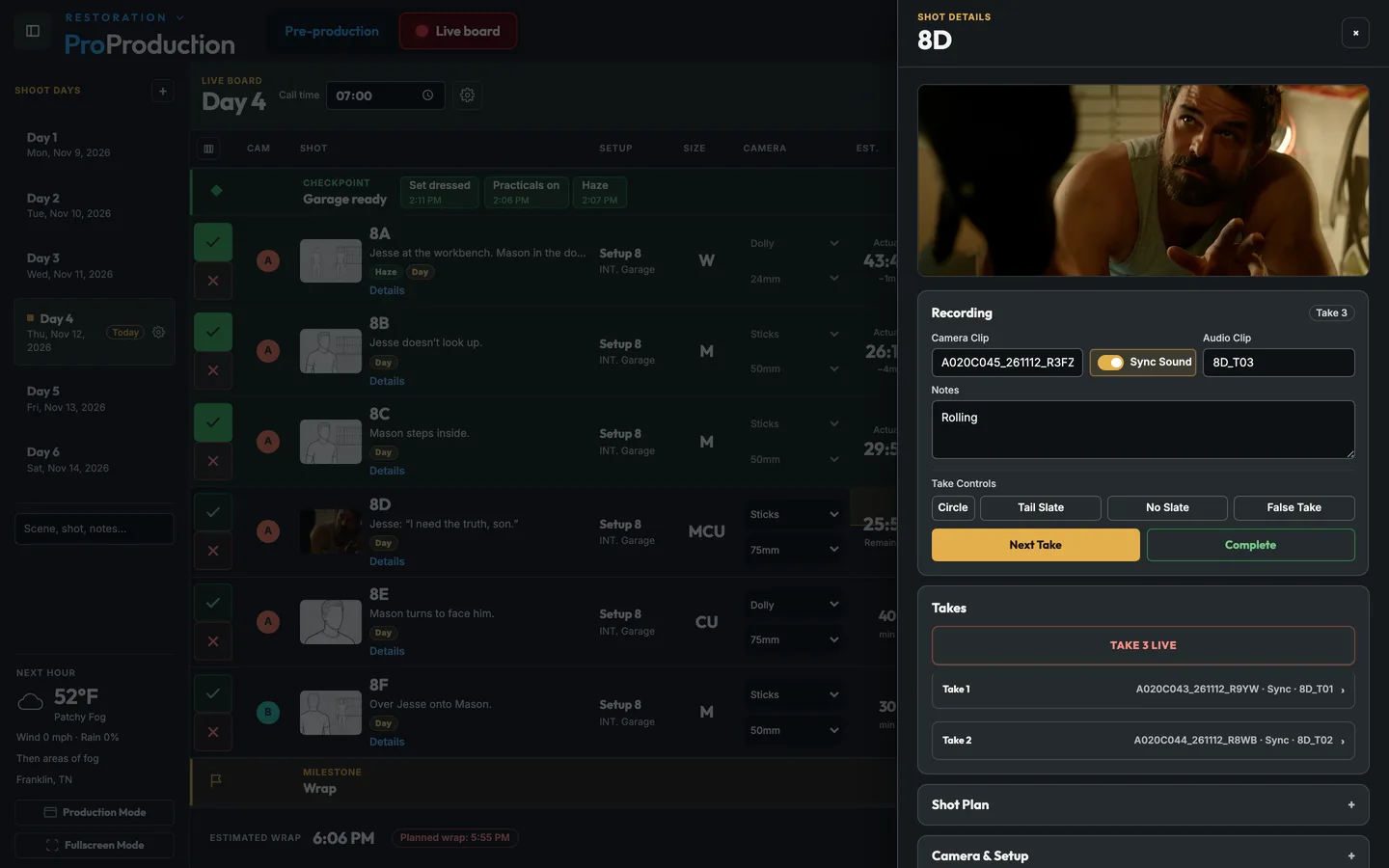
Start and stop one camera, or all of them at once on a Multi-Cam shot.
A small agent running on a Mac at video village connects the cameras to the project. You roll and cut from the board, clip names stay matched to the takes, and anyone on the crew can watch every camera on their phone. Not sure about your camera? Look it up.
Coming soon The Mac app. Camera control and the live board in an app for the Mac at video village, finding the cameras on the set’s network for you.
Install the Camera Agent on a Mac at video village.
Add each camera by its address on the set network.
Record, cut and name clips from the board, and watch the picture on any phone.
Start and stop one camera, or all of them at once on a Multi-Cam shot.
Clip names follow the shot and take so post can find every take.
Each supported body has its own control profile, so settings mean the same thing on every camera.
Watching on the camera’s network is always free. From somewhere else it’s free if your connection can reach the camera directly. If it can’t, the picture goes through Cloudflare and uses stream-hours.
$0.10 an hour by the month, or $0.15 bought once for a single production.
A stream-hour is one camera watched by one person for one hour.
When you run out of hours remote viewing pauses, and everything on set keeps working.
Pick a camera to see how it connects, whether it sends its own picture, and what you can run from the board.
No network. It’s a film camera.
A supported camera on the same network as a Mac running the Camera Agent. Camera control and the on-set stream come with every paid plan, and with a project pass.
Some cameras will only connect over a 2.4 GHz Wi-Fi network. If your location doesn’t have one, or there’s no internet where you’re shooting, bring a small travel router and connect it to the Mac. Put the cameras and the Mac on it and control and the on-set stream work without any internet.
It's free for one project, from the script to the live board, and you don't need a card.