Open a position
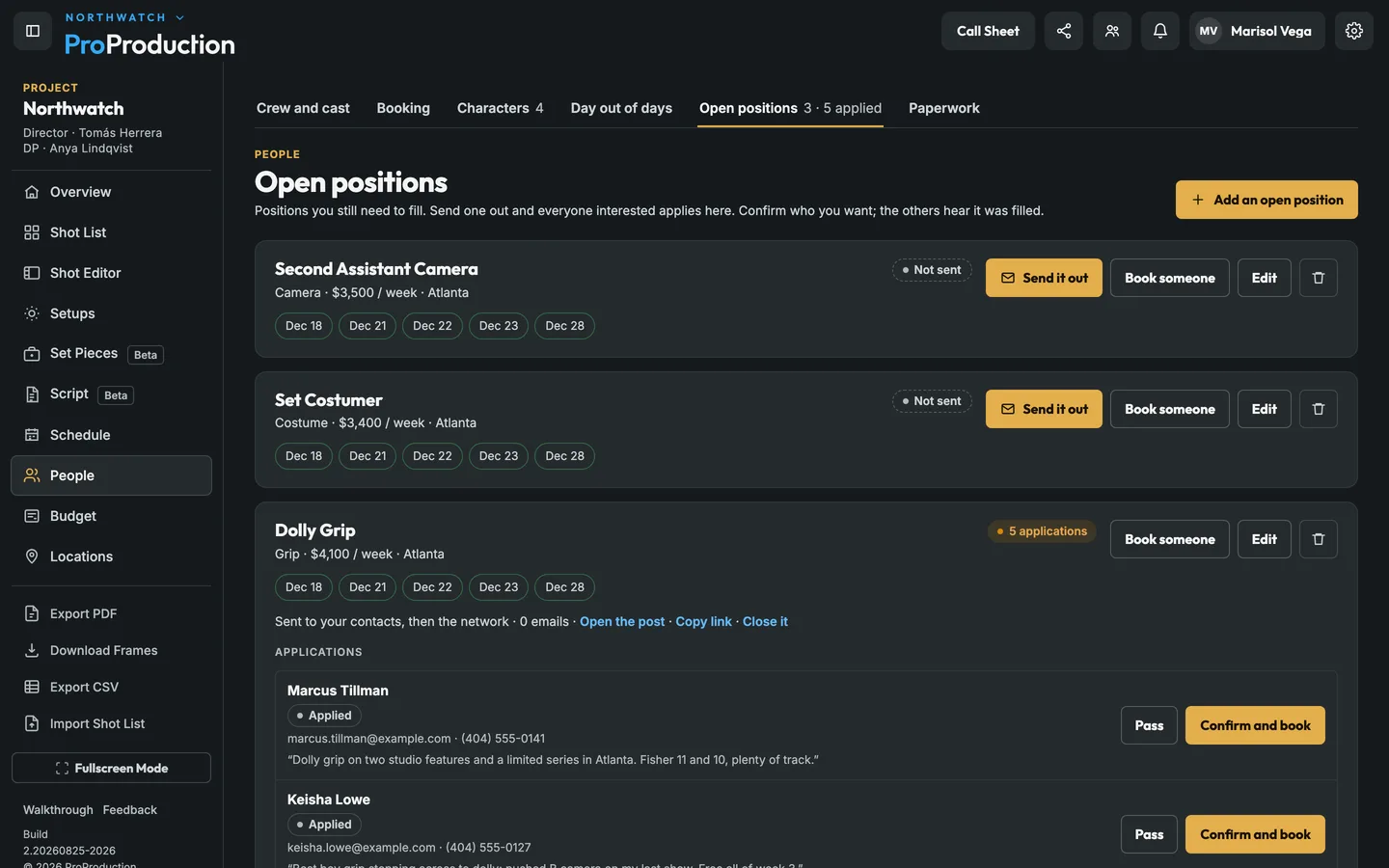
Pick the department, role, rate and days you need, right from the schedule.
Everyone on the production is in one list with their position, the days they’re booked, held or penciled, their rate and their paperwork. If you still have a position open, post it and crew who work that job in your market hear about it. Whoever is booked for a day is on that day’s call sheet and board.
Add them by hand, import a crew list or bring them in from your team’s contacts.
Book, hold or pencil each person by the day, and open positions for anything you still need.
Ask for their details and send the deal memo, then see who’s done it and who to chase.
Pick the department, role, rate and days you need, right from the schedule.
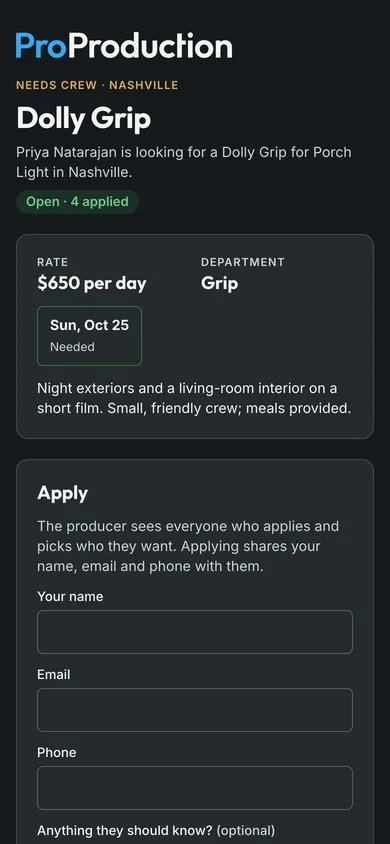
People who asked for job emails for that role in that market get one, closest first.
Each application comes with a note, phone and email. Pass, or confirm and book in one click.
Once it’s filled the rest are told, so nobody is left waiting on a job that’s gone.
They fill in their contact, emergency and dietary info once, themselves, from a link.
Every booking, hold and application across productions, in one place.
A profile only goes to teams the person has agreed to work with.
No. Crew fill in their details, sign paperwork and apply for jobs from links, on any phone, and they never pay.
It's free for one project, from the script to the live board, and you don't need a card.