How do I break down my script, scene by scene?
Every INT. or EXT. heading is a scene. Open Scenes to see them all, then click Tag, select words and say what they are. Each scene’s breakdown fills in as you go.
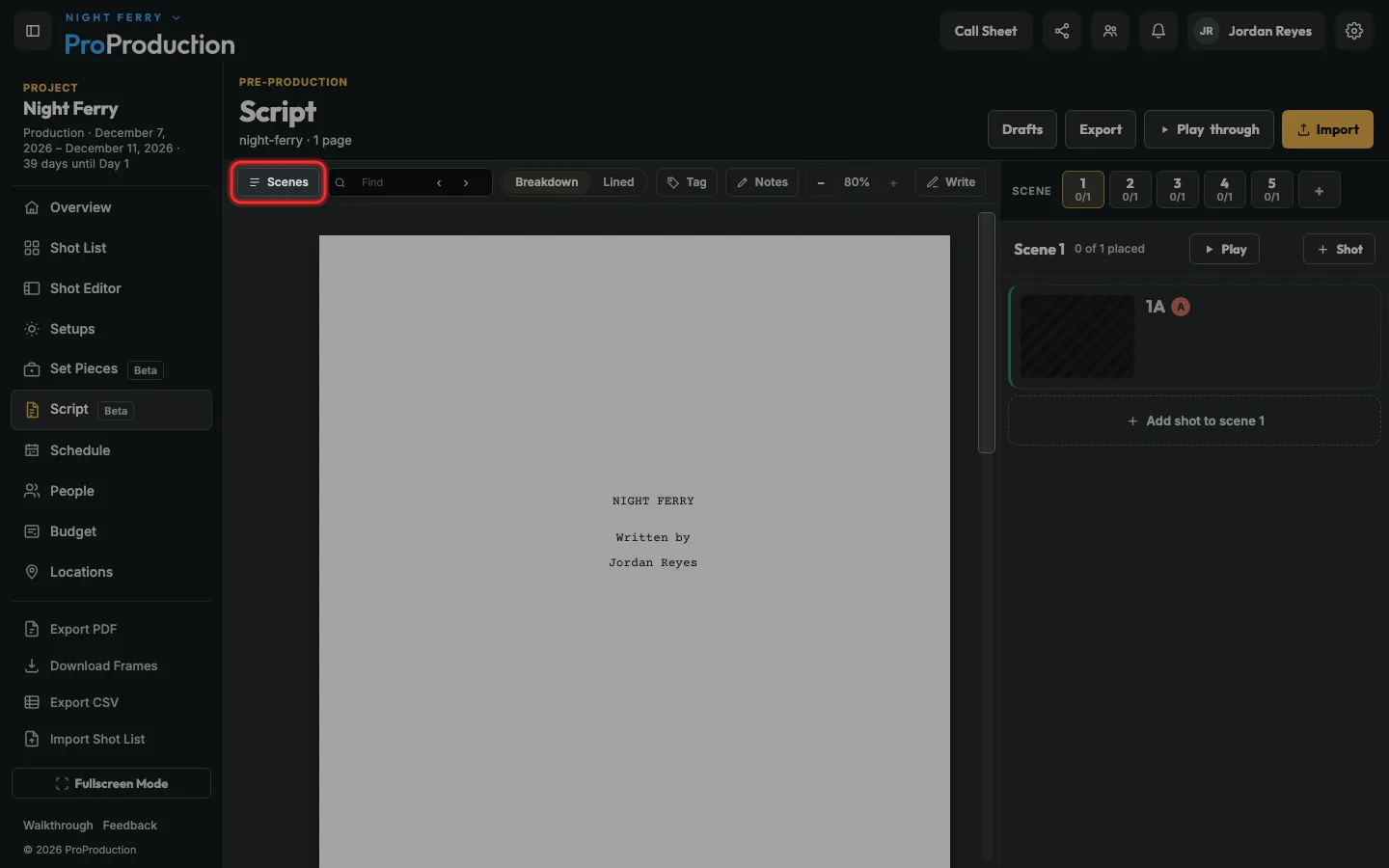
Step 1: In Script, click Scenes.
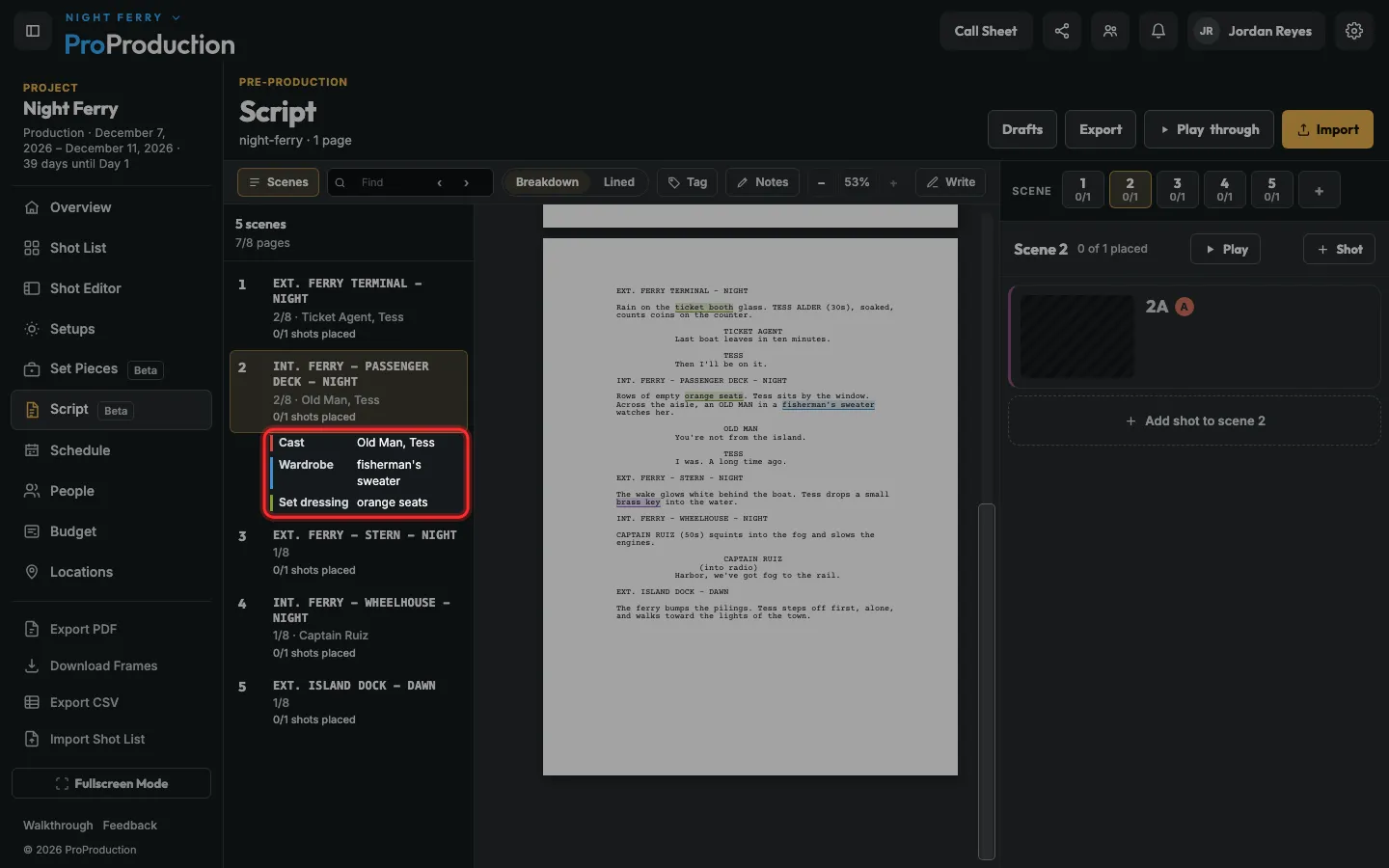
Every INT. or EXT. heading is a scene, with its length in eighths of a page and who speaks in it.
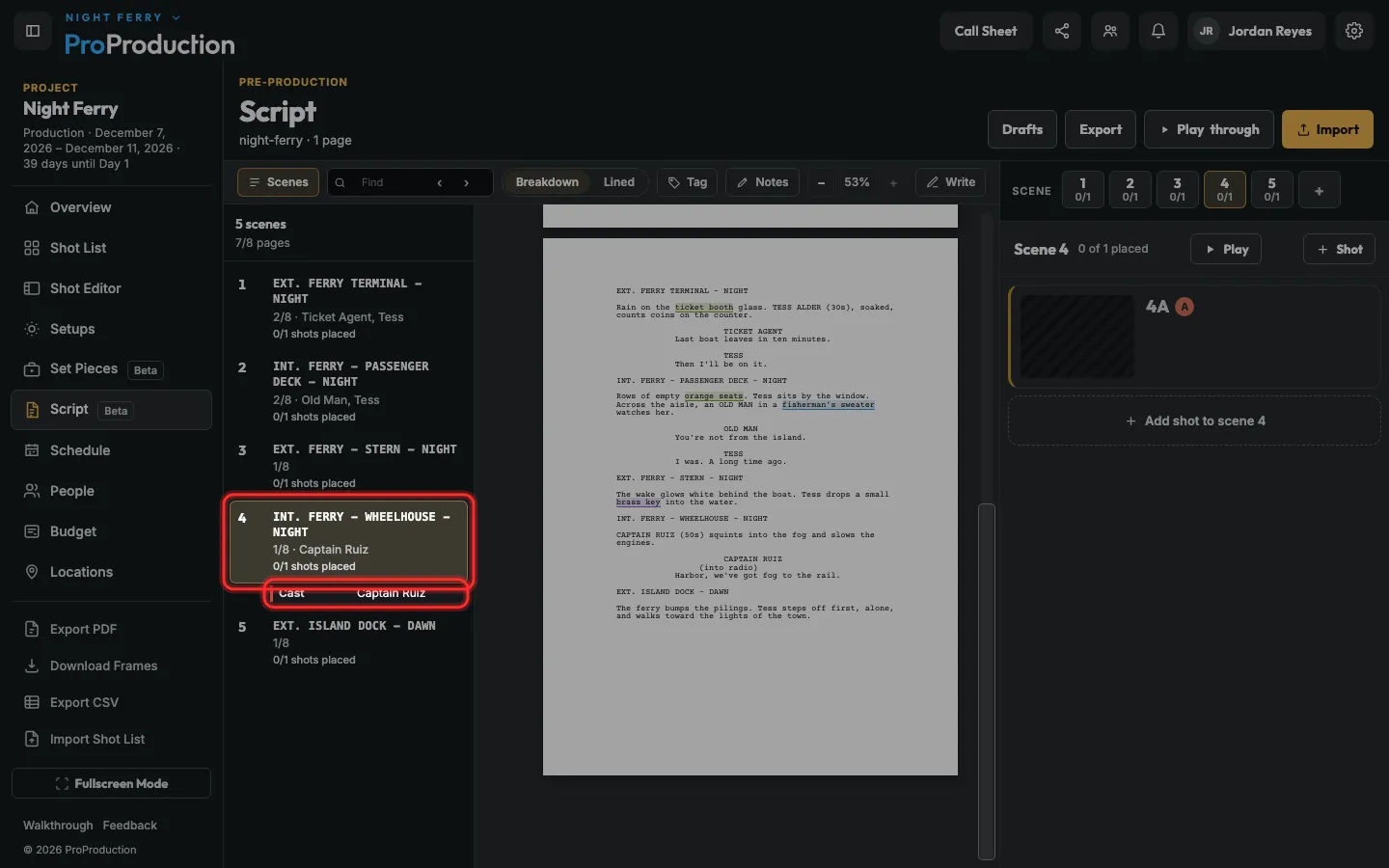
Step 2: Click a scene to open its breakdown.
Speaking parts are already there, under Cast.
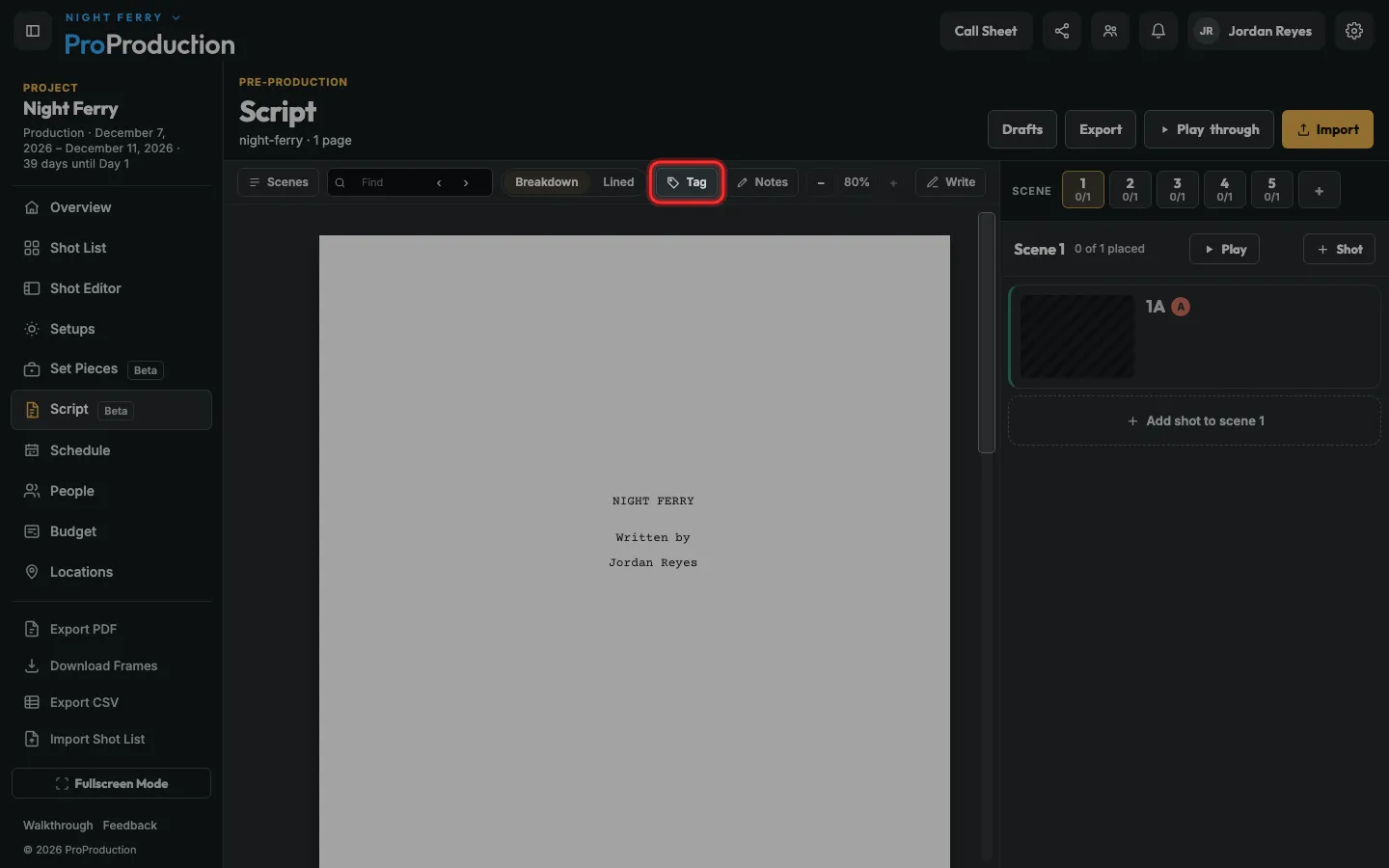
Step 3: Click Tag.
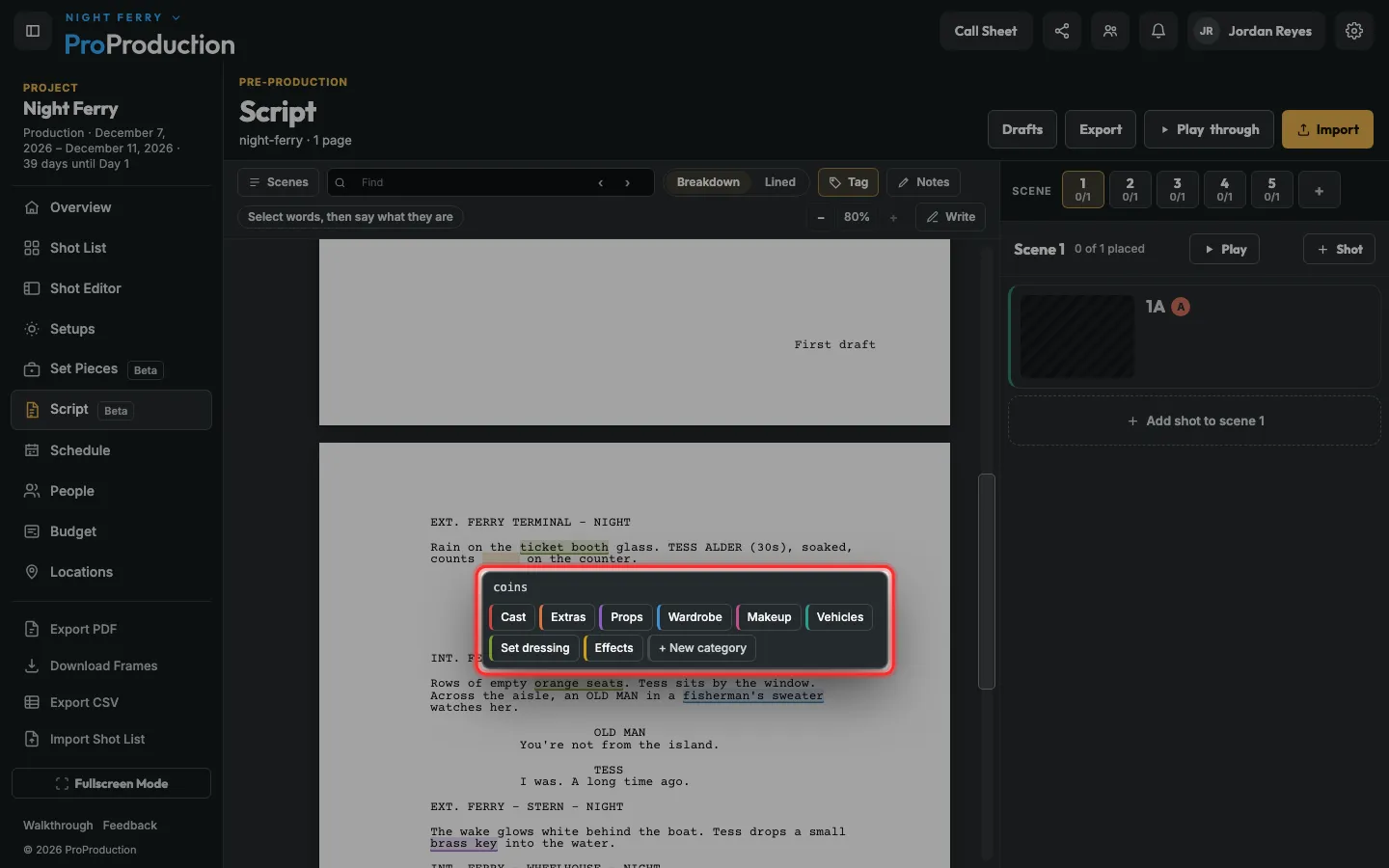
Step 4: Select words in the script, then pick what they are, like Props or Wardrobe.
+ New category adds your own. Click a tag later to change or remove it.
Step 5: Each tag lands in its scene’s breakdown, by category.
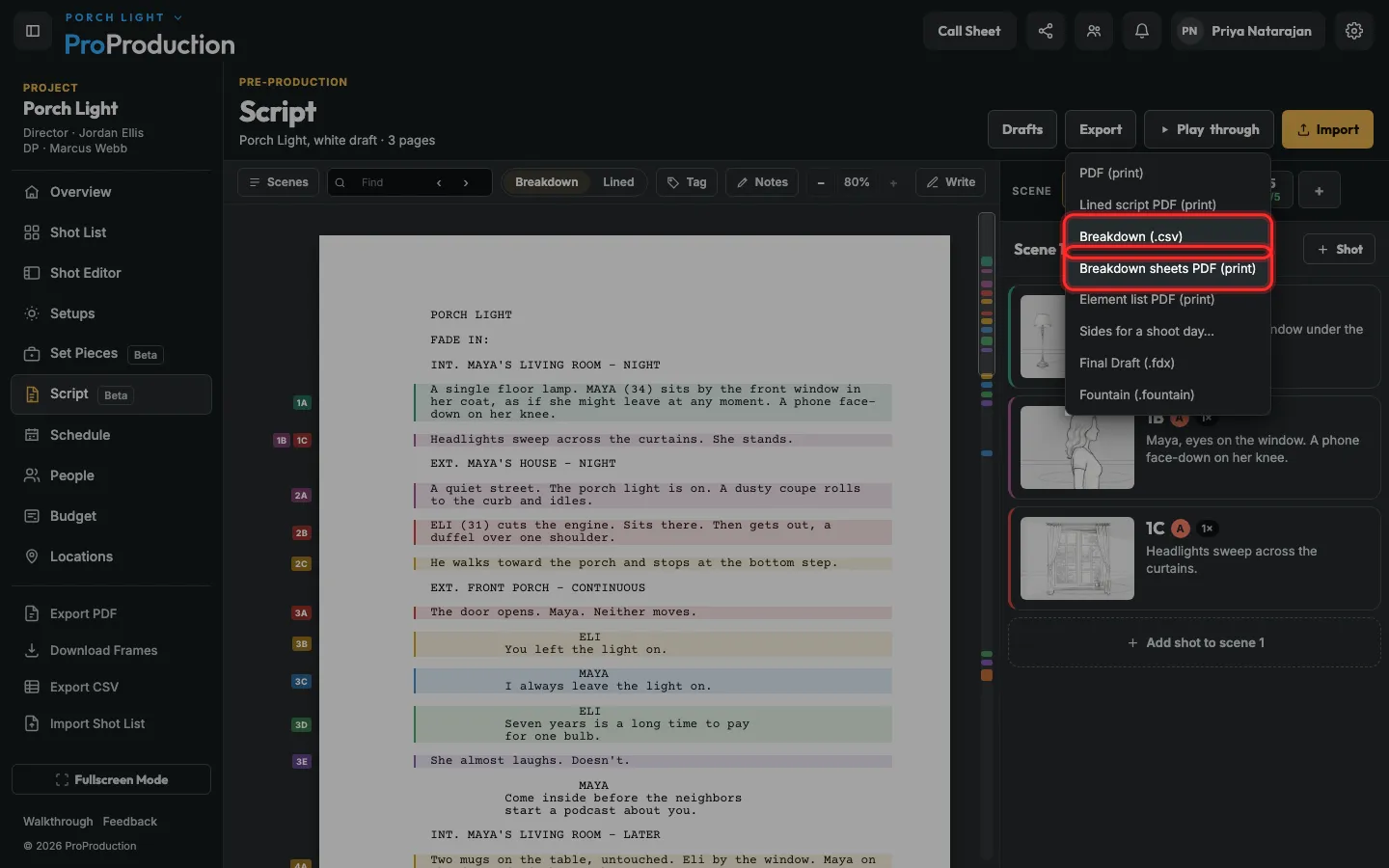
Step 6: For the departments, click Export, then Breakdown sheets PDF or Breakdown (.csv).
Exports are on Individual and up. Element list PDF puts every prop, costume and effect in one list.
Still stuck?
Write to hello@proproduction.app. A person reads every message.