How do I build the schedule and add shoot days?
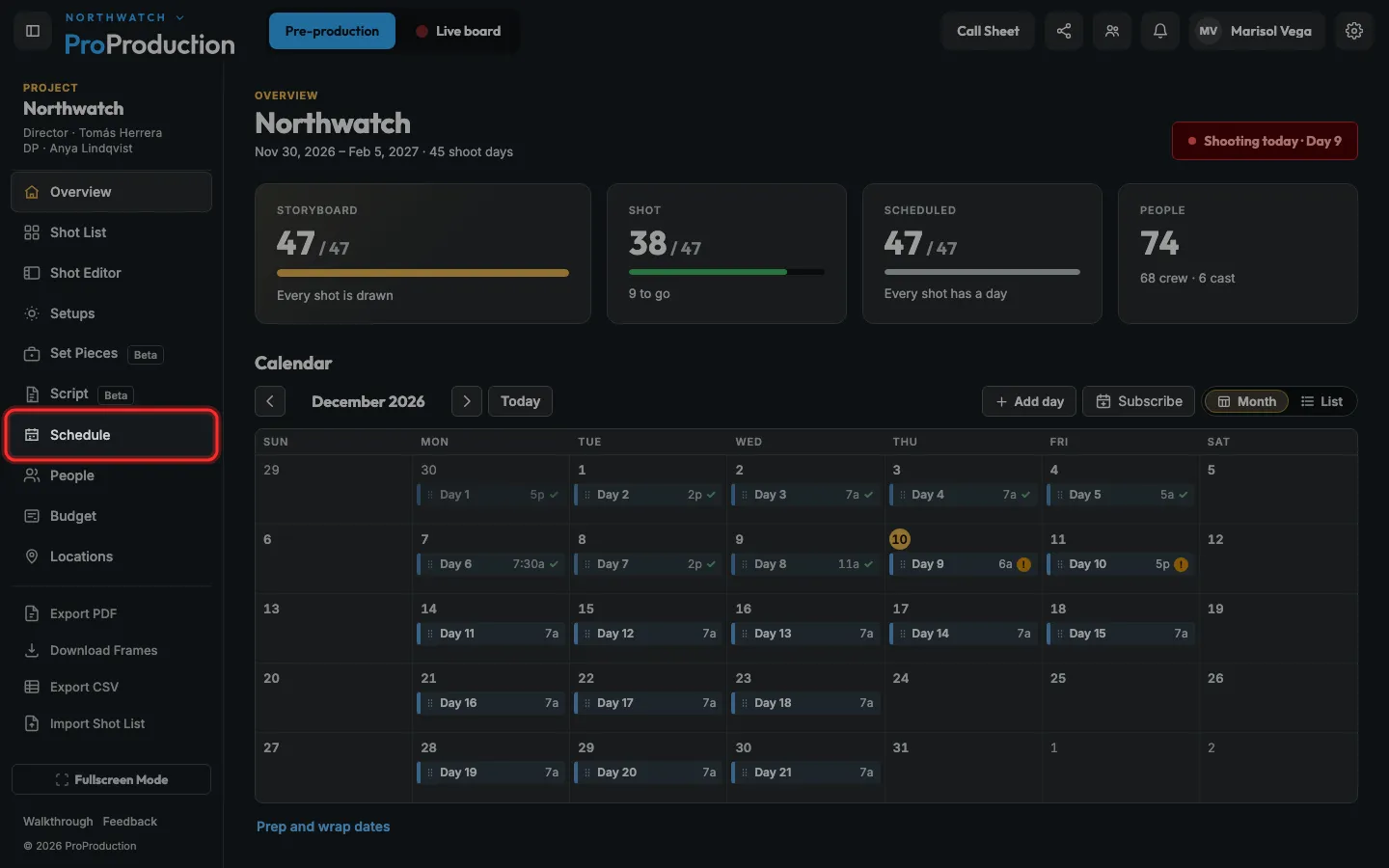
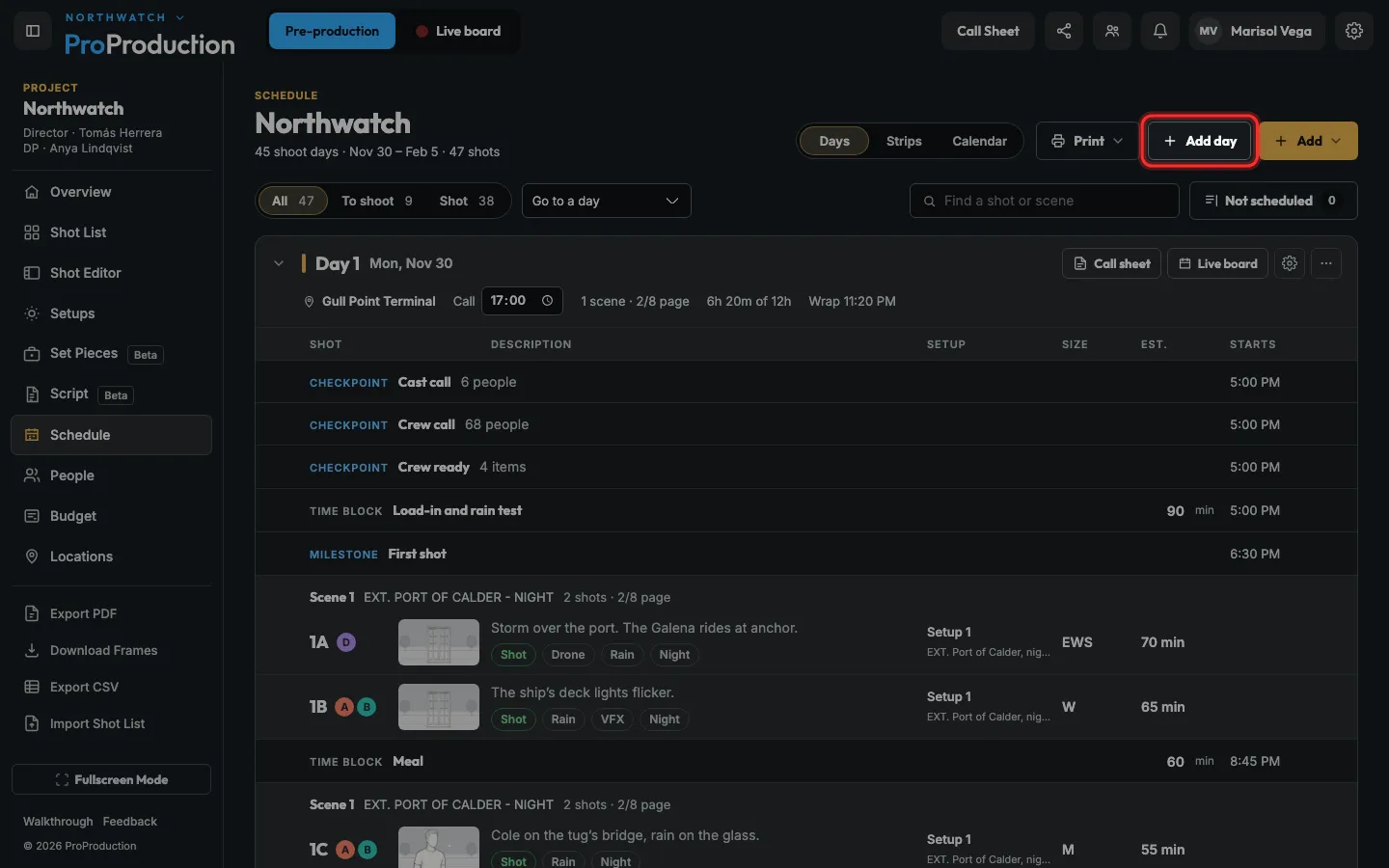
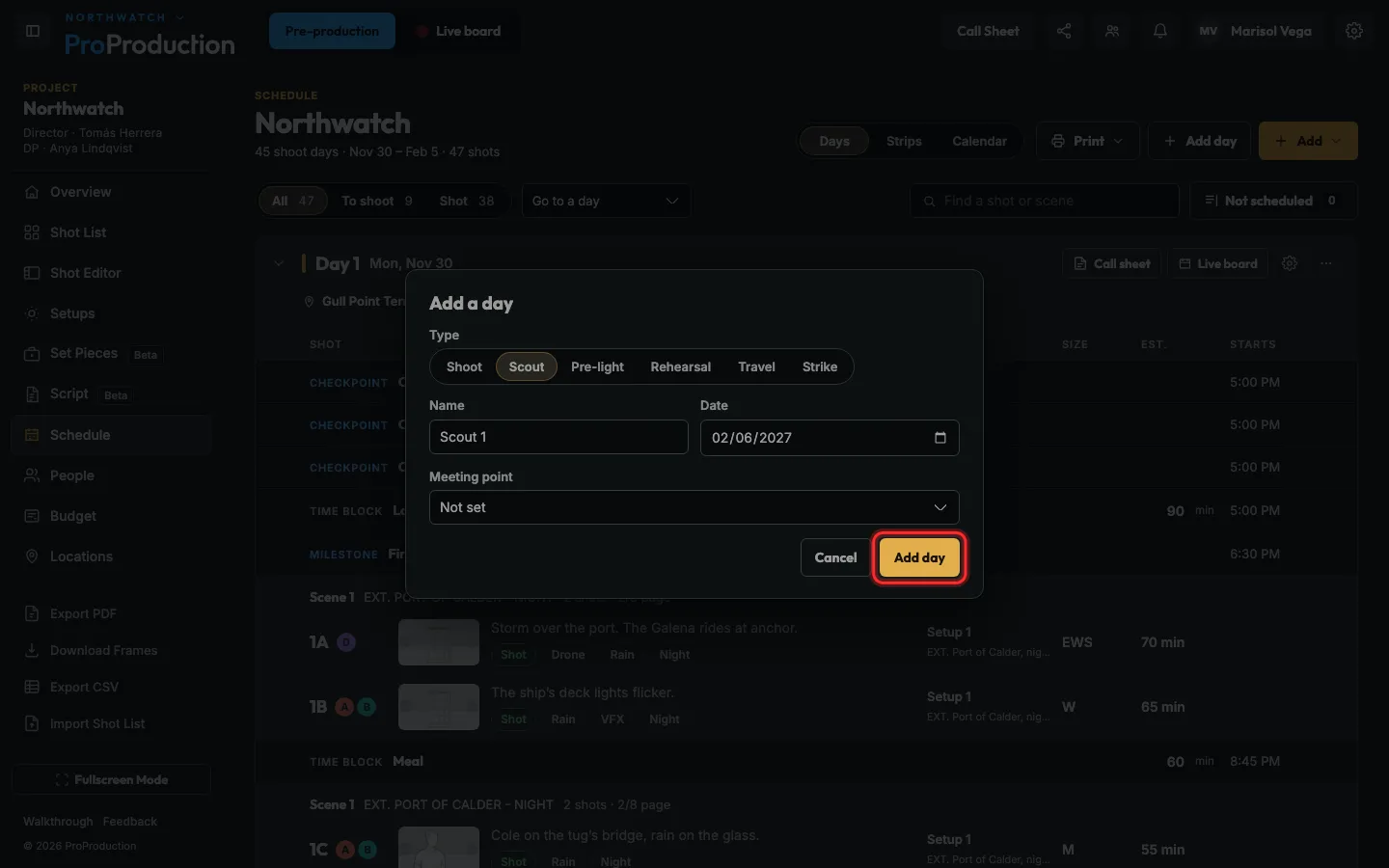
Open Schedule, click Add day, pick its type (shoot, scout, pre-light, rehearsal, travel or strike), set the date and place, then Add day.
Step 1: In your project, click Schedule in the side bar.
Step 2: Click Add day.
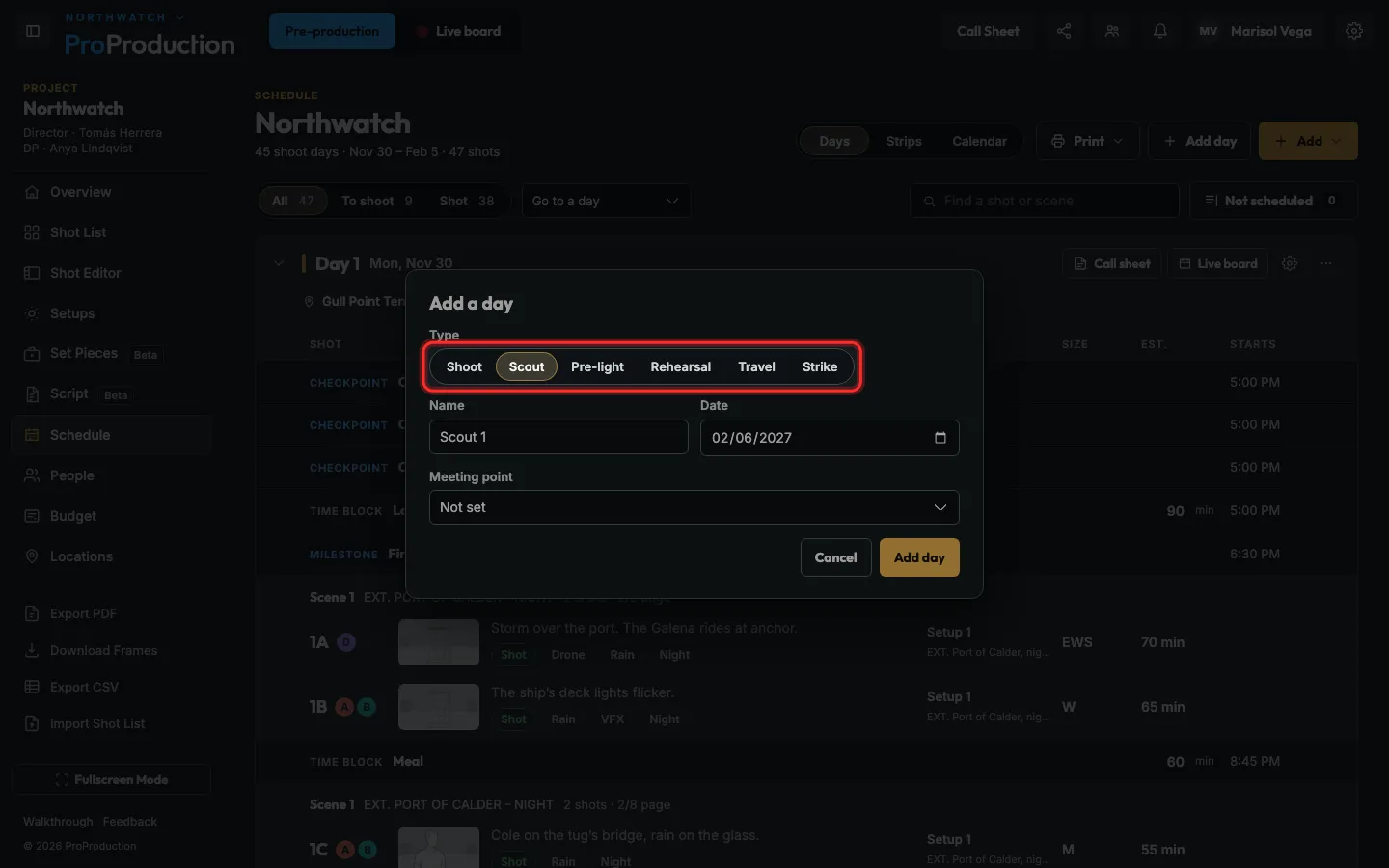
Step 3: Pick the kind of day: Shoot, Scout, Pre-light, Rehearsal, Travel or Strike.
The name fills itself in, like Day 4 or Scout 1. Type over it if you like.
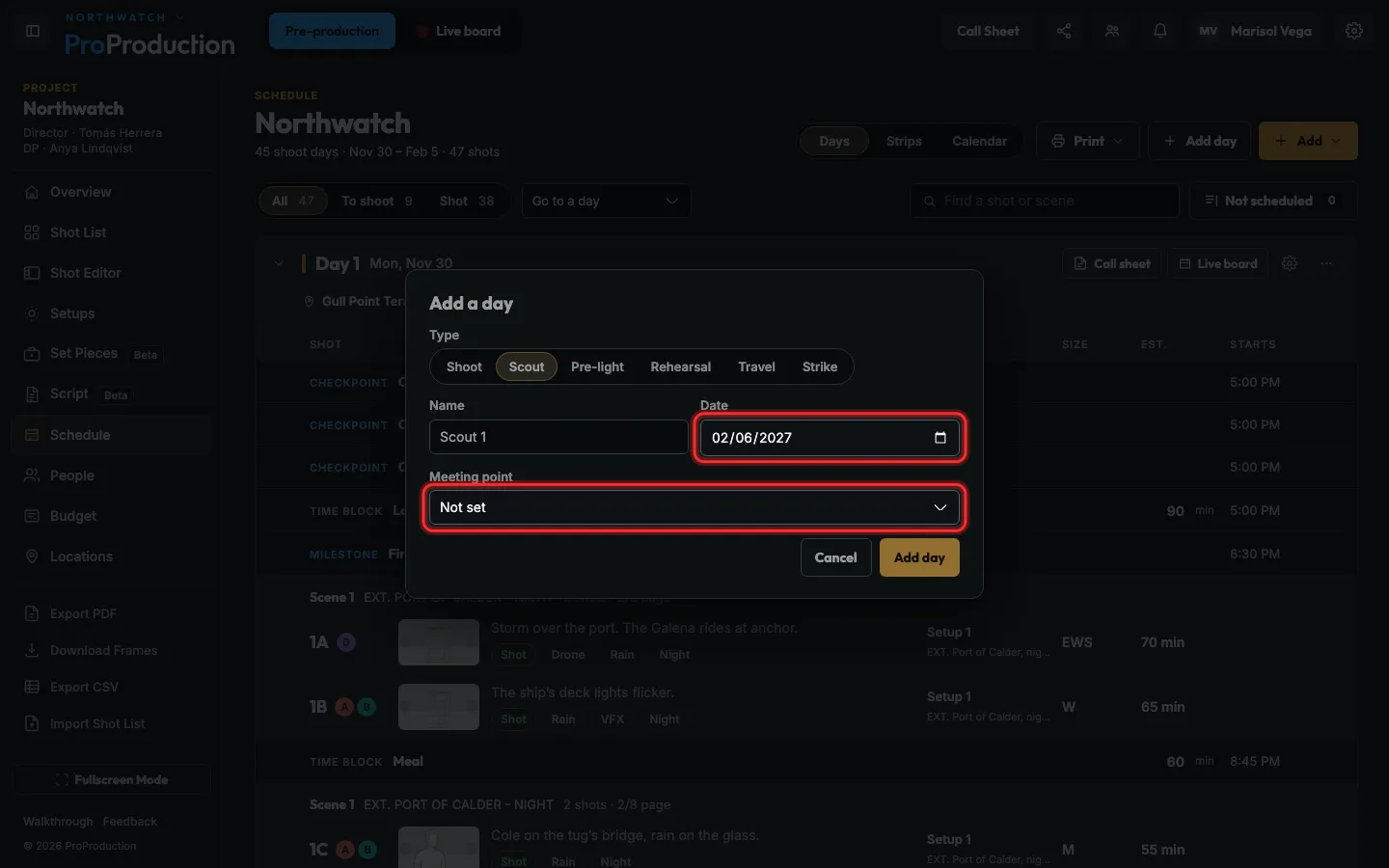
Step 4: Check the date, and pick where it is.
For a scout it asks for a meeting point; for travel, where you leave from.
Step 5: Click Add day.
Shots go on shoot days only. Drag them from the list onto a day.
Still stuck?
Write to hello@proproduction.app. A person reads every message.