How do I set call times for the day, the crew and the cast?
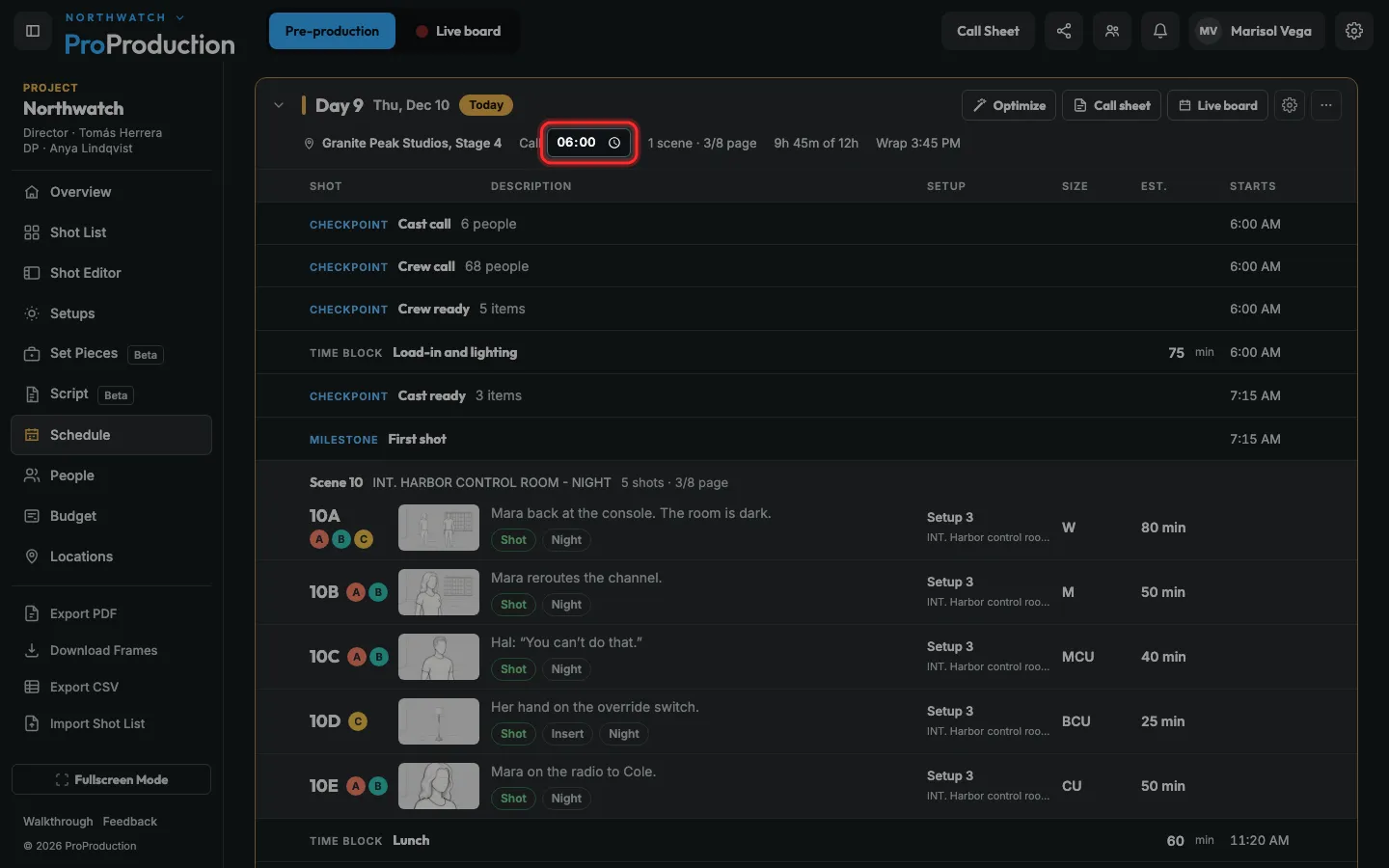
Type the day’s call on its card in Schedule. Crew and cast calls are in Day settings → People, and anyone’s own call is on the call sheet.
Step 1: In Schedule, type the day’s call time on its card.
It saves as soon as you leave the box.
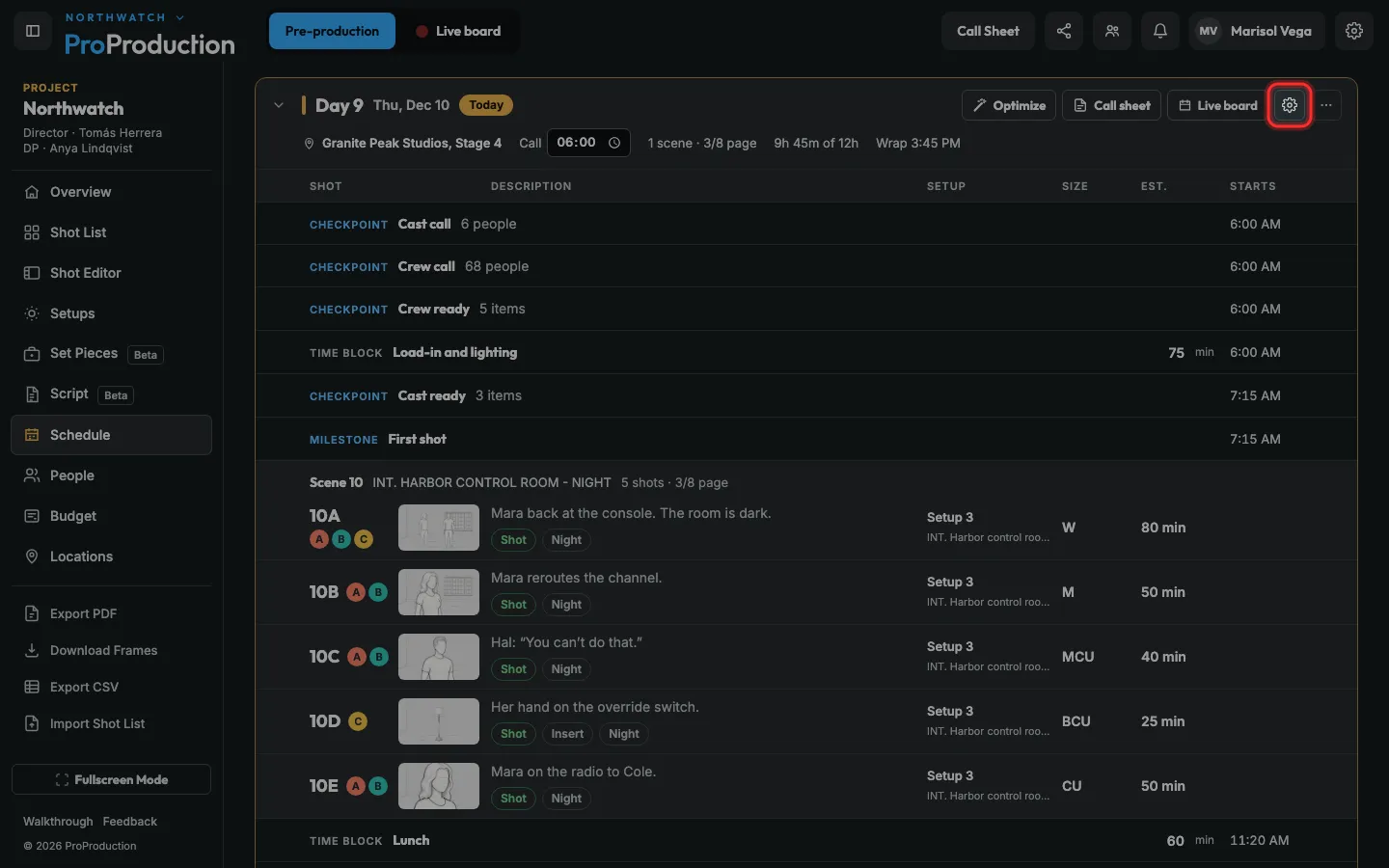
Step 2: For crew and cast calls, click the day’s gear.
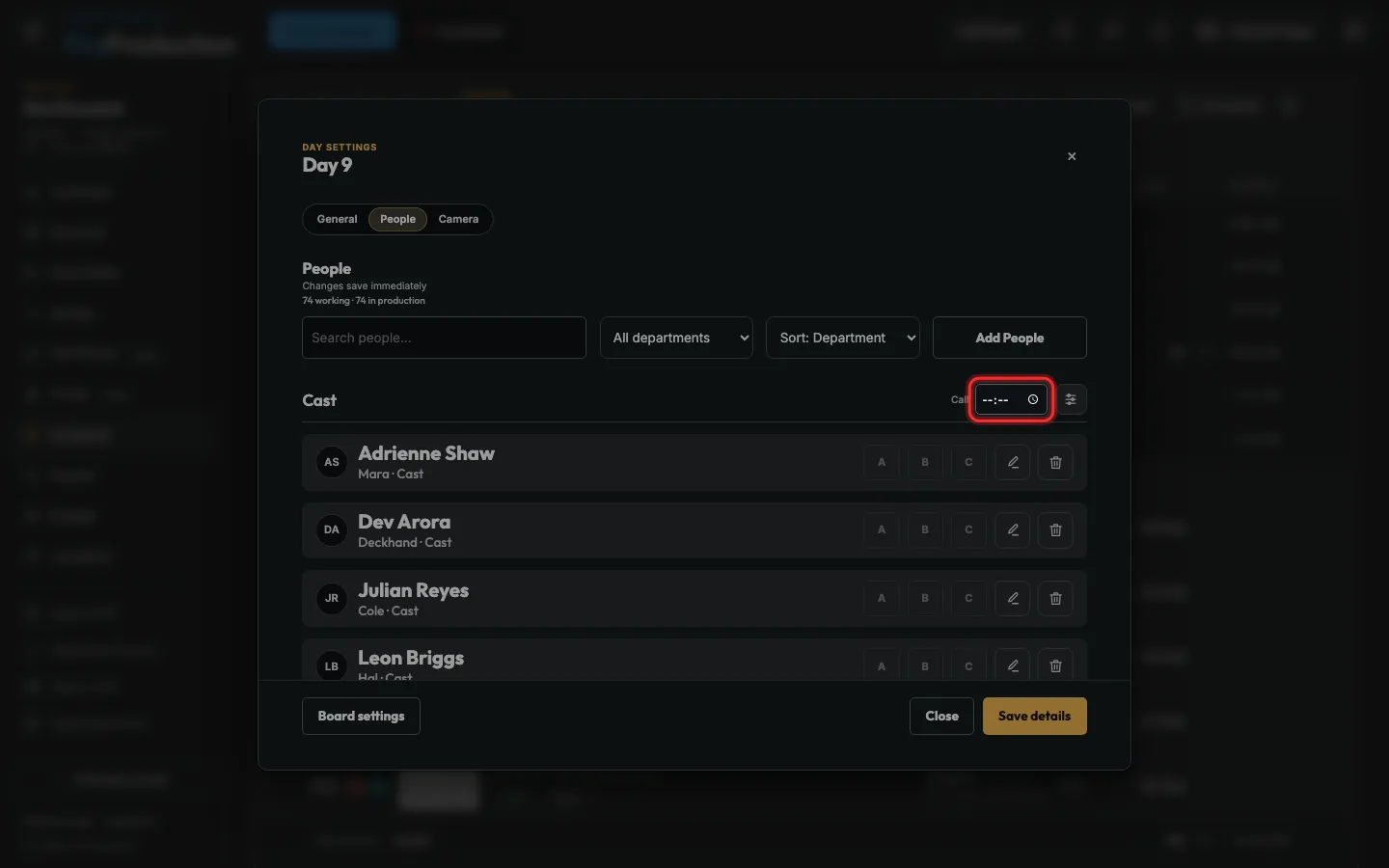
Step 3: On People, set the call time beside Crew and beside Cast.
They save straight away and show on everyone’s call sheet.
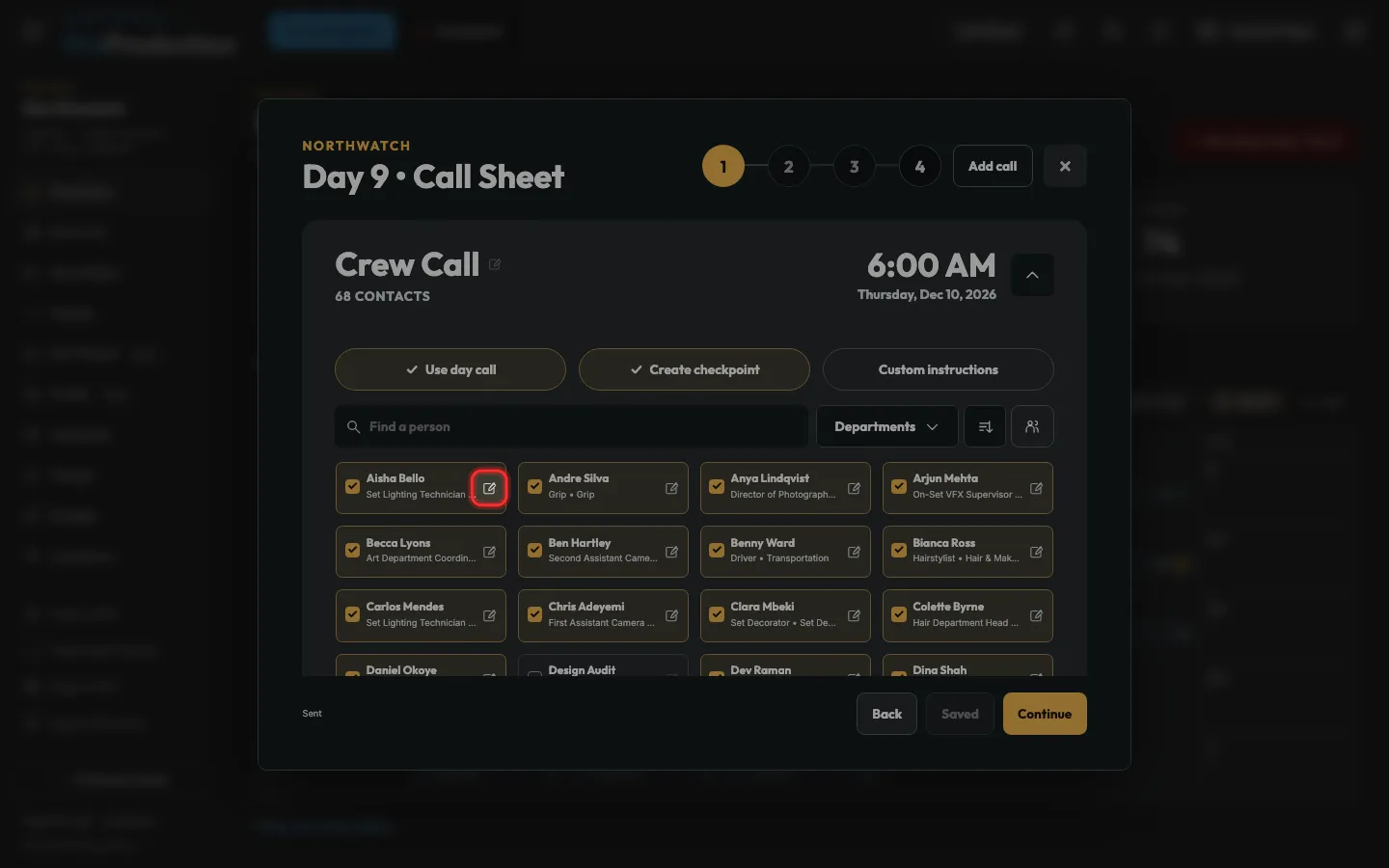
Step 4: Someone in early? On the call sheet, click the pencil on their name and give them their own call.
Their tile then says Custom call.
Still stuck?
Write to hello@proproduction.app. A person reads every message.