How do I choose or change my plan?
Open the account menu, click Plan & billing, and pick a plan. You pay on Stripe’s secure page and come straight back.
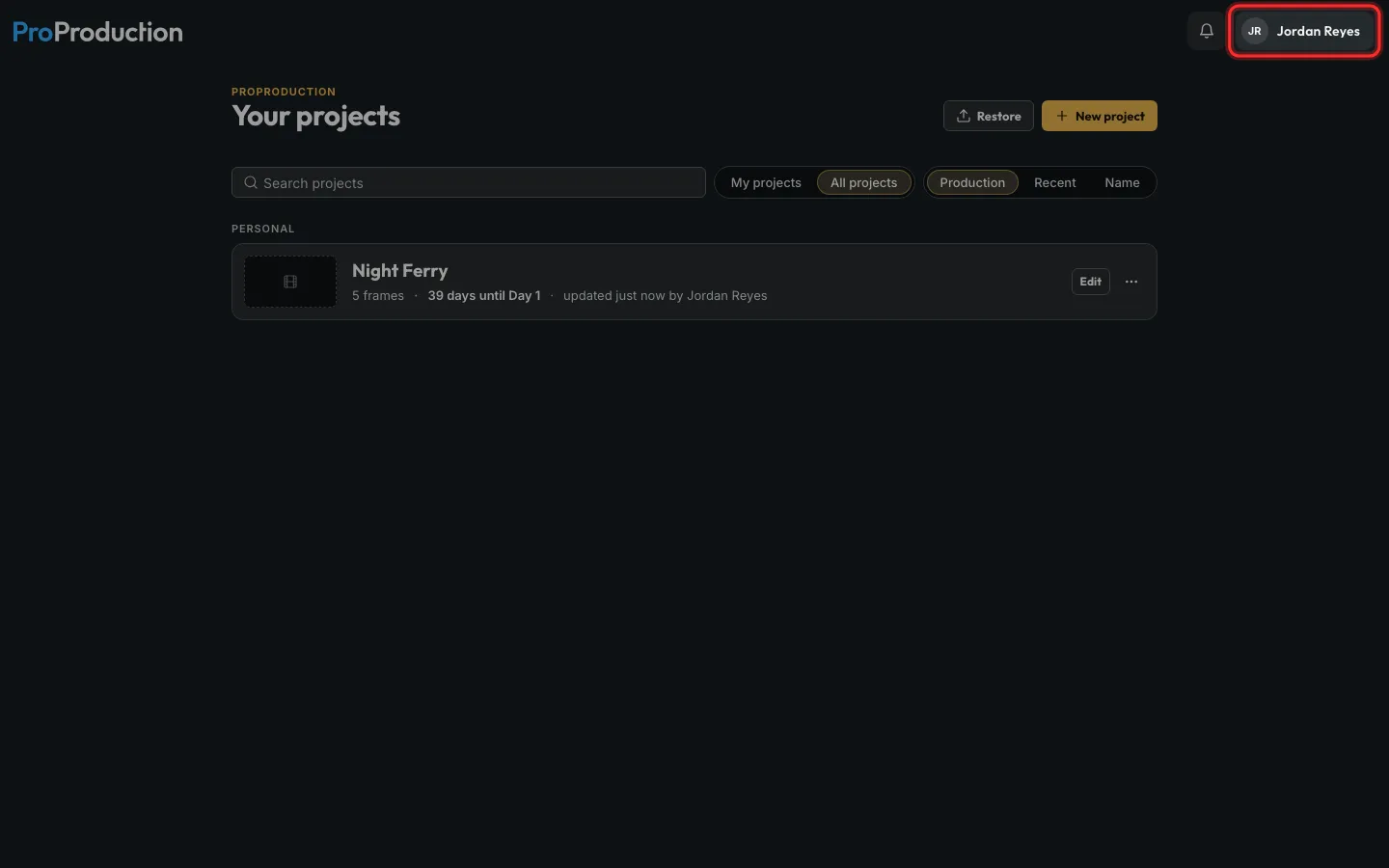
Step 1: Click your name at the top right.
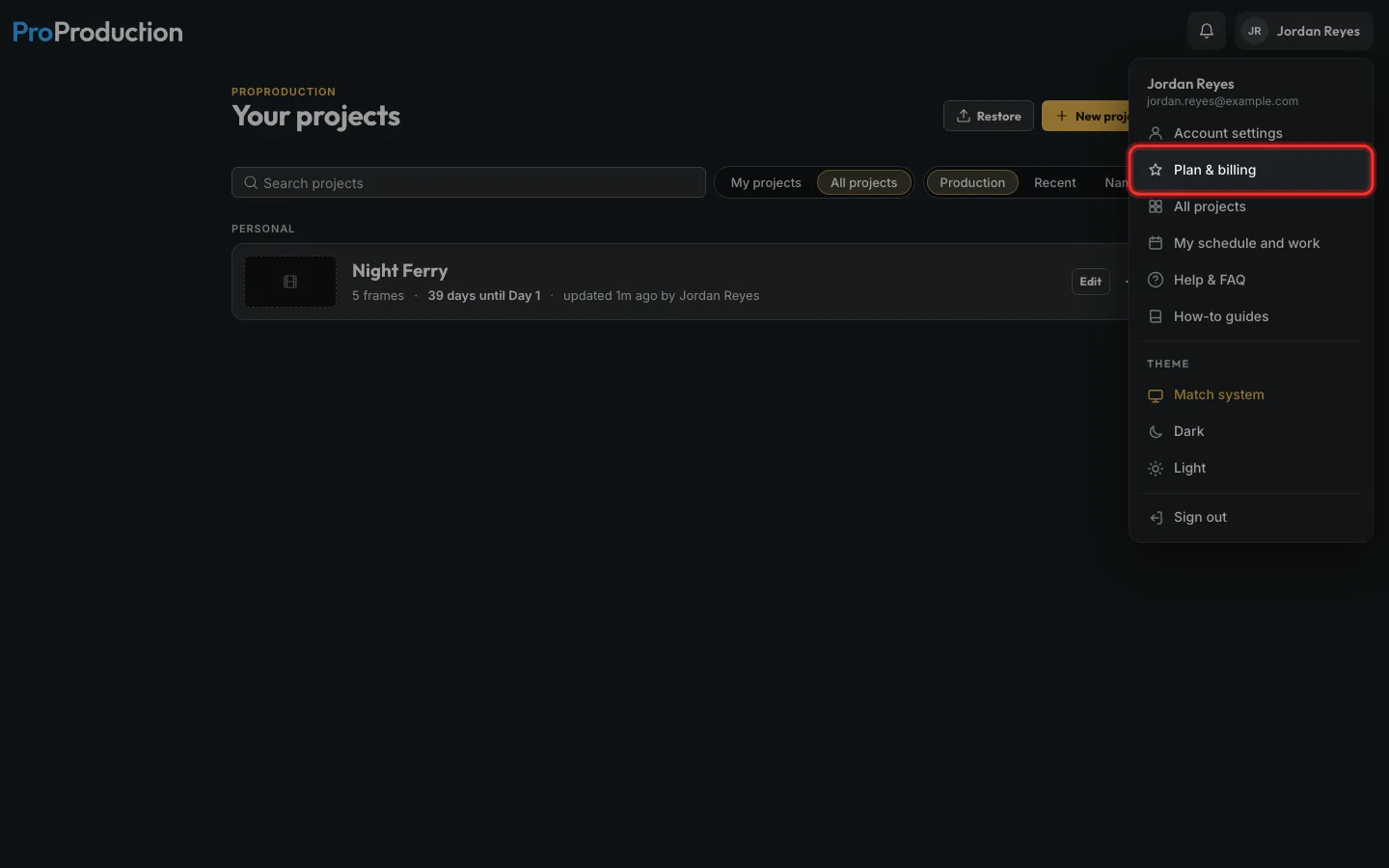
Step 2: Click Plan & billing.
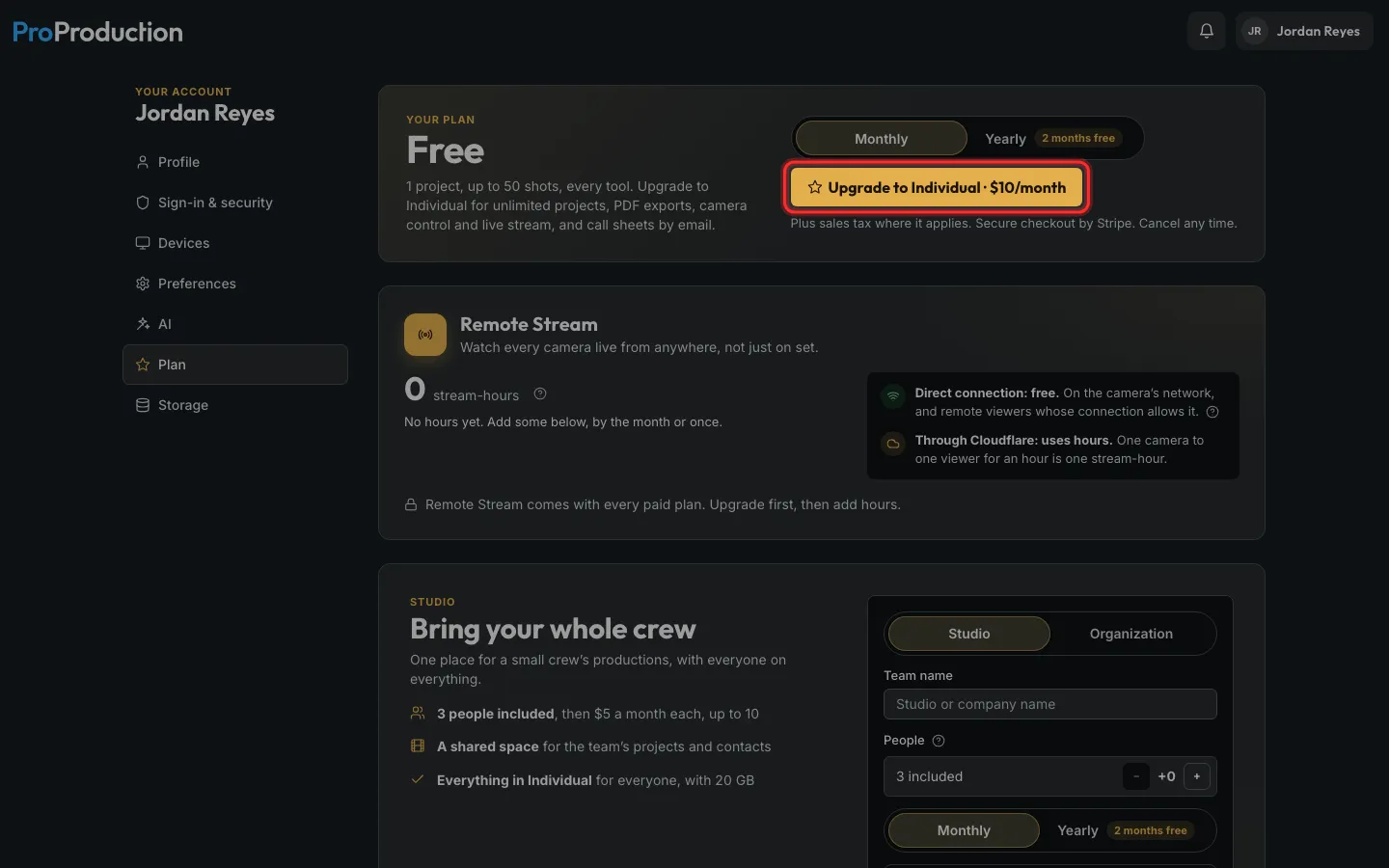
Step 3: Working on your own? Click Upgrade to Individual.
Unlimited projects and shots, PDFs, call sheets by email and camera control.
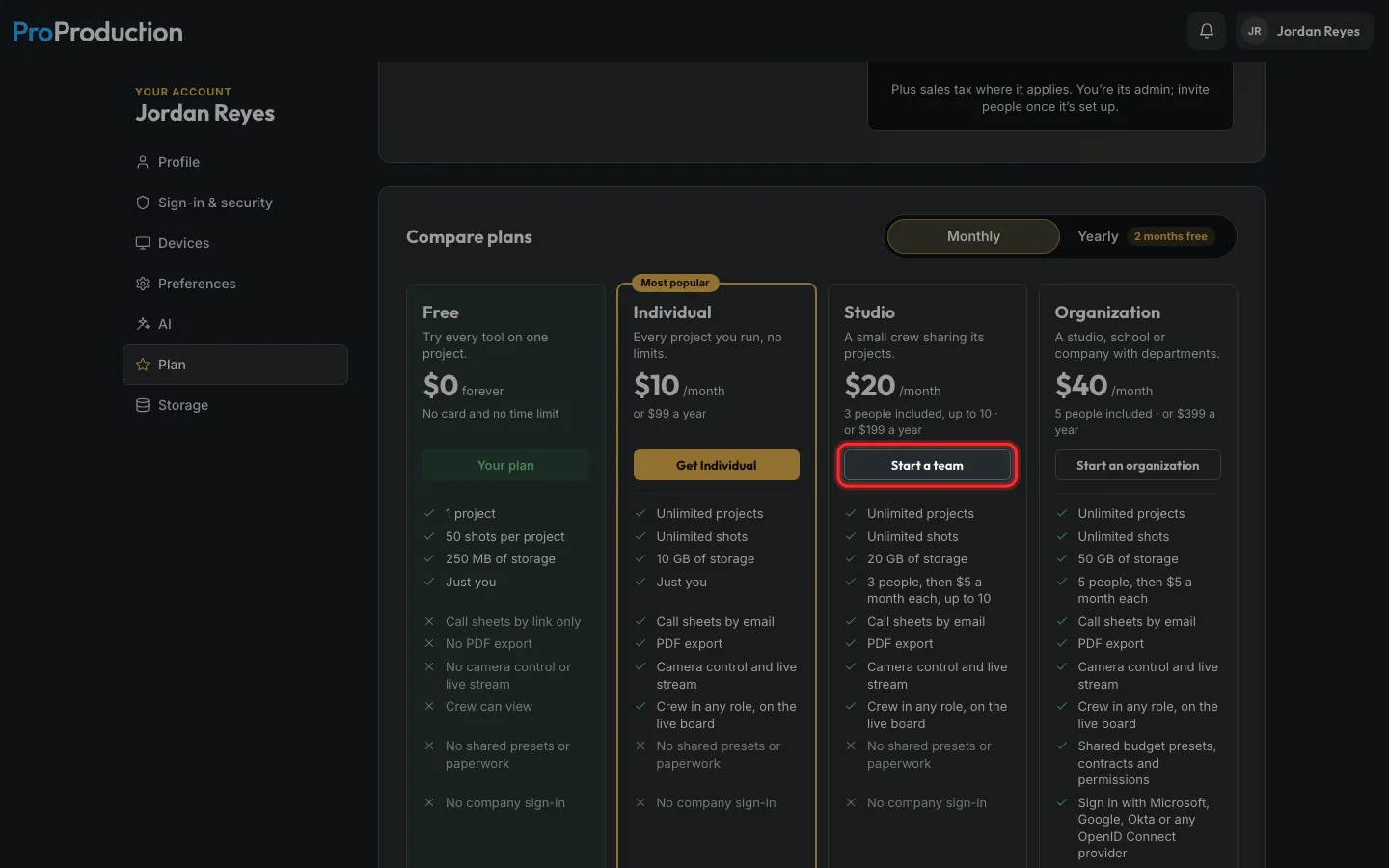
Step 4: Running a crew together? Click Start a team under Studio instead.
Name the team, choose how many people, then pay on Stripe’s page. Organization adds more teams, roles and company sign-in.
Still stuck?
Write to hello@proproduction.app. A person reads every message.