How do I invite my crew to a project?
Click Share, type their email, pick what they can do, then click Add collaborator. They get an email to choose a password.
Step 1: Open your project and click the Share icon at the top.
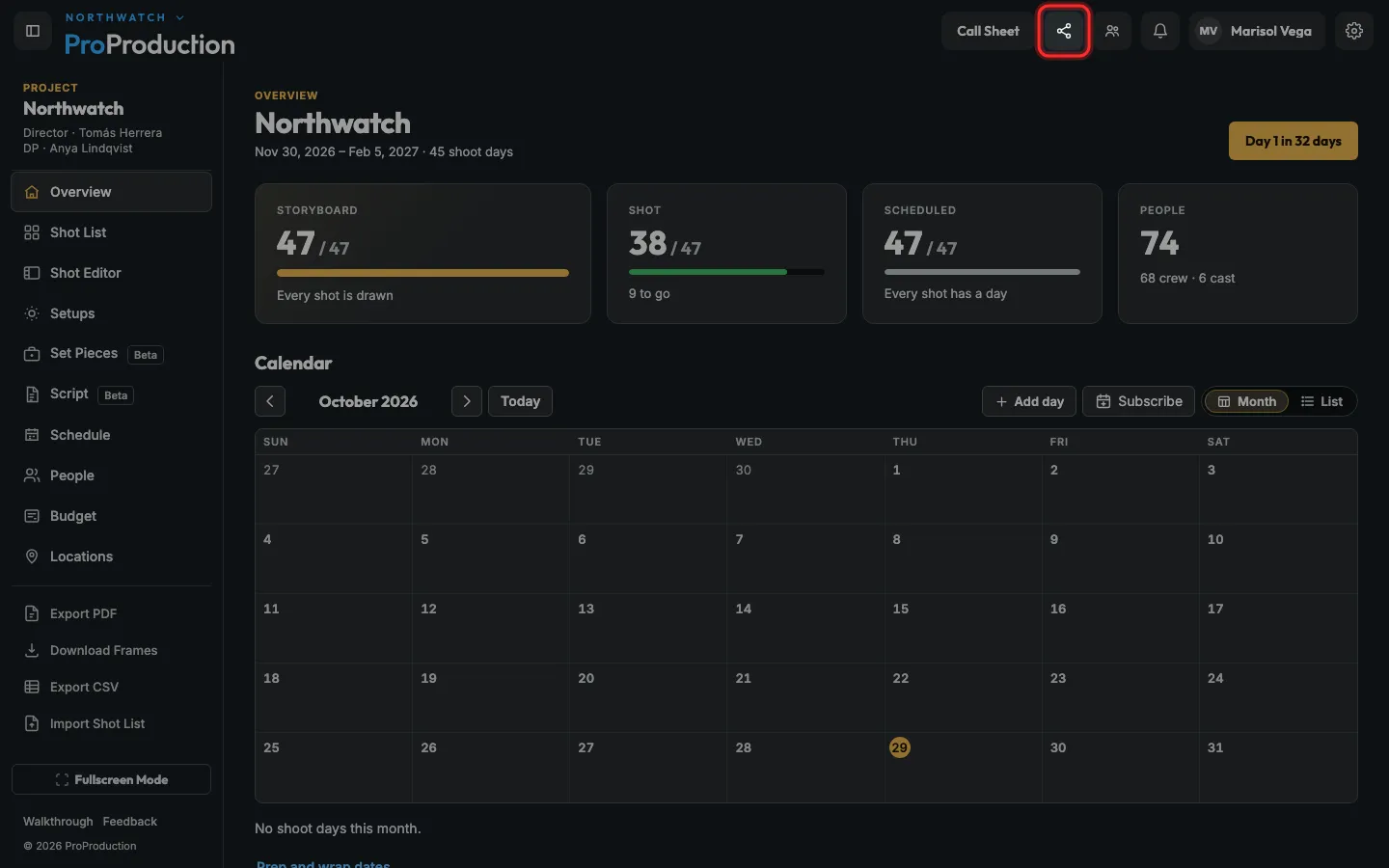
Step 2: Under Add a collaborator, type their email.
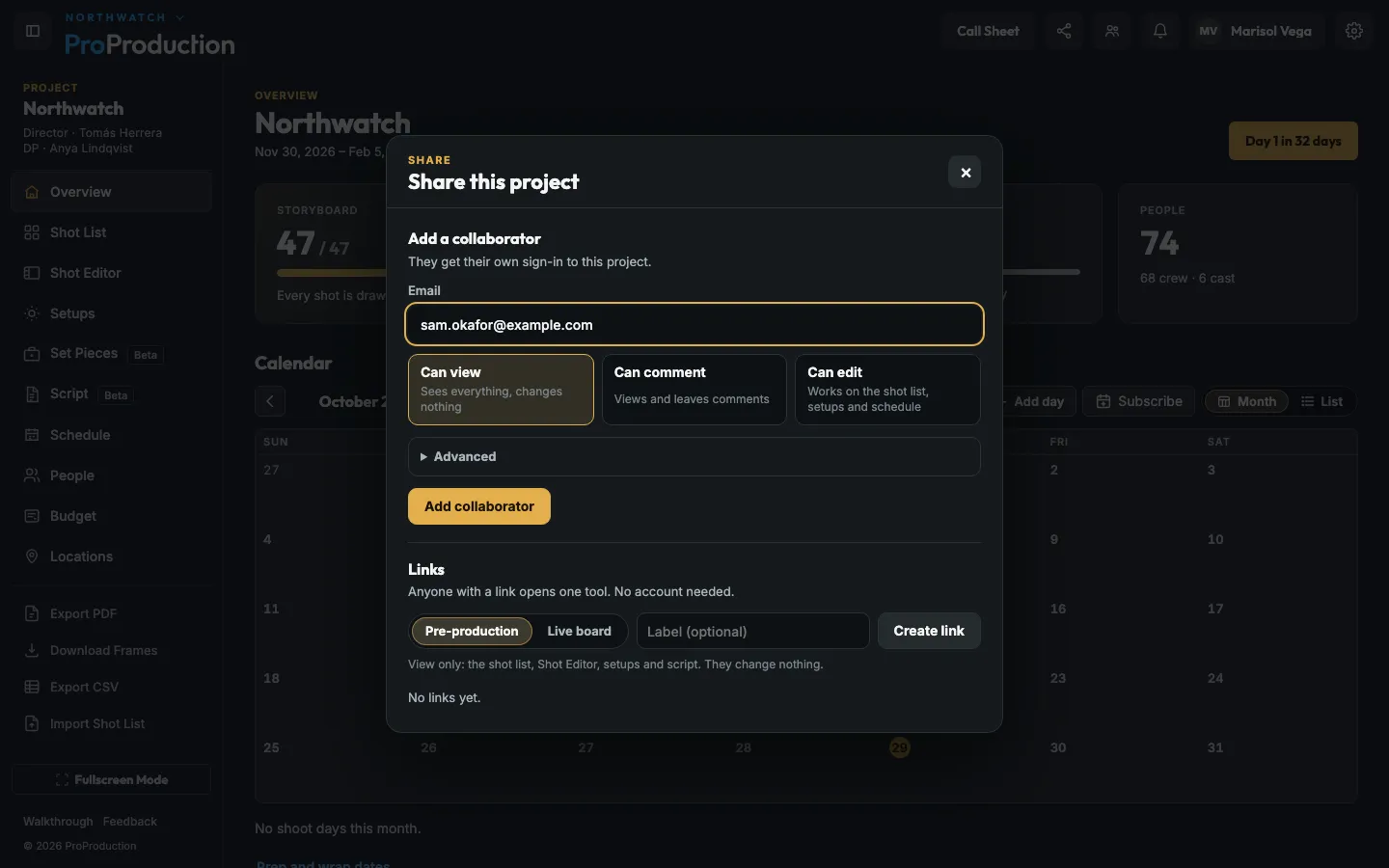
Step 3: Pick what they can do: Can view, Can comment or Can edit.
Advanced has every role, like Lighting or Art. On Free, the people you invite can view.
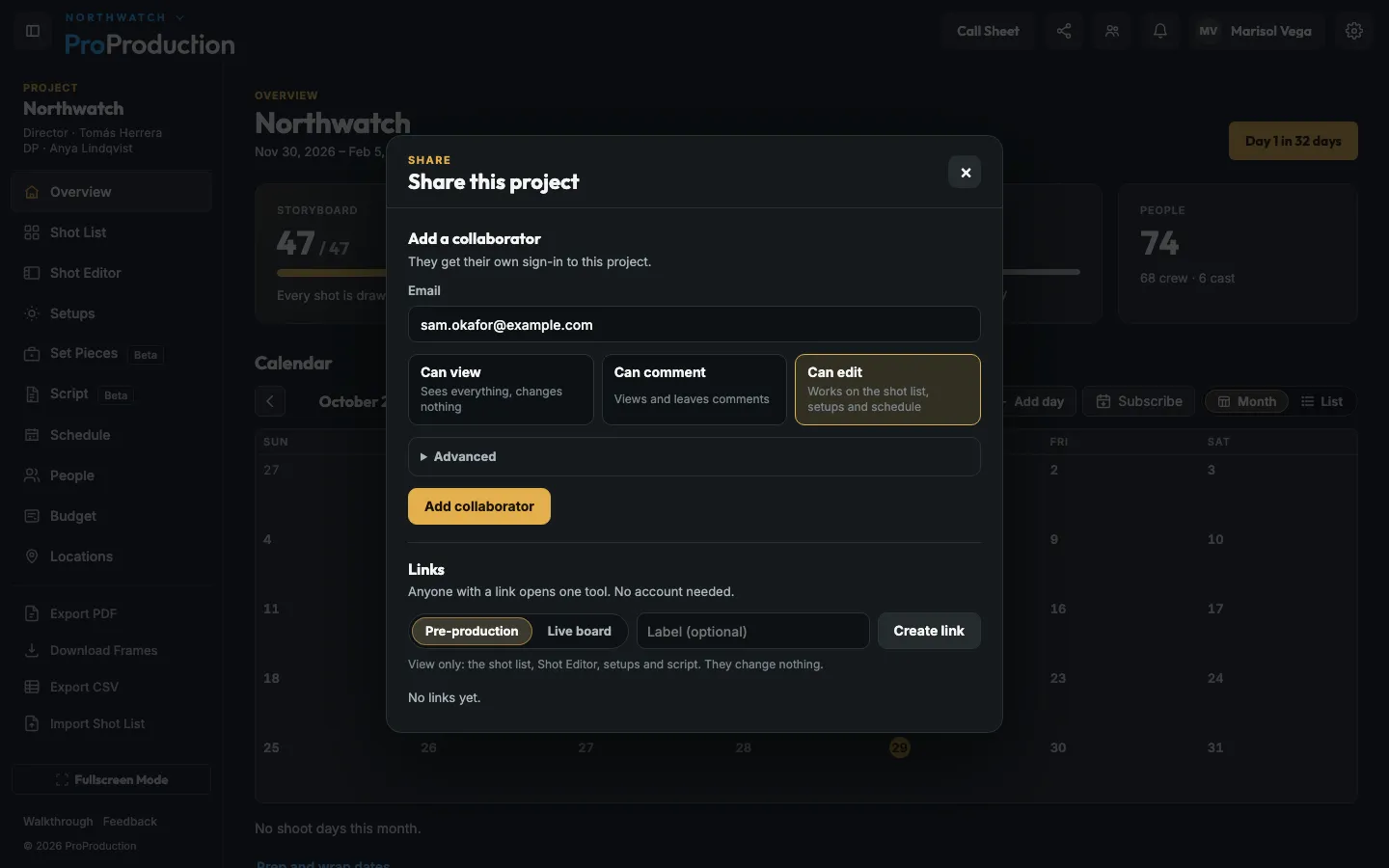
Step 4: Click Add collaborator.
They get an email with a link to choose a password, and the project is there when they sign in.
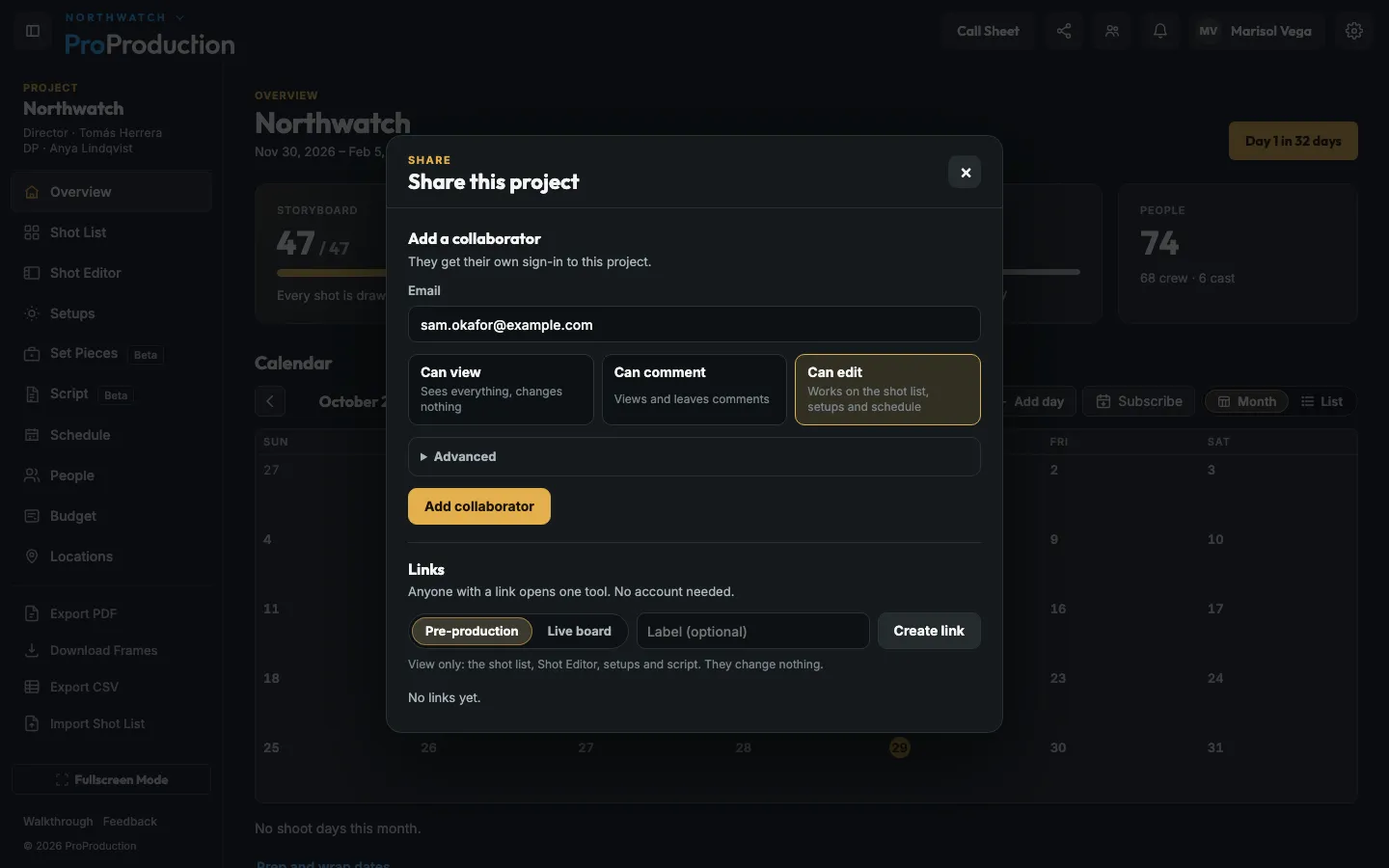
Still stuck?
Write to hello@proproduction.app. A person reads every message.