How do I create an account and start my first project?
Sign up free with your name and email, choose a password from the email we send, then click New project. It opens straight into your project. No card needed.
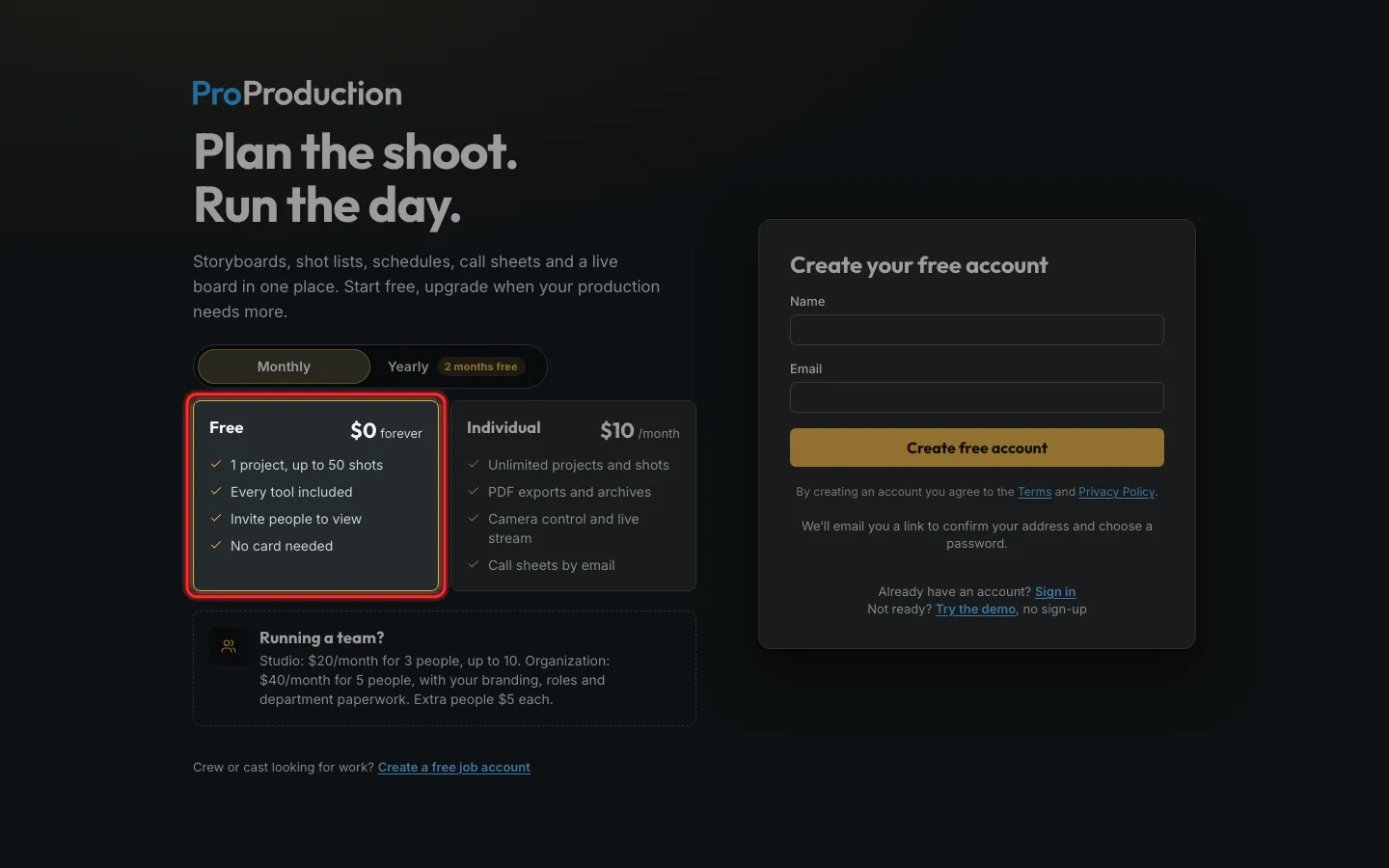
Step 1: Go to app.proproduction.app/signup and pick Free.
You can move to a paid plan any time, and your work comes with you.
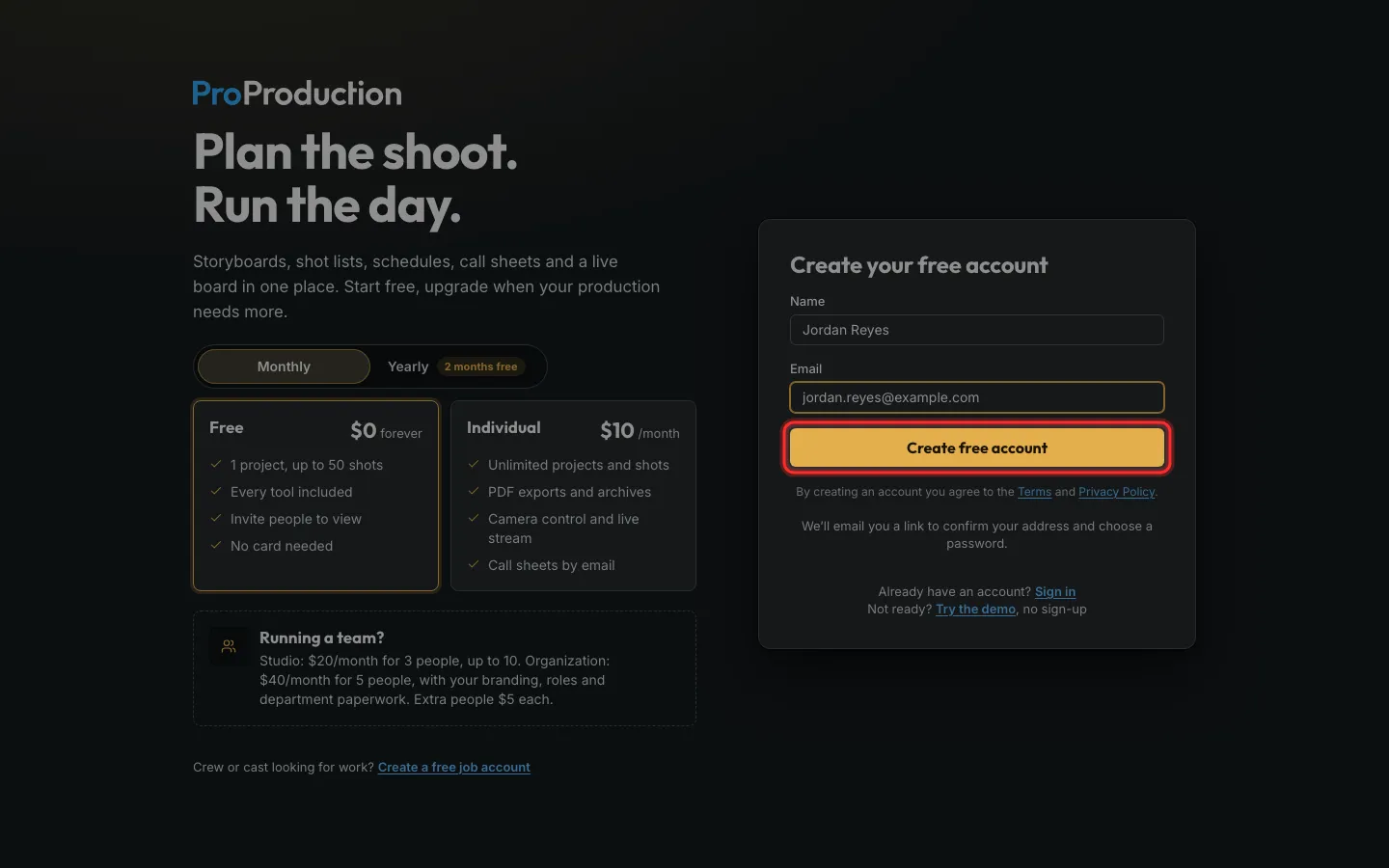
Step 2: Type your name and email, then click Create free account.
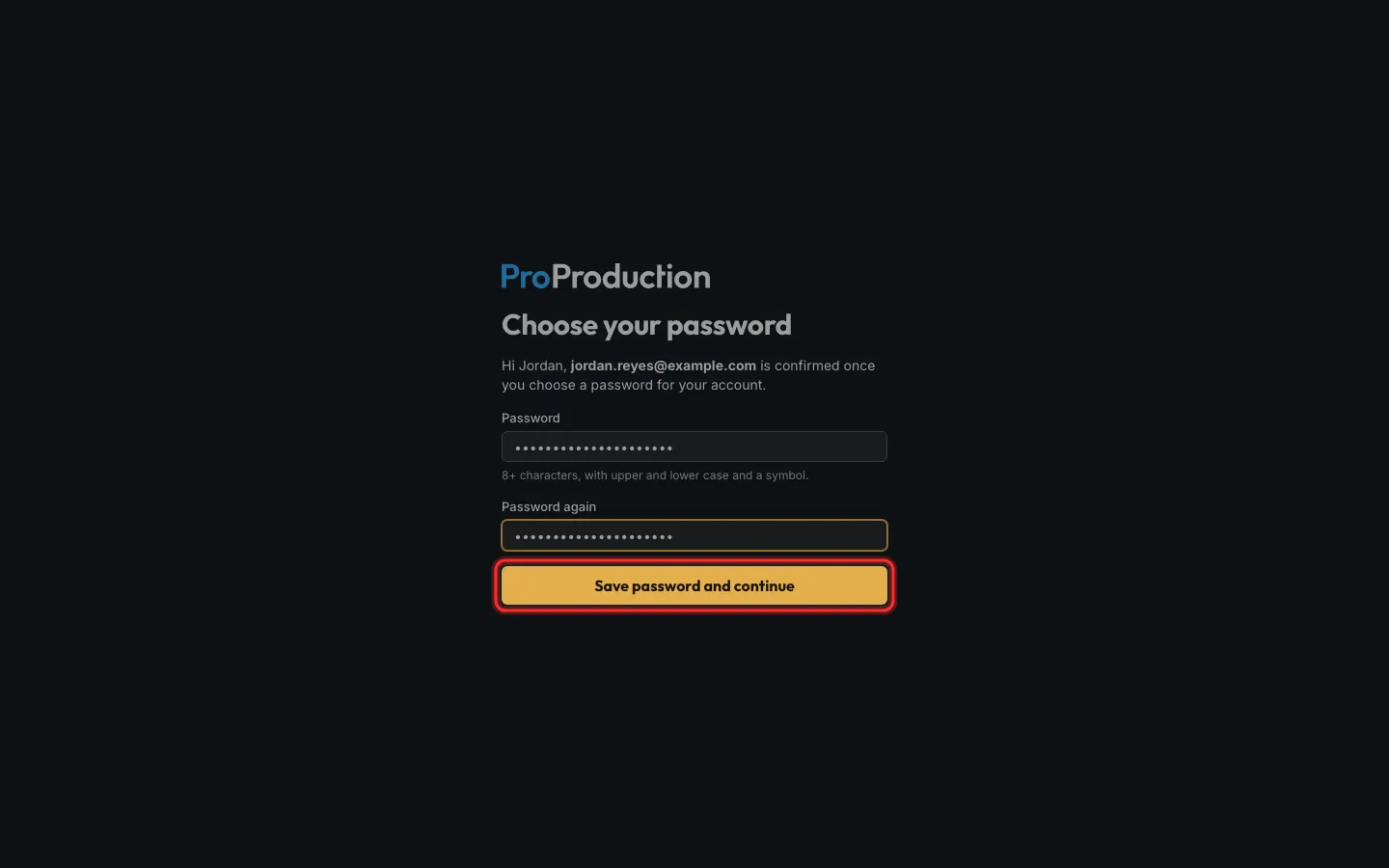
Step 3: Open the email we send you, choose a password, and click Save password and continue.
It needs 8 or more characters, upper and lower case, and a symbol.
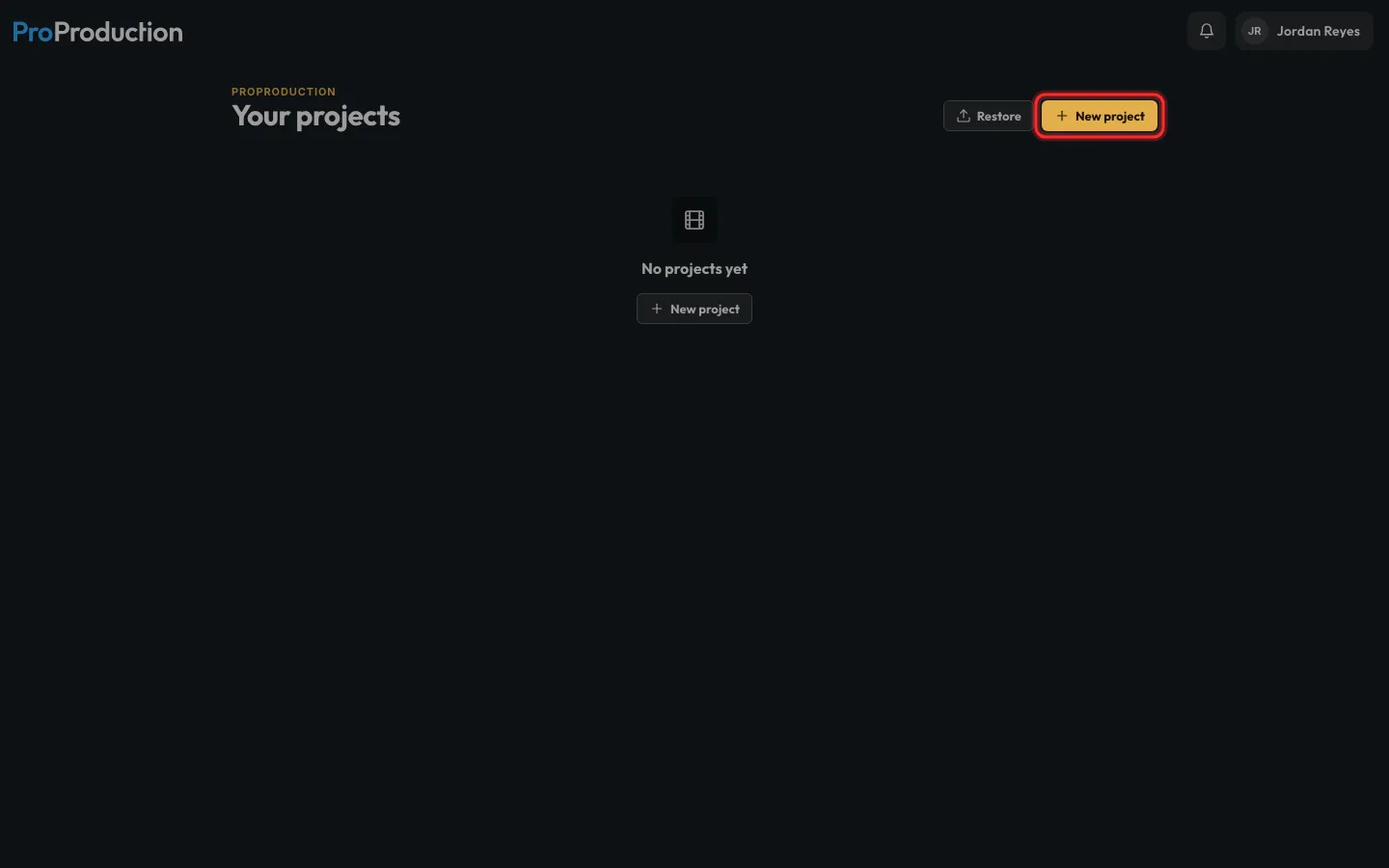
Step 4: On Your projects, click New project.
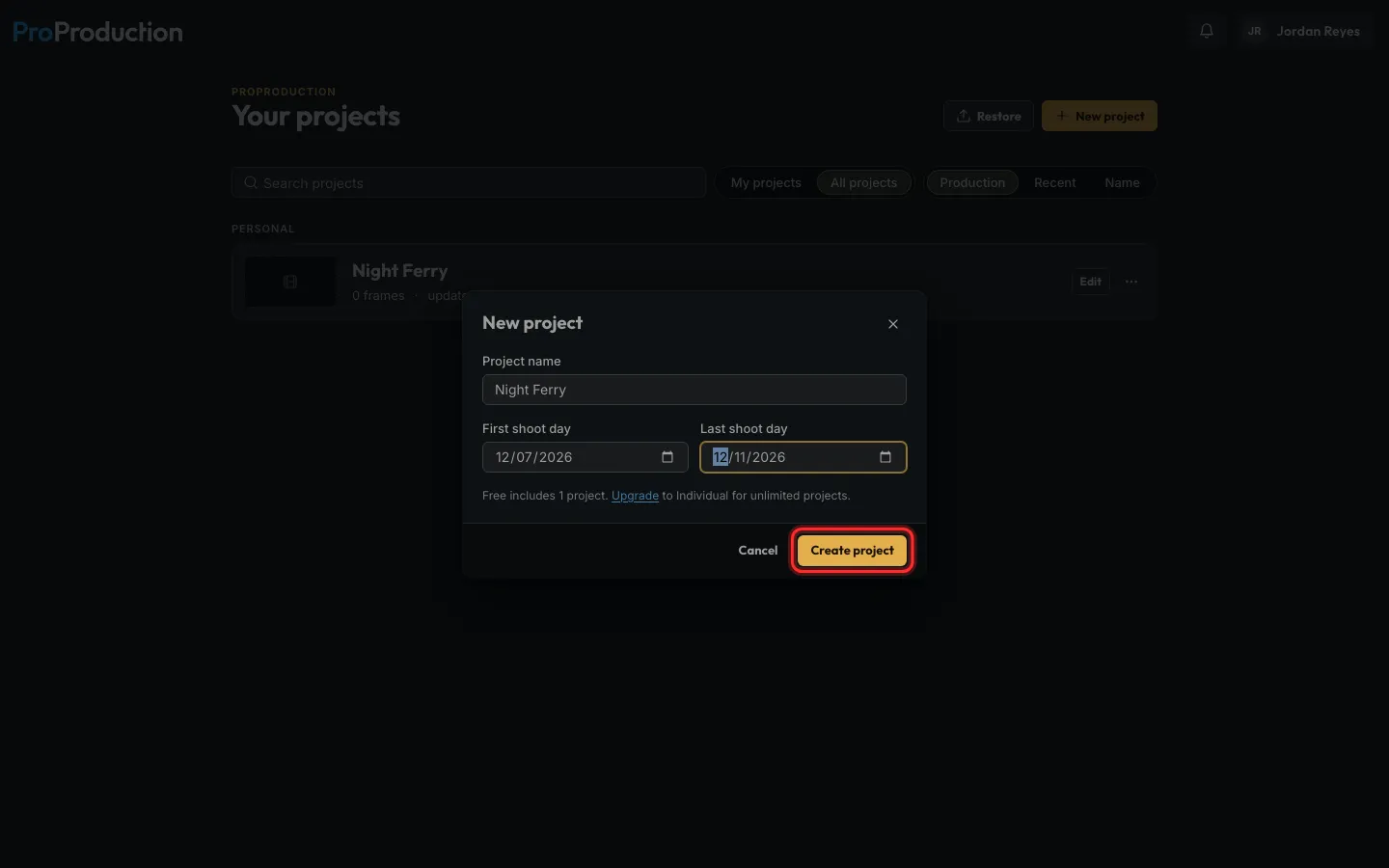
Step 5: Name the project, set its first and last shoot days, and click Create project.
Free covers one whole project, up to 50 shots.
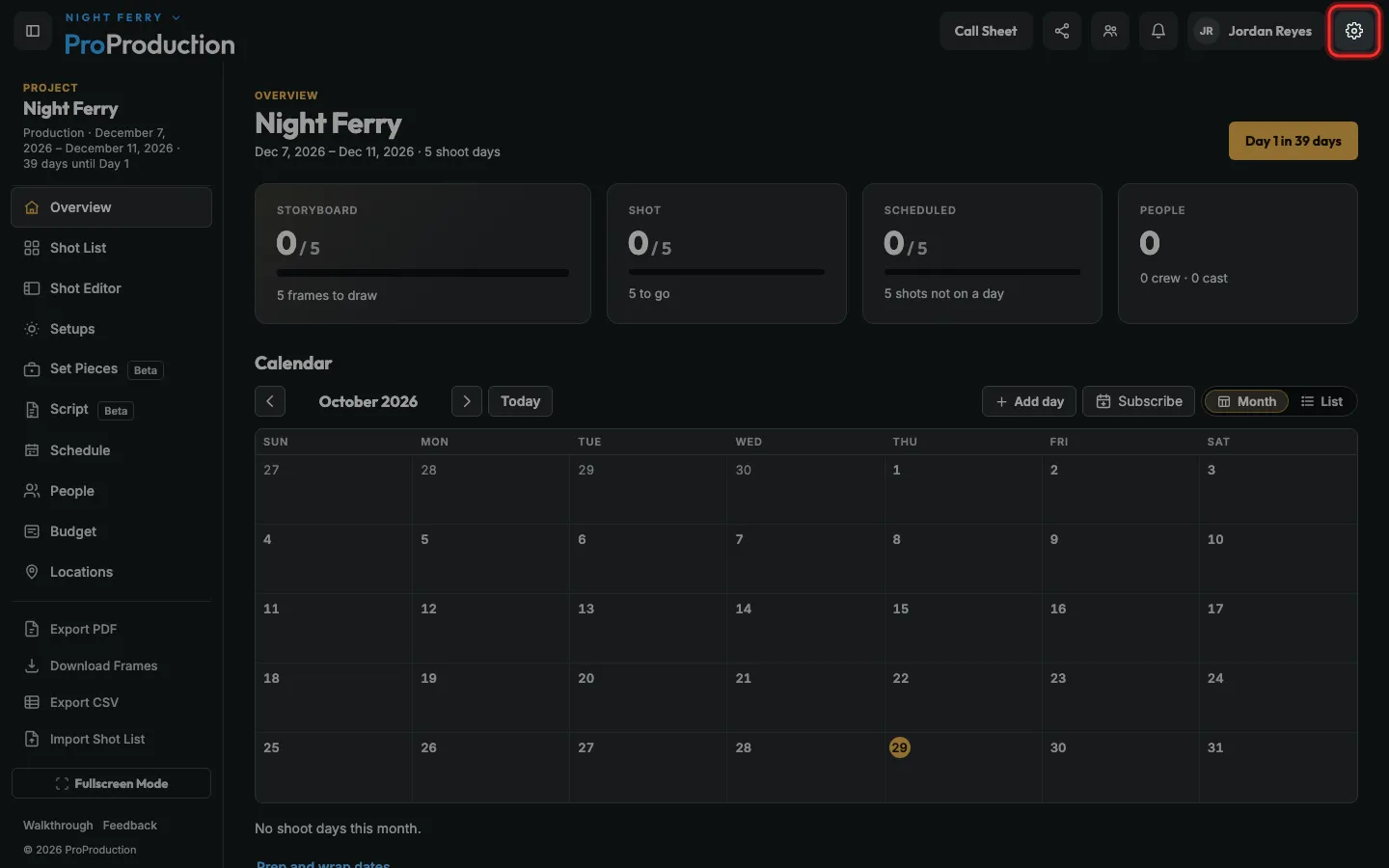
Step 6: You’re in your new project. To set your camera, click the gear at the top right.
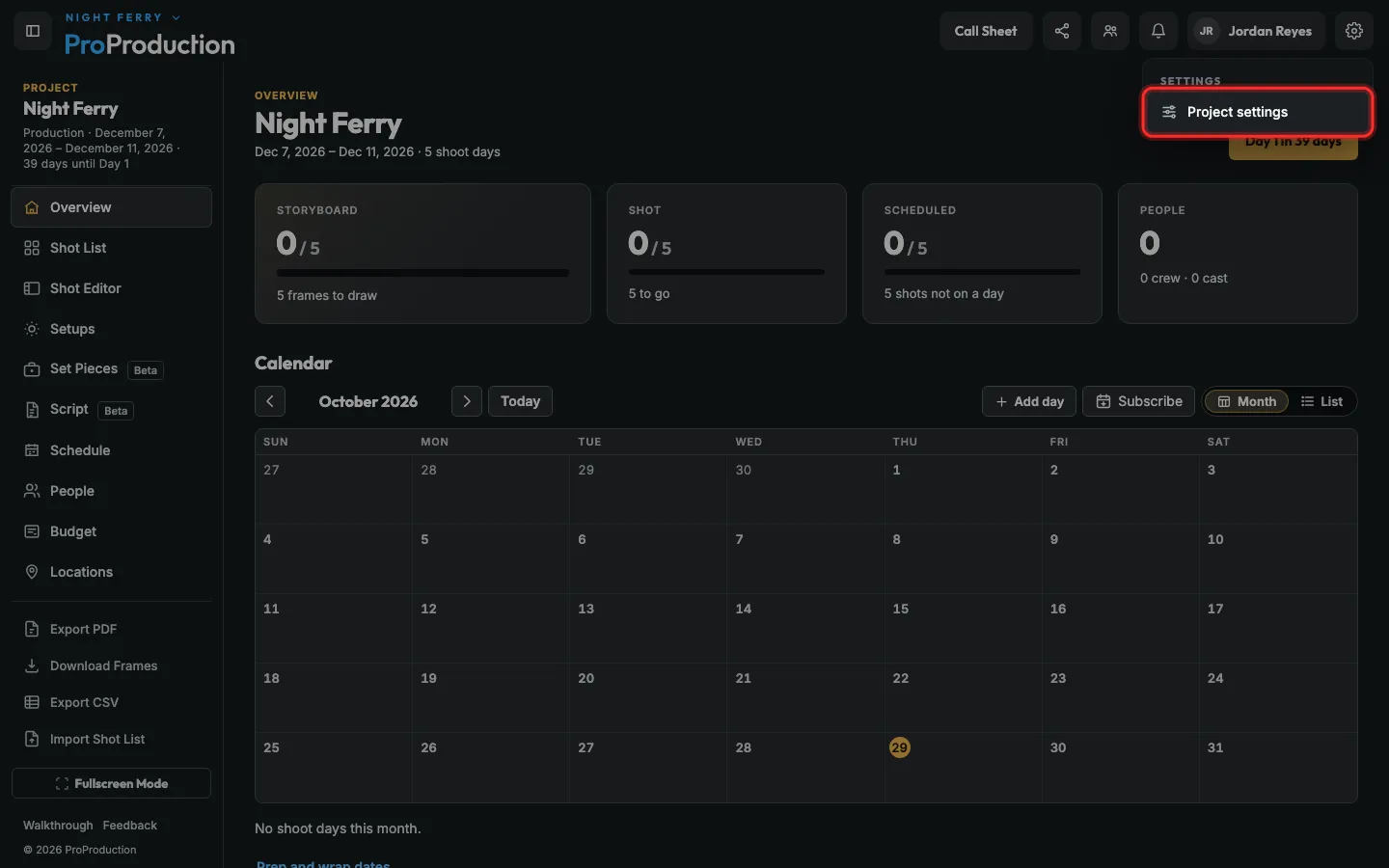
Step 7: Click Project settings.
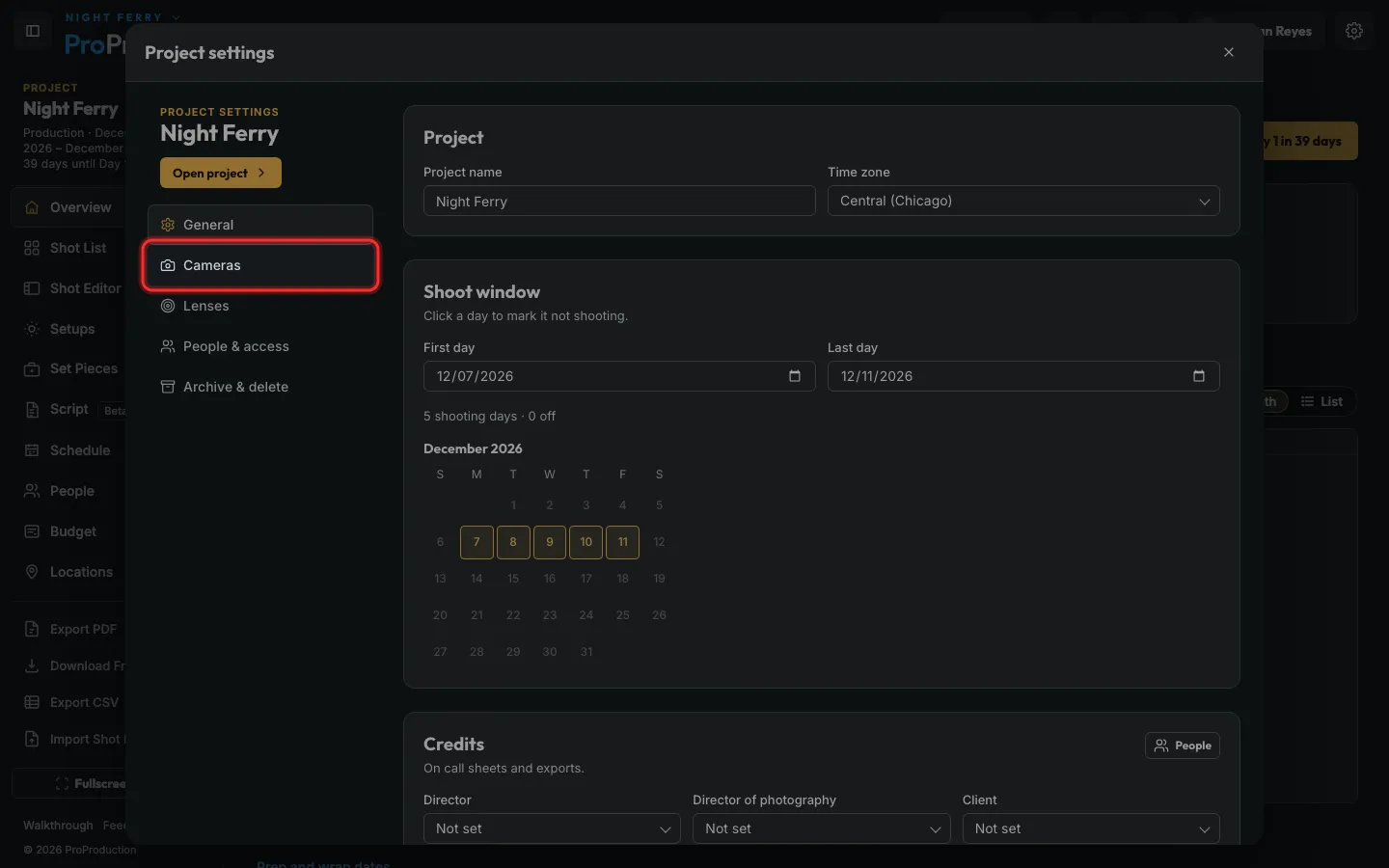
Step 8: Click Cameras.
Lenses is just below it.
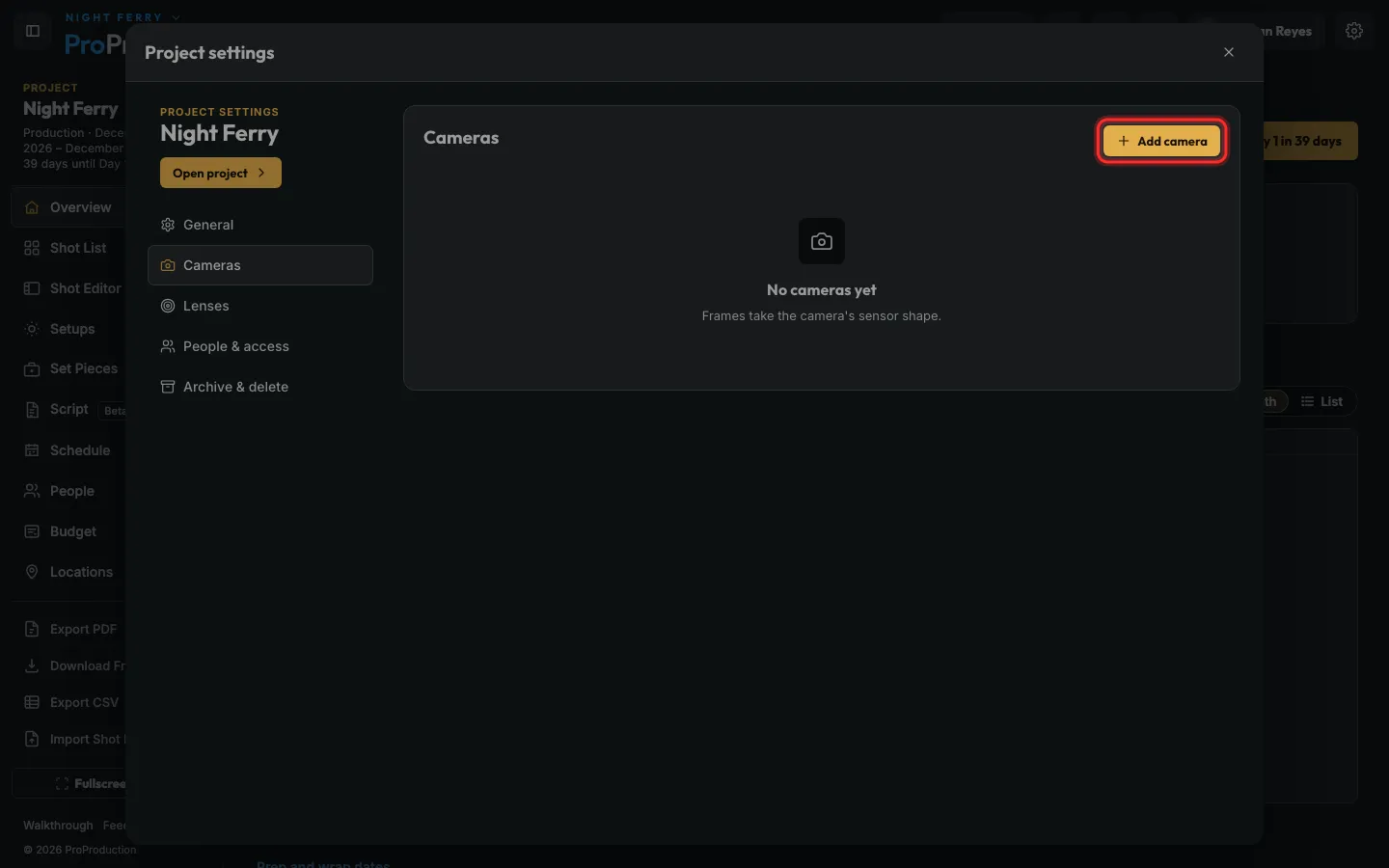
Step 9: Click Add camera and pick your camera body.
Storyboard frames take that camera’s exact shape. Not sure yet? Skip it and come back.
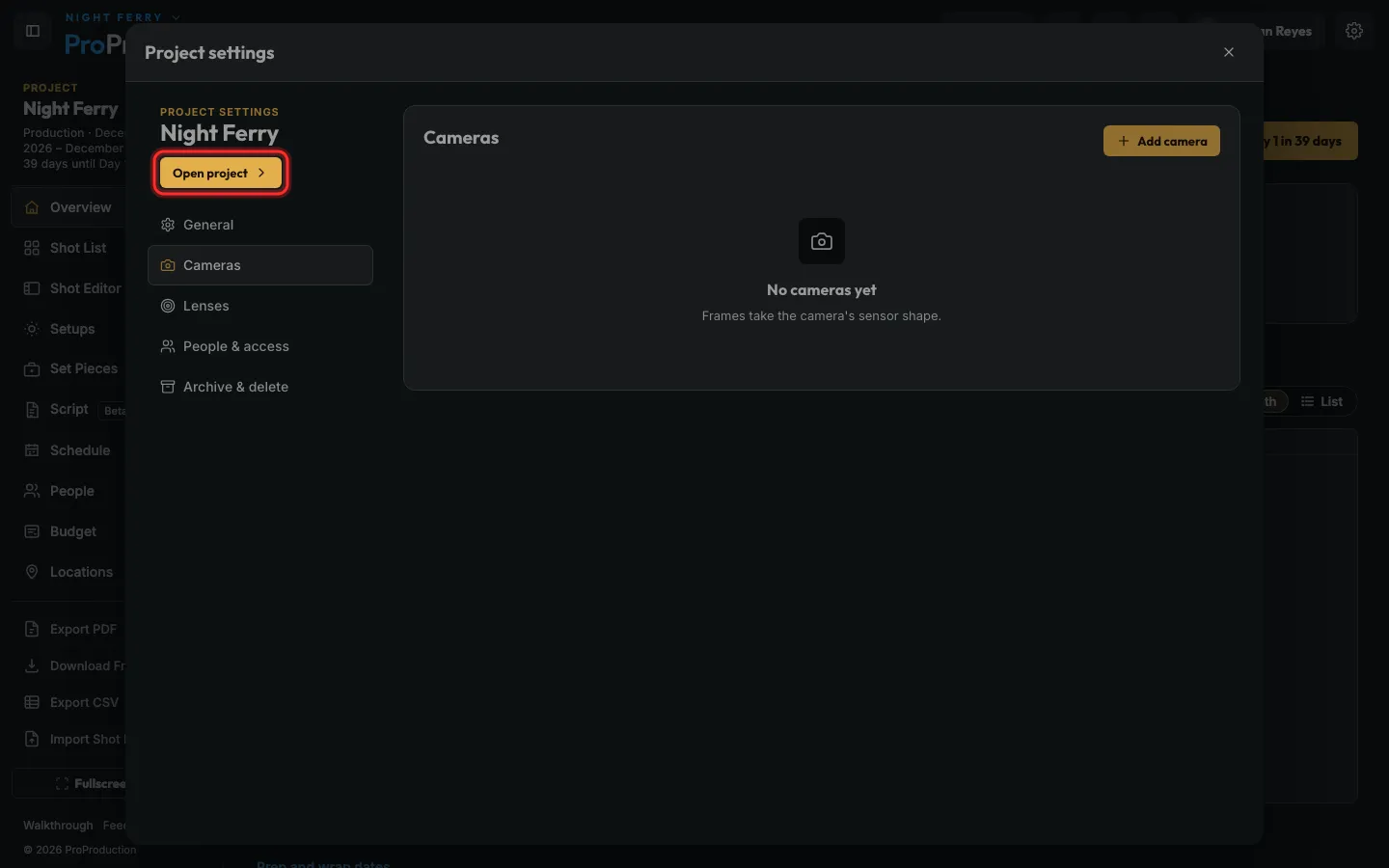
Step 10: Click Open project to get back to work.
Still stuck?
Write to hello@proproduction.app. A person reads every message.