How does crew check-in by QR code work?
Turn on QR check-in when you send the call sheet, print the set code, and the crew scan it from their phones when they arrive.
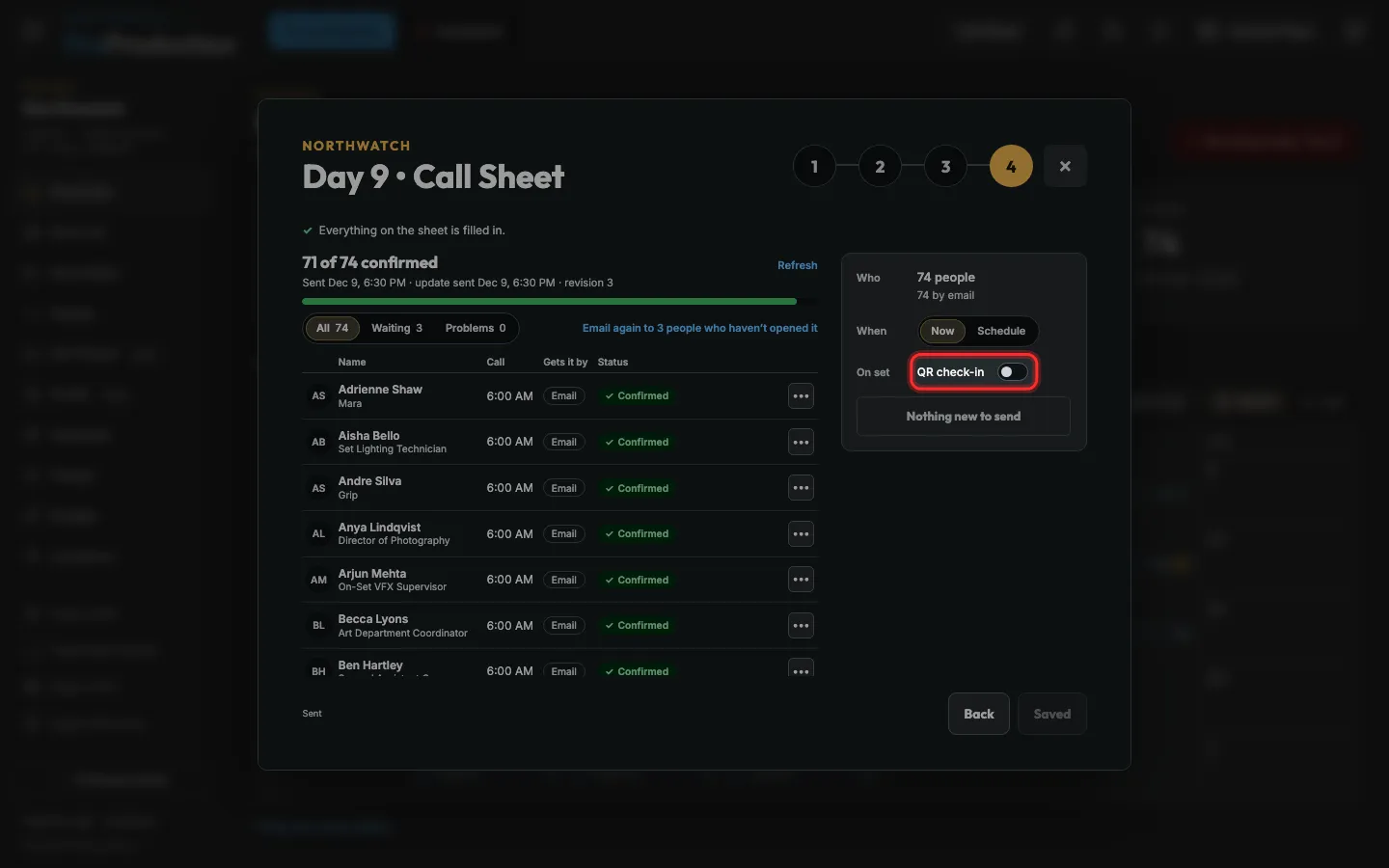
Step 1: On the call sheet’s step 4, Send, switch on QR check-in.
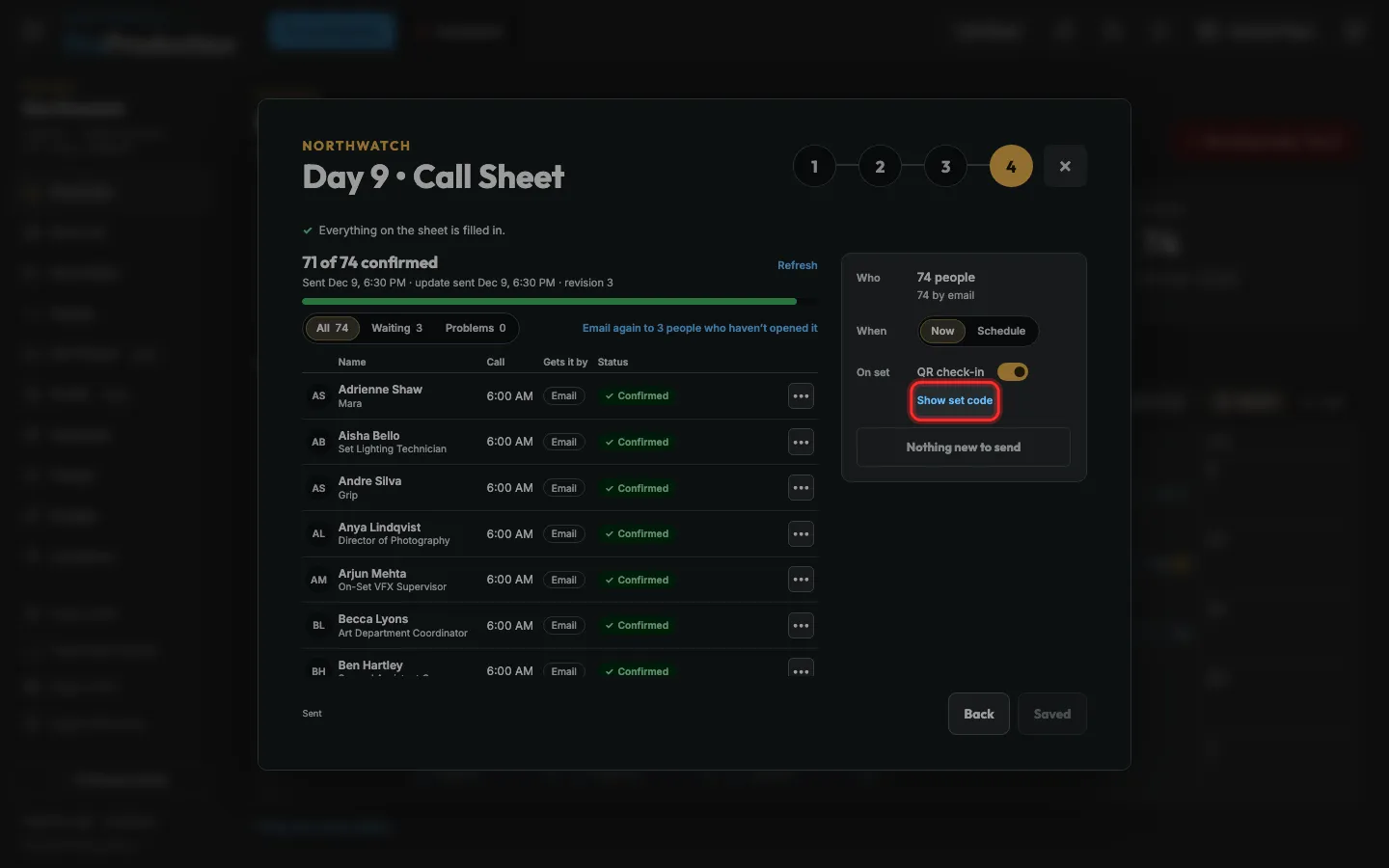
Step 2: Click Show set code.
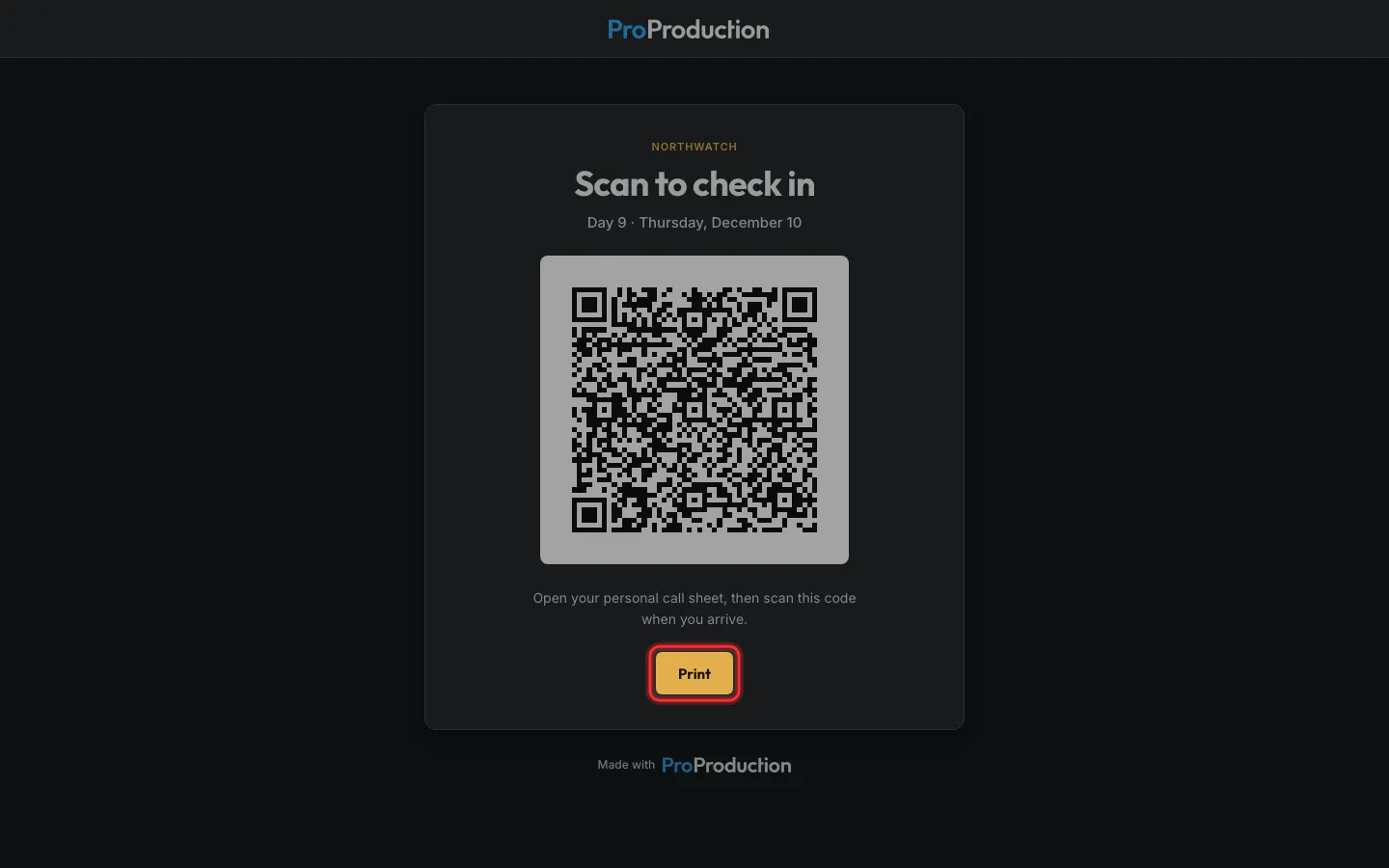
Step 3: Click Print and put the code up where people arrive.
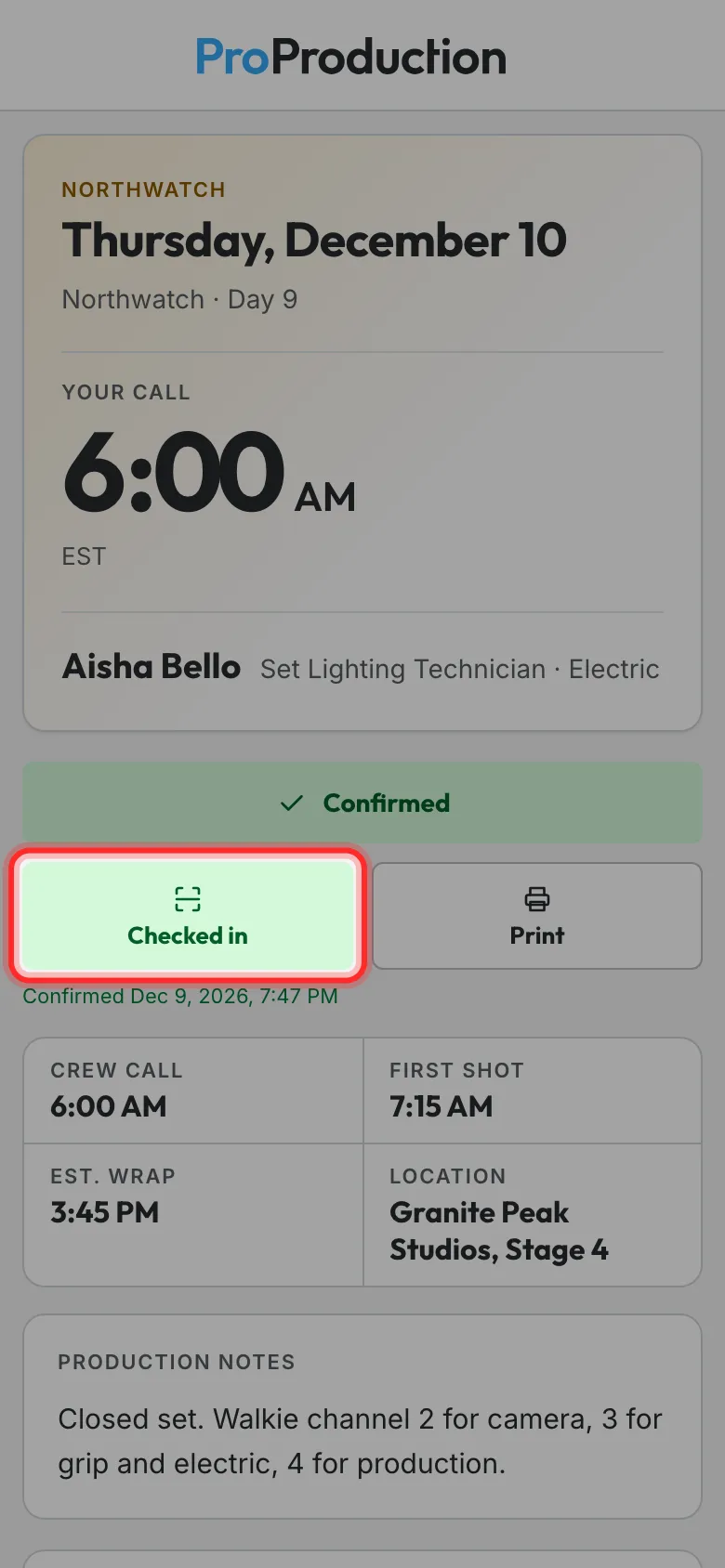
Step 4: On set, each person taps Check in on set on their call sheet and points the camera at the code.
The button then says Checked in, and the phone says who to find. Check-in opens at noon the day before.
Still stuck?
Write to hello@proproduction.app. A person reads every message.