I’m on the crew. How do I accept an invite, confirm my call and see my days?
Everything comes as a link by email or text. Choose a password to accept an invite, tap Confirm I’ve got it on your call sheet, and see every day you’re booked at app.proproduction.app/my. It’s free.
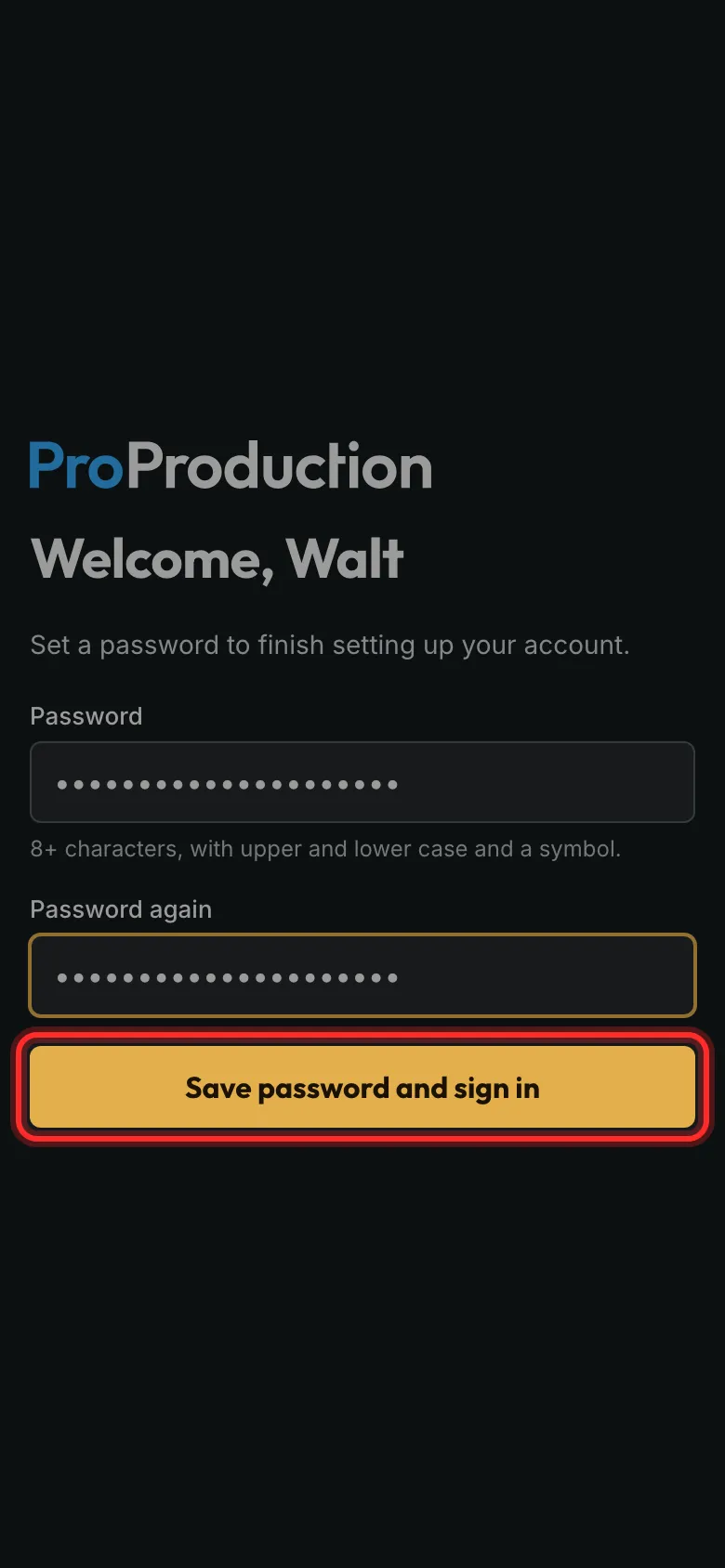
Step 1: Invited to a project? Open the email, choose a password and tap Save password and sign in.
The project is there when you sign in. Already have an account? It just appears in your projects.
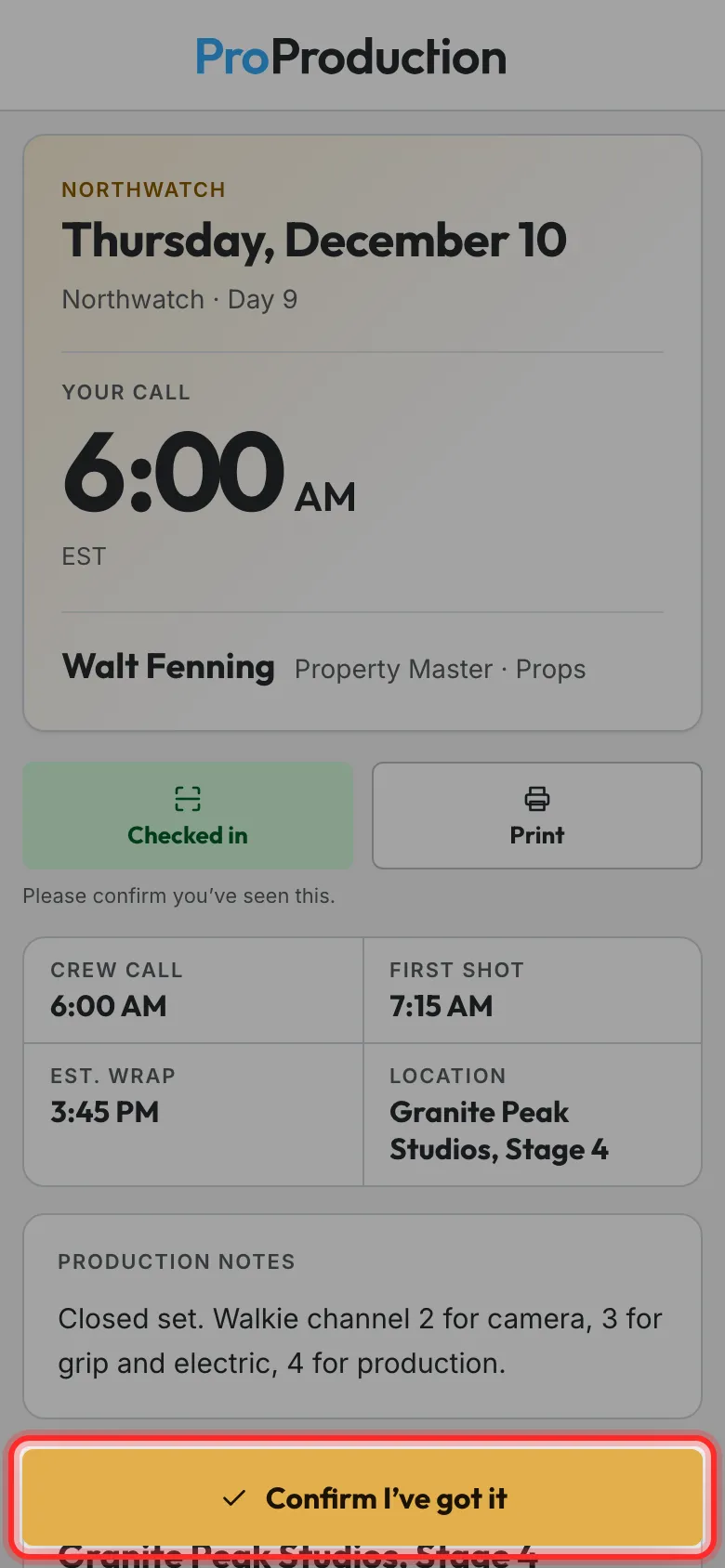
Step 2: Your call sheet comes by email, or by text if you asked for texts. Open it and tap Confirm I’ve got it.
That tells the production you’ve seen your call. If anything changes, you get a new one to confirm.
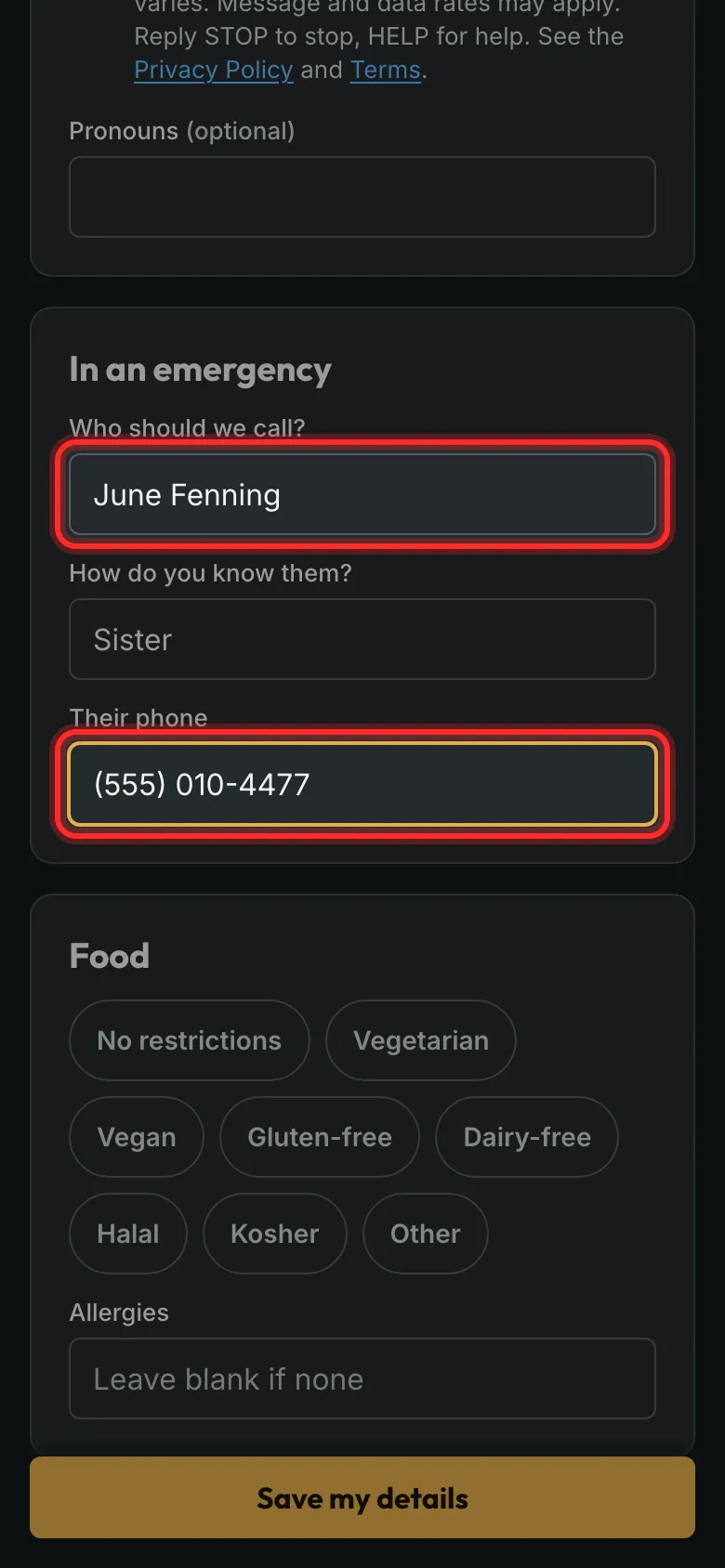
Step 3: Asked for your details? Open that link and add your phone, an emergency contact and any food needs.
No account needed. Only the producers see your emergency contact and paperwork.
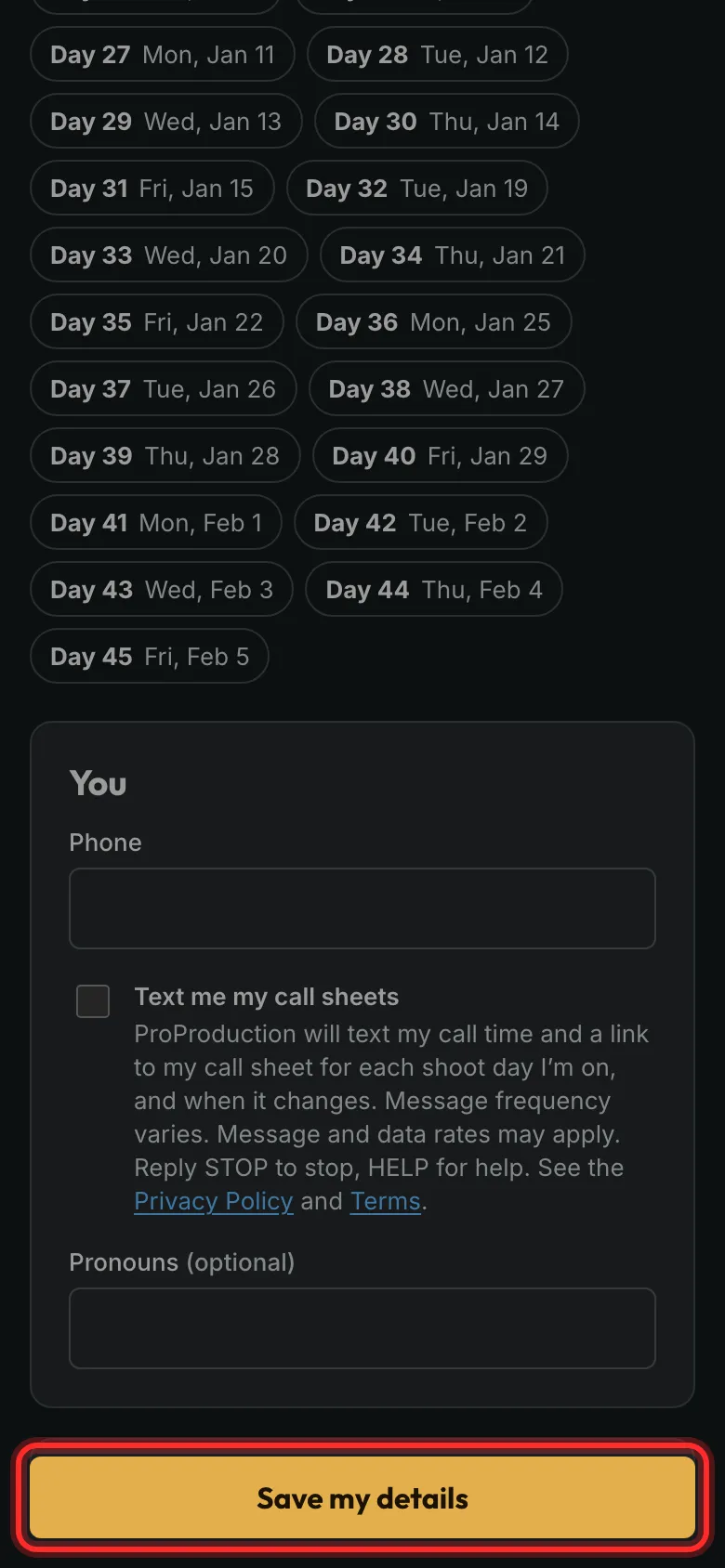
Step 4: Tap Save my details.
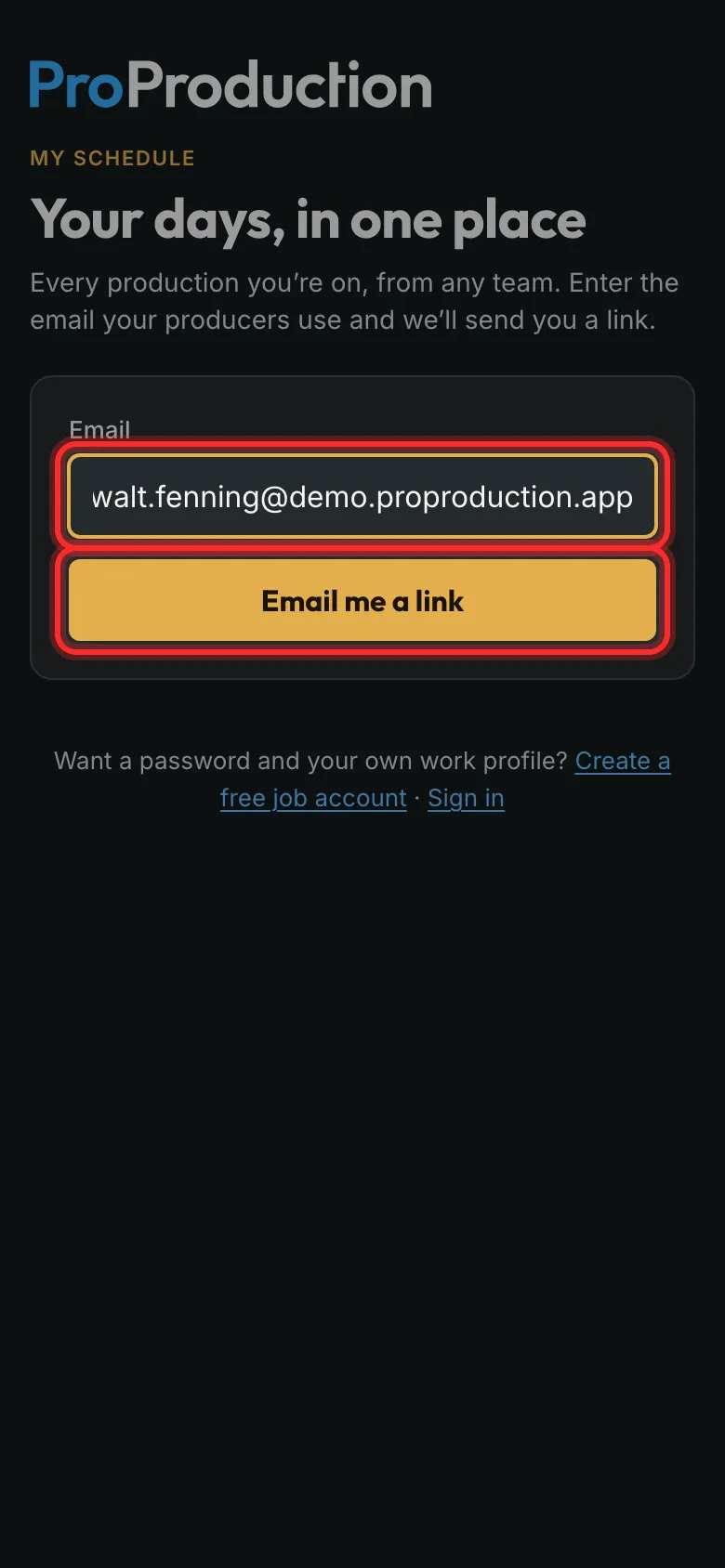
Step 5: To see all your days, go to app.proproduction.app/my, type your email and tap Email me a link.
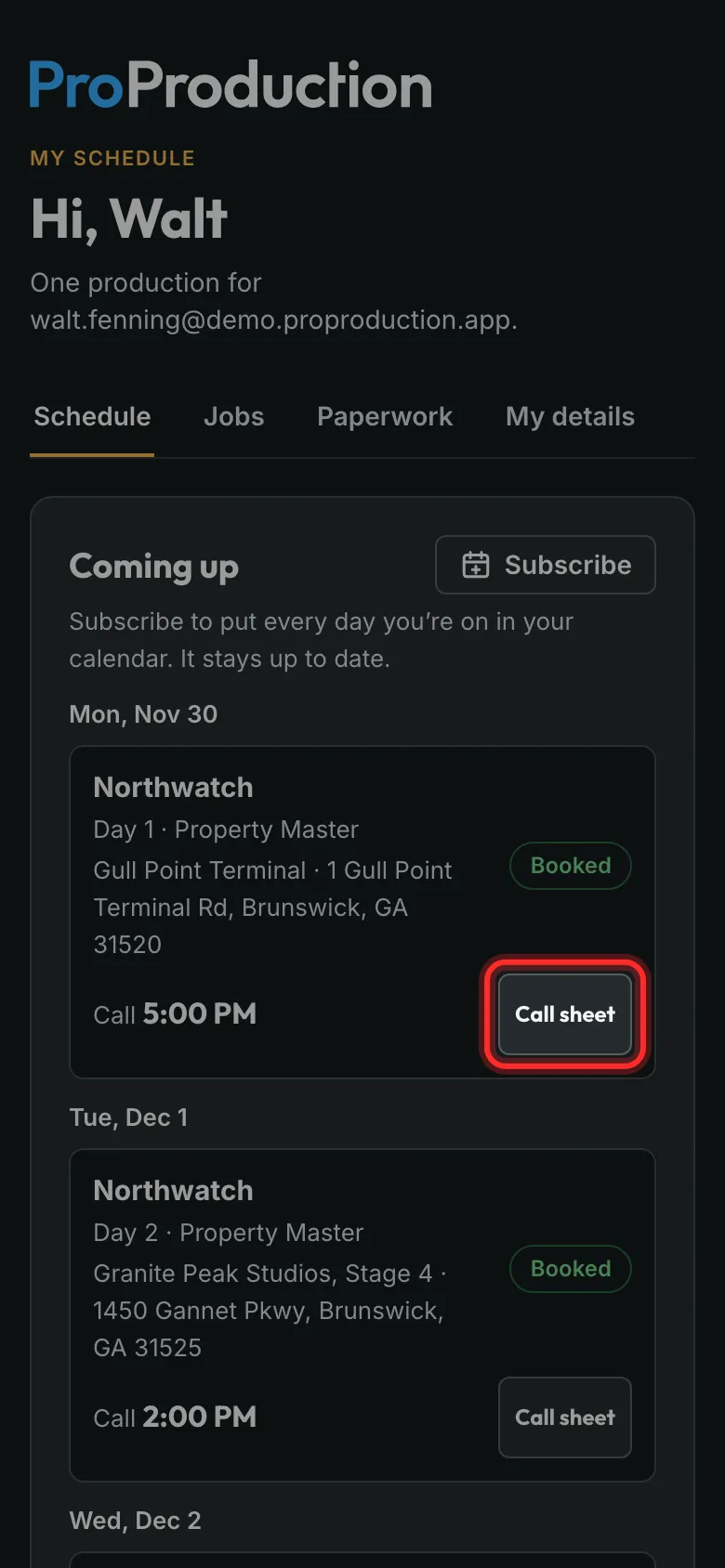
Step 6: Every day you’re booked, on every production, with its call. Tap Call sheet for the day’s sheet.
Subscribe puts your days in your phone’s calendar.
Still stuck?
Write to hello@proproduction.app. A person reads every message.