How do I get the shoot days in my own calendar?
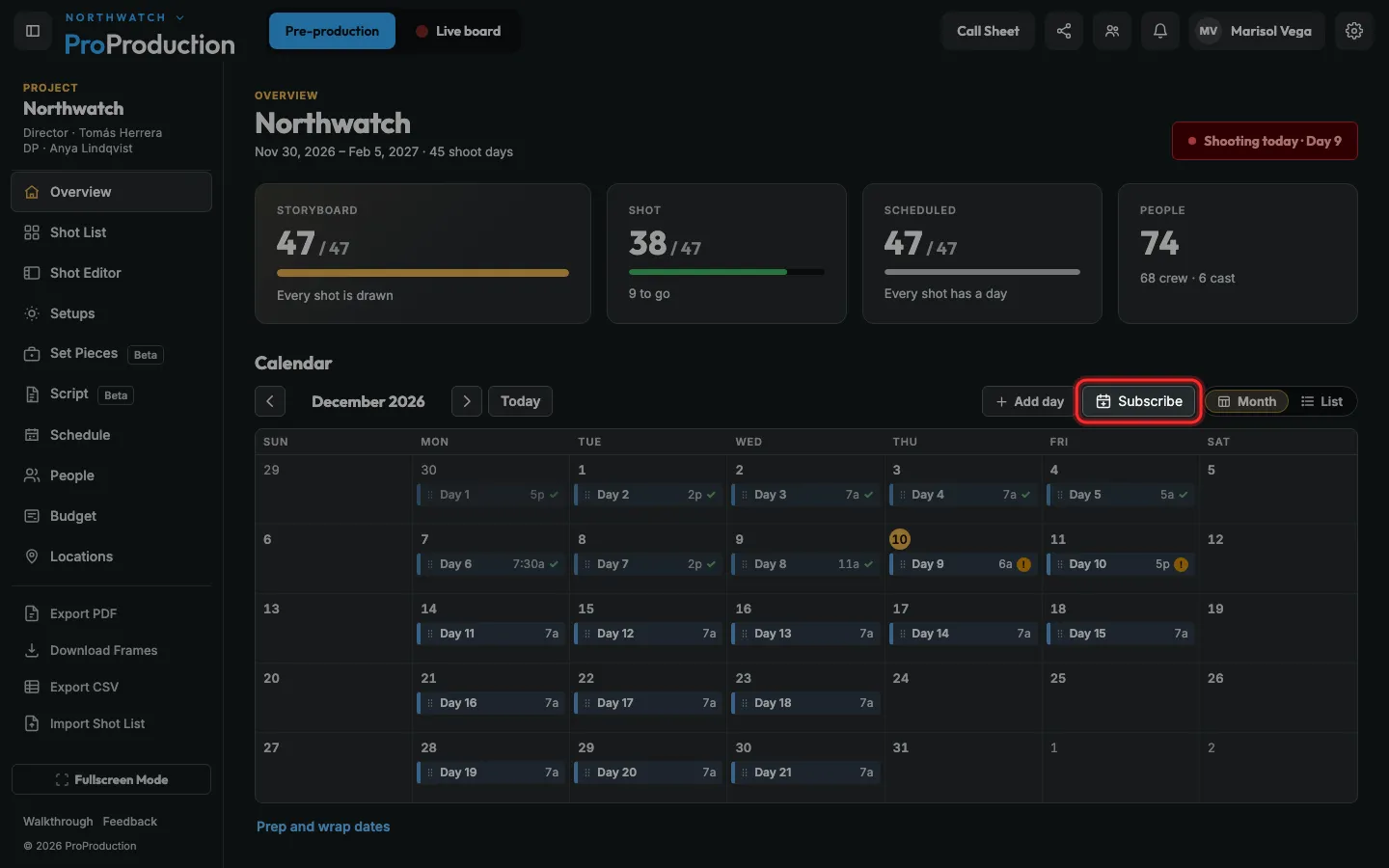
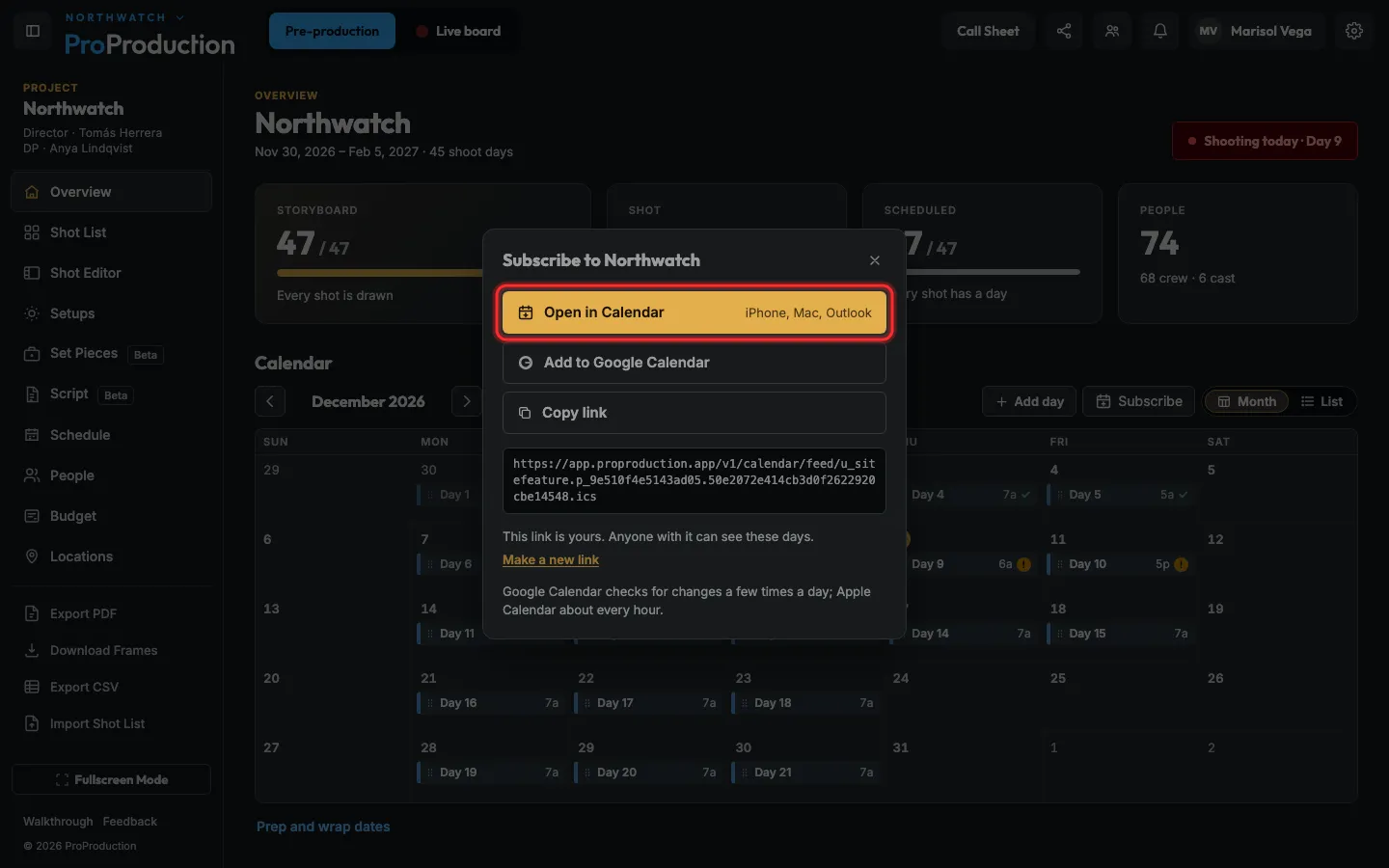
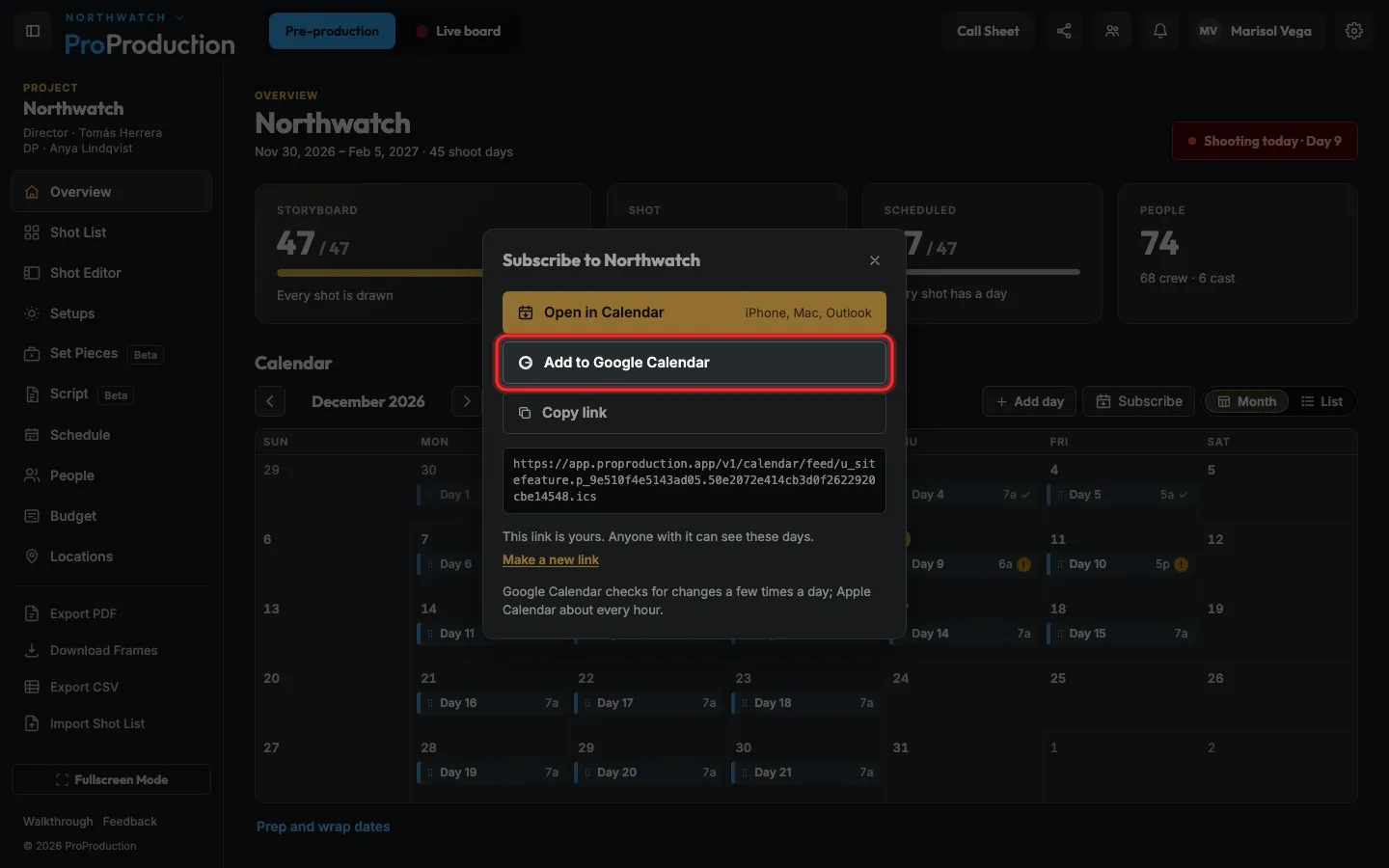
Click Subscribe on any calendar in the app, then Open in Calendar (iPhone, Mac, Outlook) or Add to Google Calendar. Changes follow on their own.
Step 1: On the project’s calendar, click Subscribe.
It’s on the Schedule’s calendar, People → Booking and My schedule too.
Step 2: On iPhone, Mac or Outlook, click Open in Calendar.
Step 3: On Google, click Add to Google Calendar instead.
Google checks for changes a few times a day, Apple Calendar about every hour. Anyone with the link can see these days; Make a new link stops the old one.
Still stuck?
Write to hello@proproduction.app. A person reads every message.