How do I bring in a floor plan from magicplan or another plan app?
Export the plan as a PDF. In Setups, open a building, click Import plan and pick the file. Check the rooms against their printed sizes, then click Import. No AI key needed.
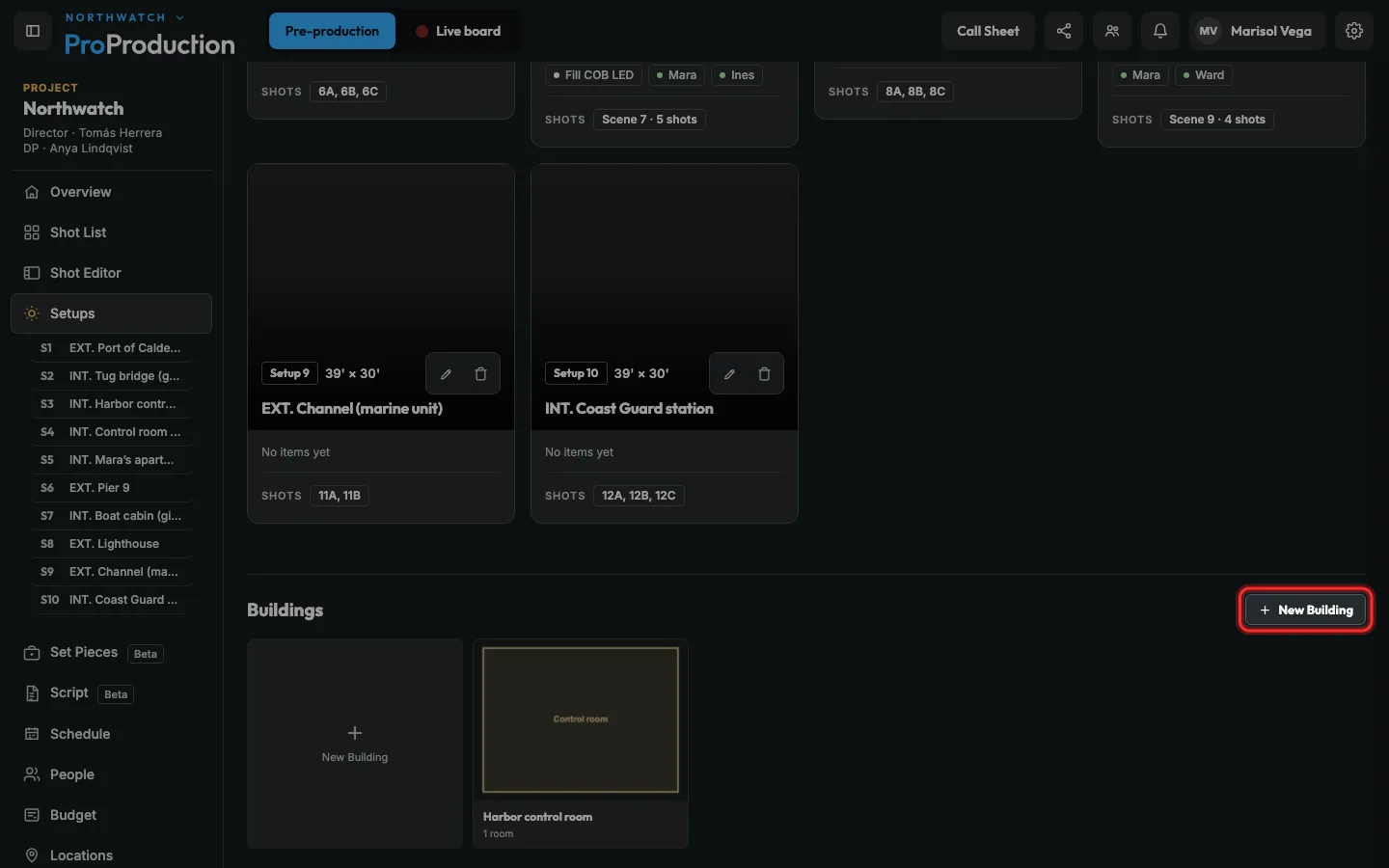
Step 1: In Setups, under Buildings, click New Building.
To add to a building you already have, click it instead.
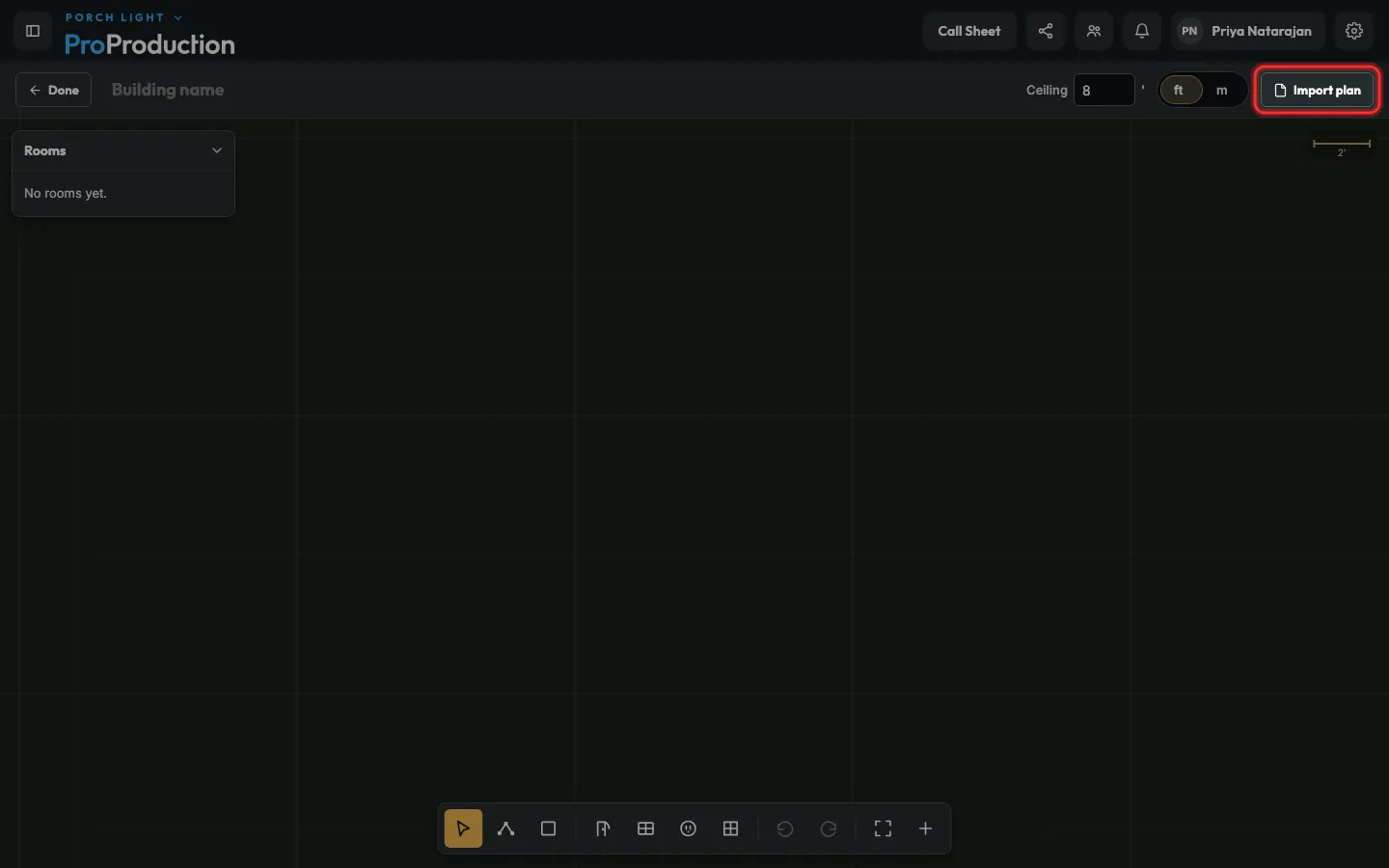
Step 2: Click Import plan, pick the PDF from your plan app, and click Read plan.
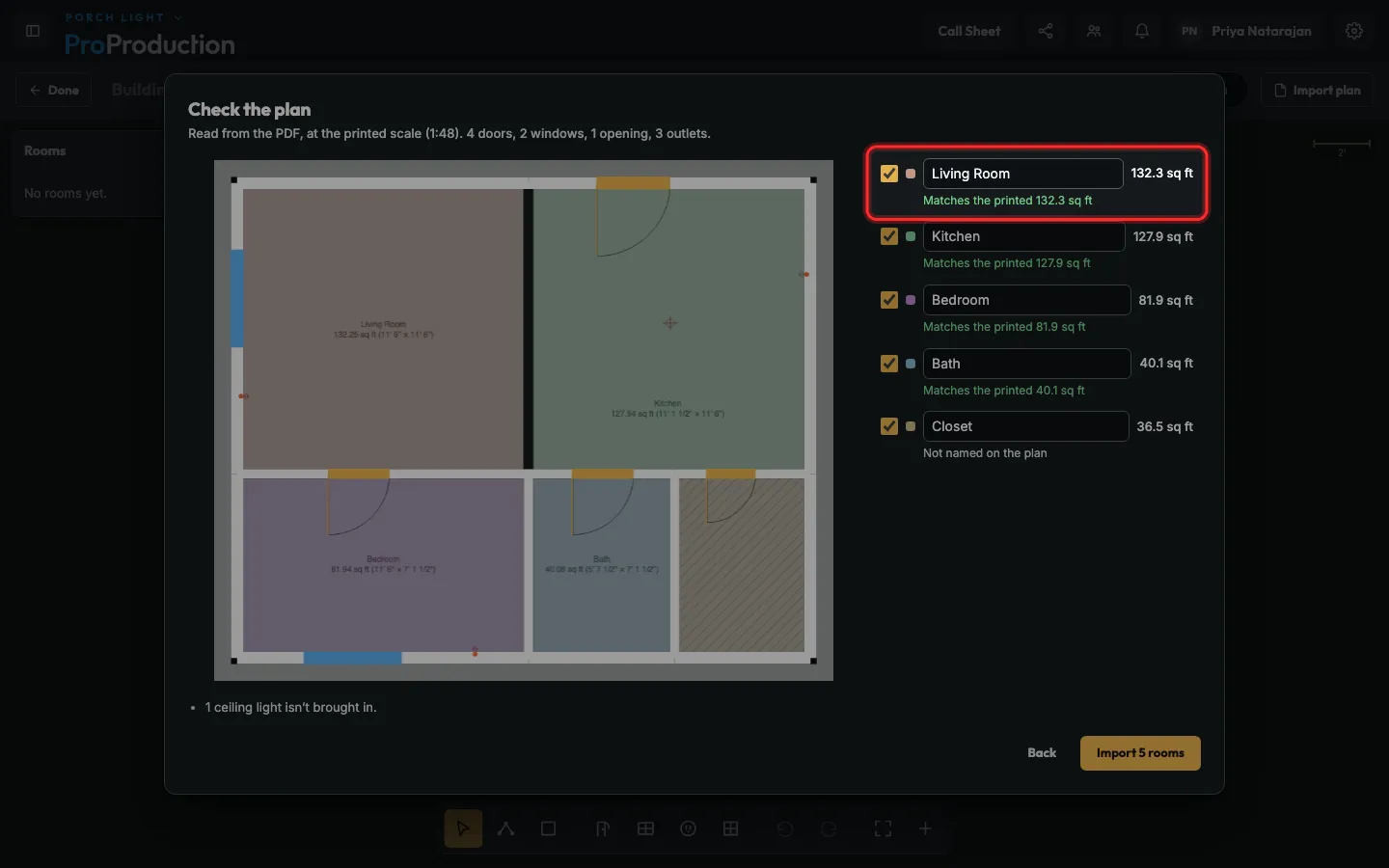
Step 3: Check the plan. Each room shows its area beside the one printed on the PDF.
Untick a room to leave it out, or type a new name for it.
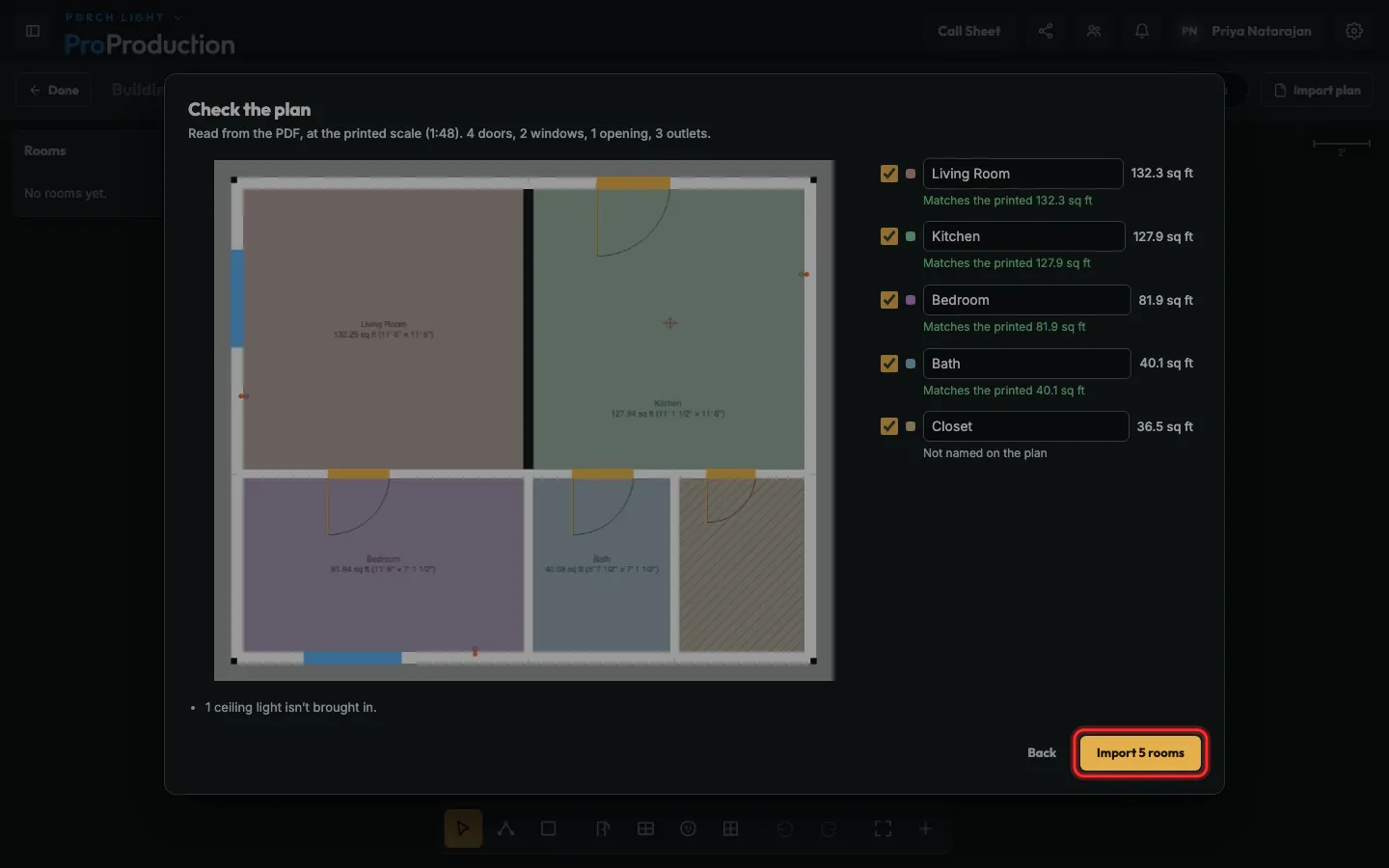
Step 4: Click Import 5 rooms.
A photo or scan of a plan is read by Claude on your own key (Account → AI). A plan app’s PDF needs none.
Still stuck?
Write to hello@proproduction.app. A person reads every message.