How do I track the budget and log a cost?
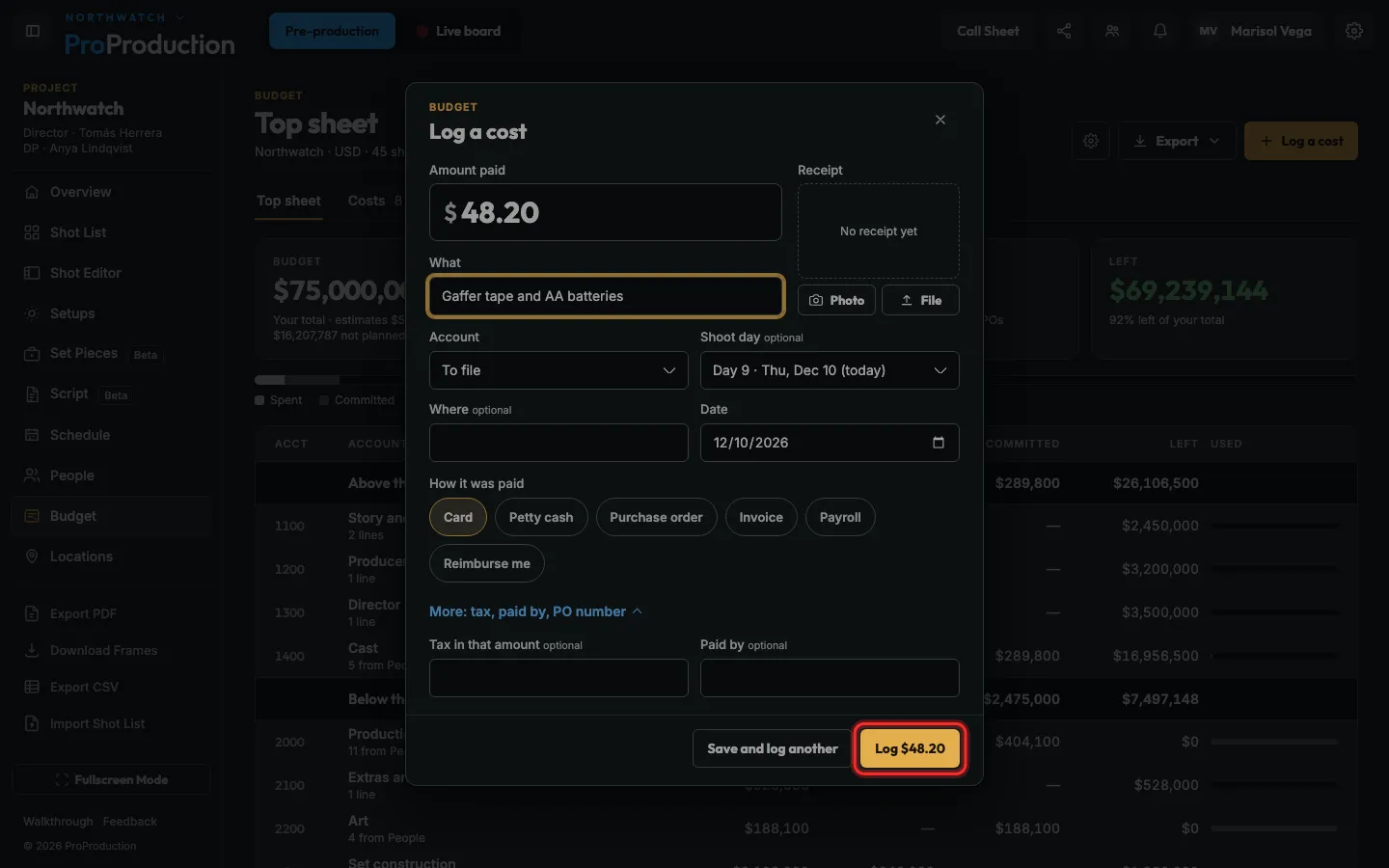
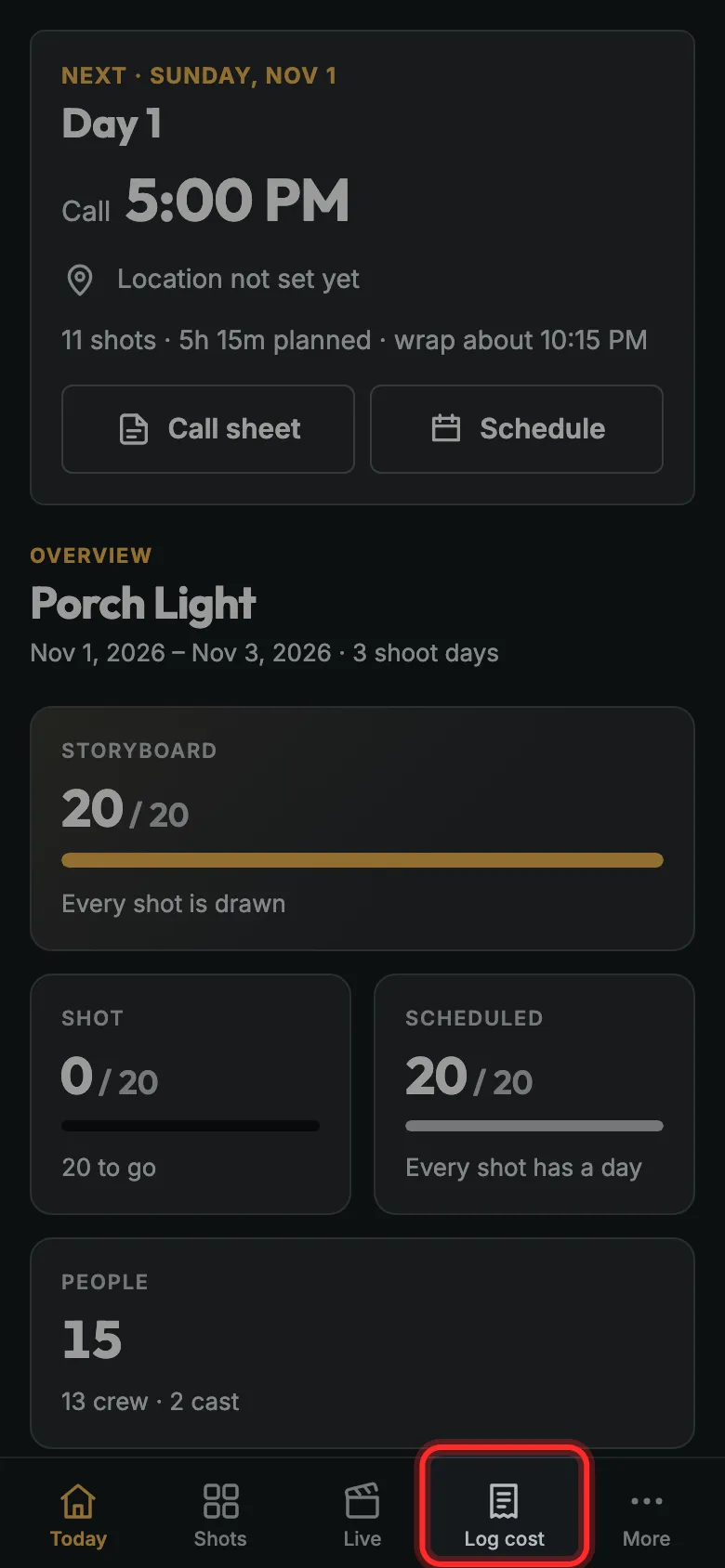
Open Budget, click Log a cost, type the amount and what it was, pick the account and day, and save. On a phone it’s Log cost in the bottom bar.
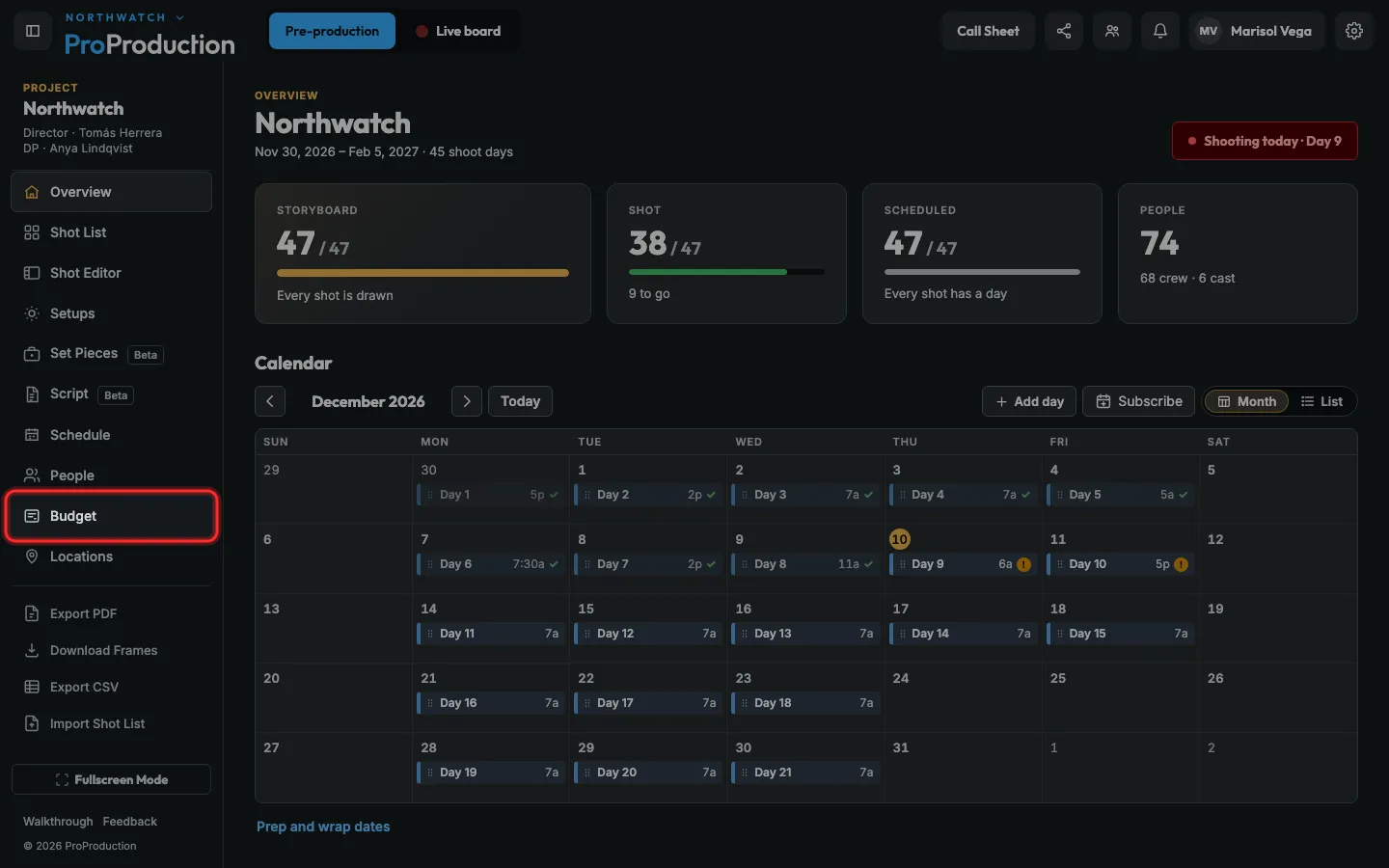
Step 1: In your project, click Budget in the side bar.
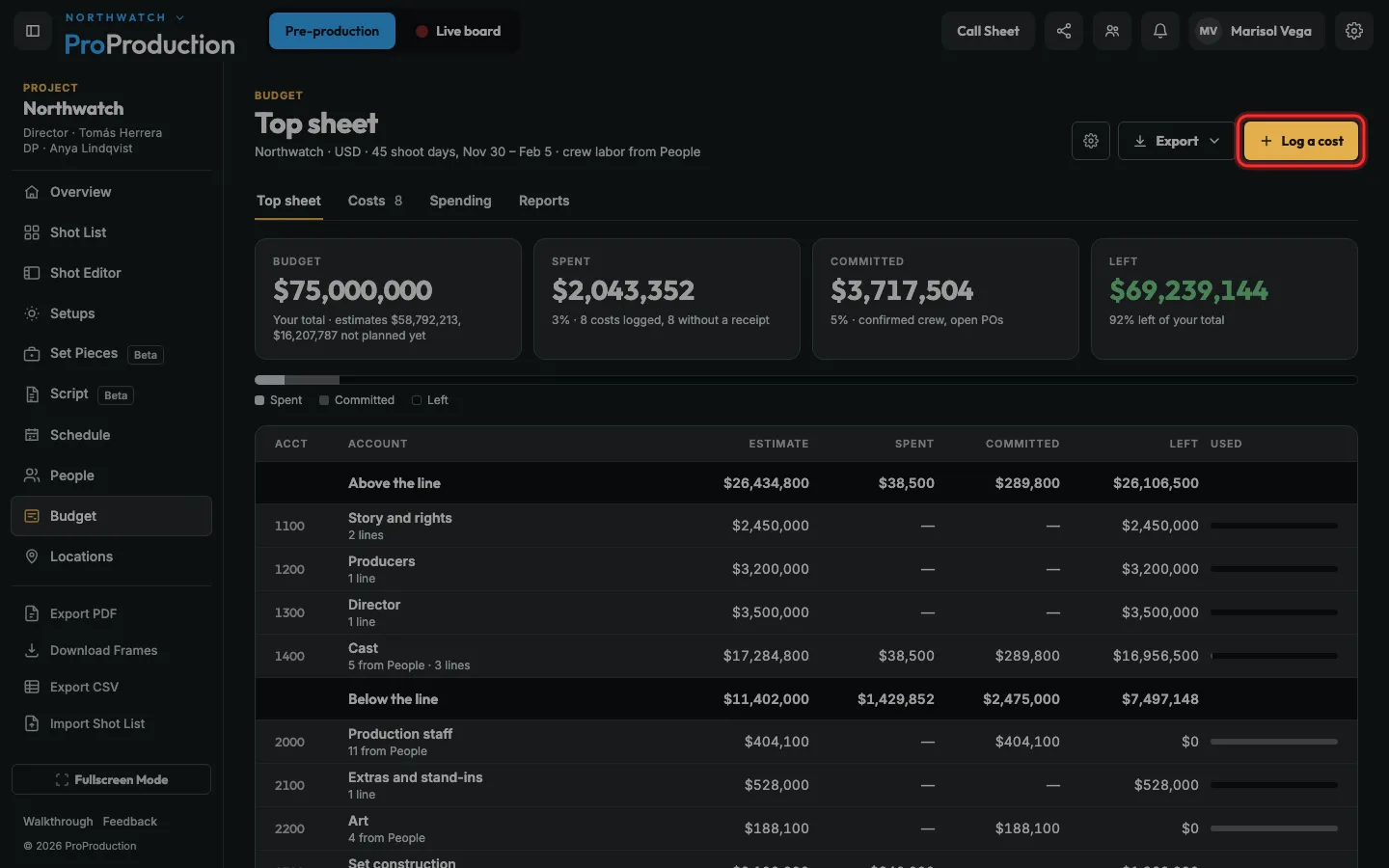
Step 2: Click Log a cost.
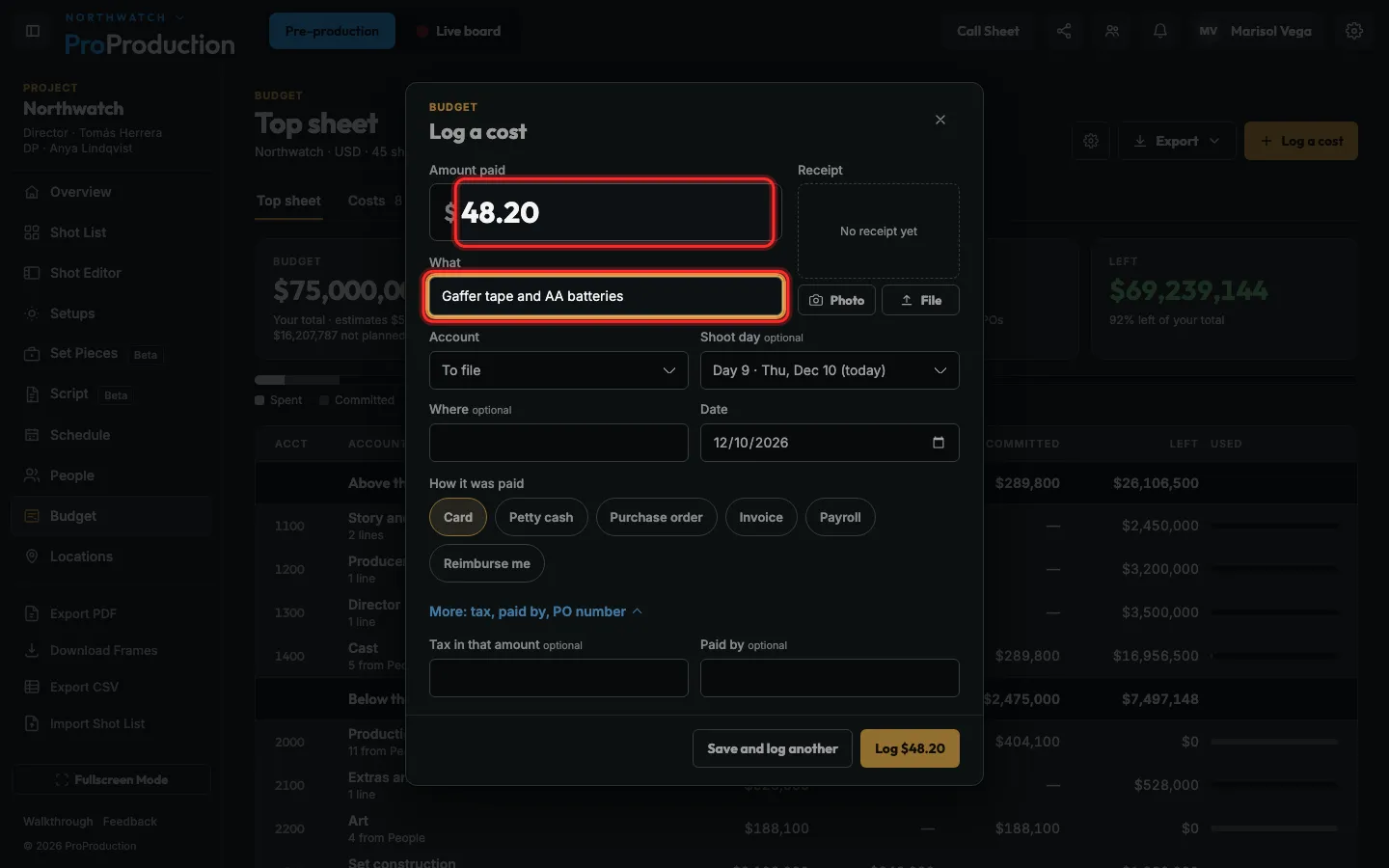
Step 3: Type what you paid and what it was for.
Add the receipt with Photo or File.
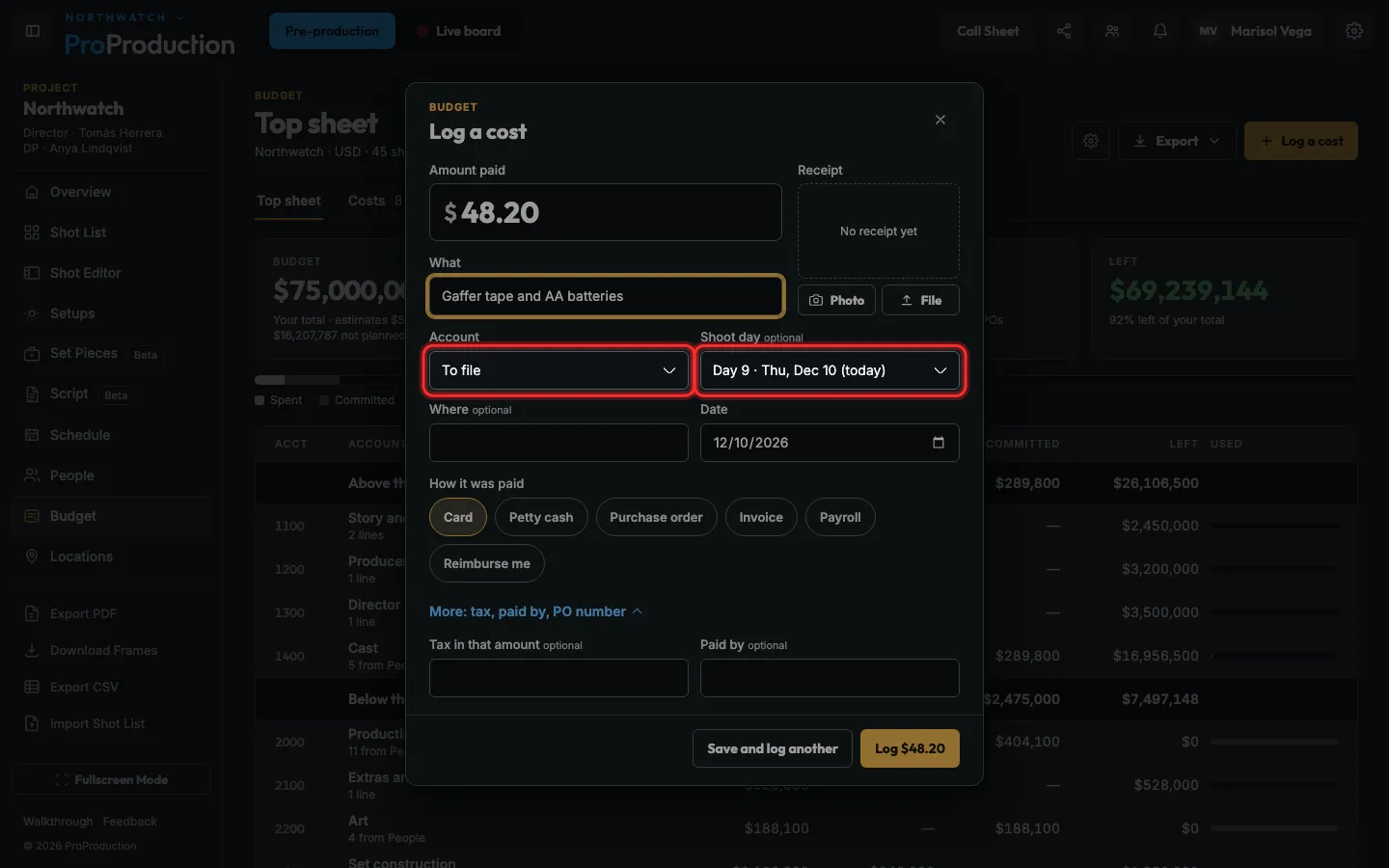
Step 4: Pick the budget account and the shoot day.
Step 5: Click Log $48.20.
It lands in that account’s spending. Costs over your approval limit wait for a yes.
Step 6: On your phone, tap Log cost in the bottom bar.
Same form, with the camera ready for the receipt.
Still stuck?
Write to hello@proproduction.app. A person reads every message.