What can I do on my phone on set?
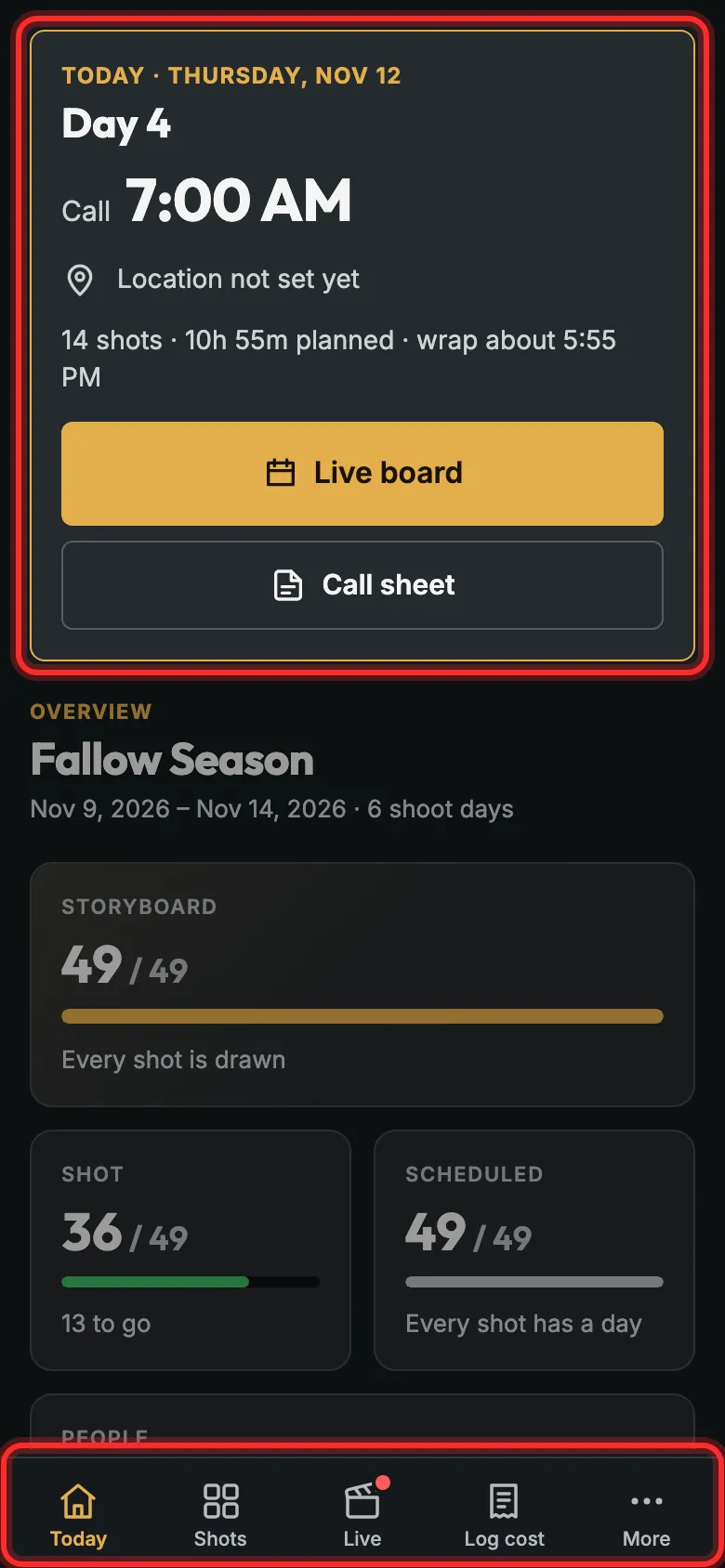
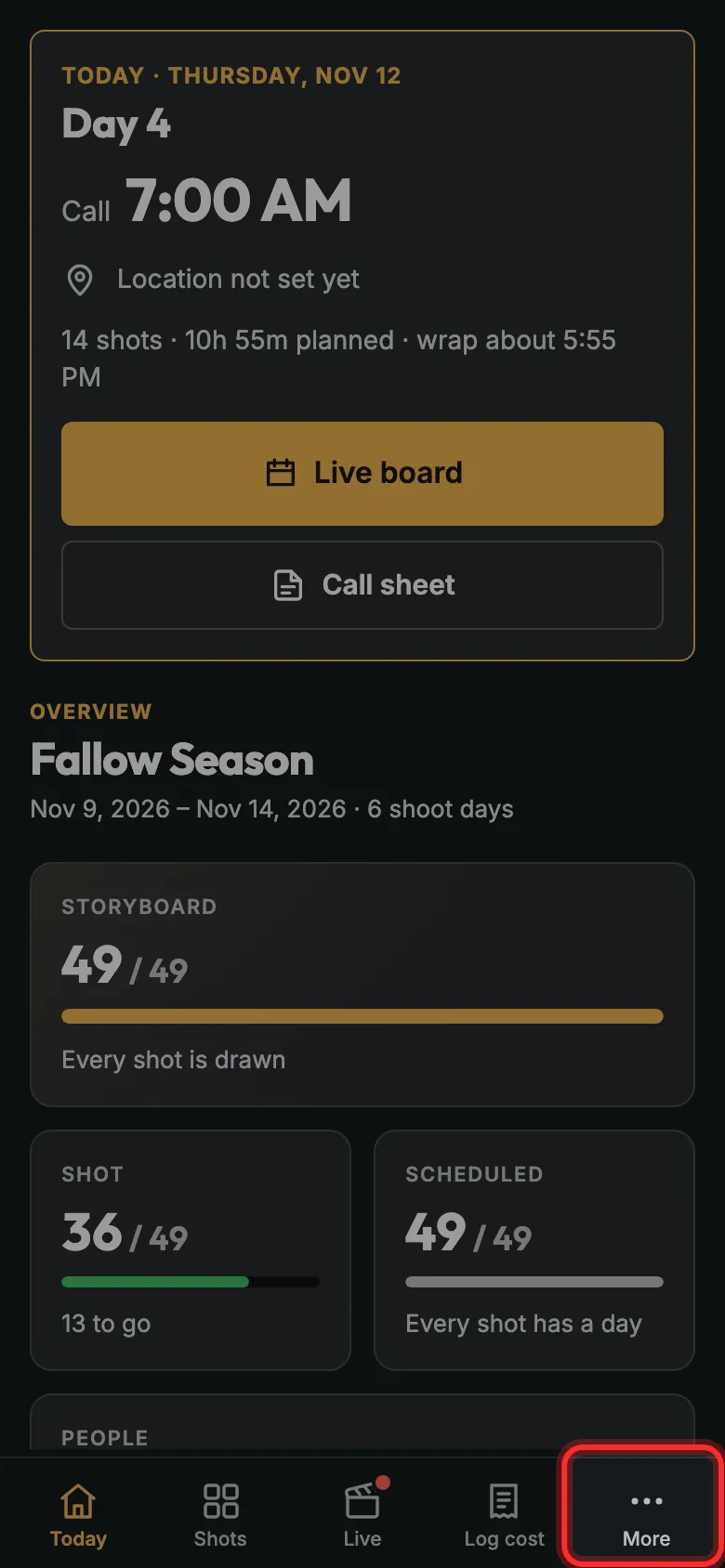
Sign in on your phone. The bar at the bottom has Today, Shots, Live, Log cost and More, and the Live board fits in one hand.
Step 1: Tap Today for the day at a glance, with its call sheet.
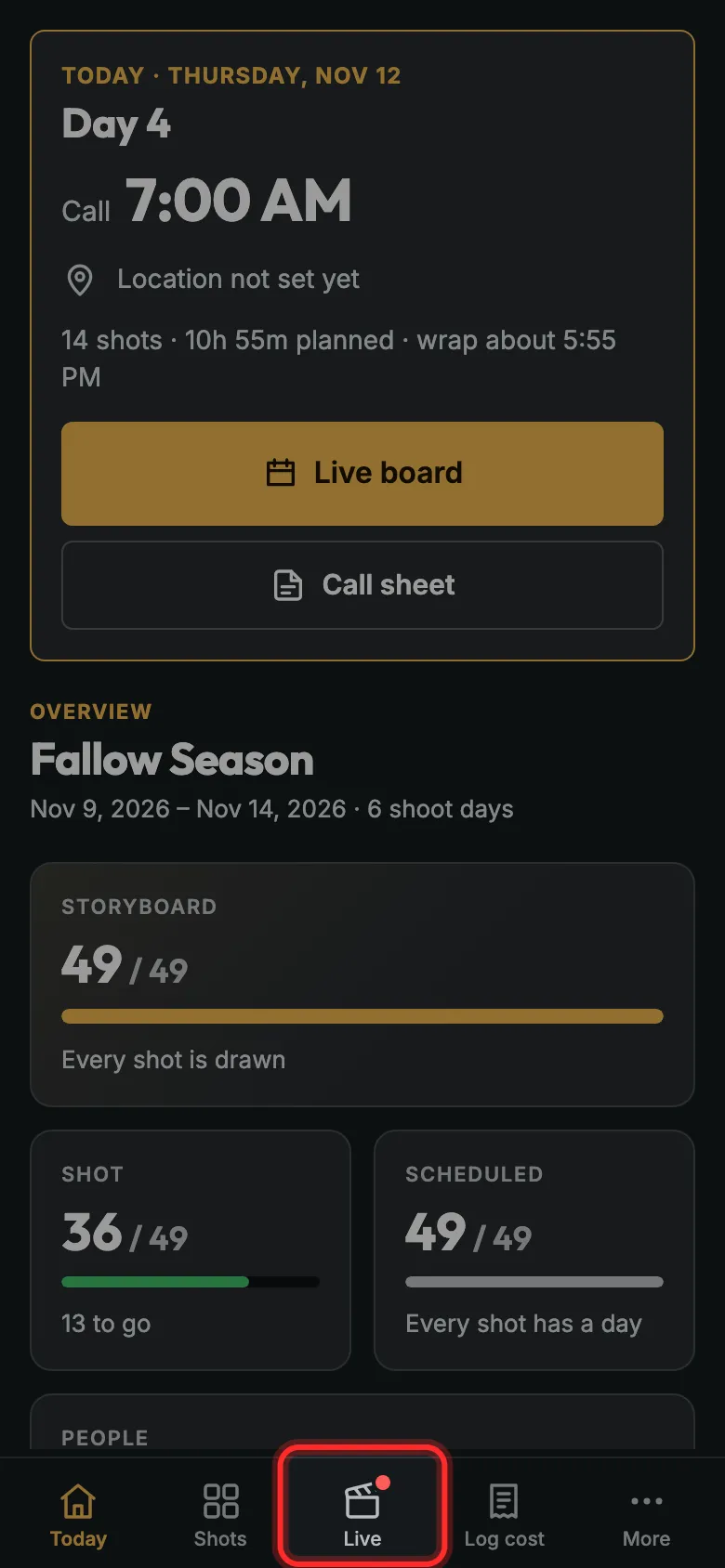
Step 2: Tap Live to open today on the Live board.
It has a red dot on shoot days.
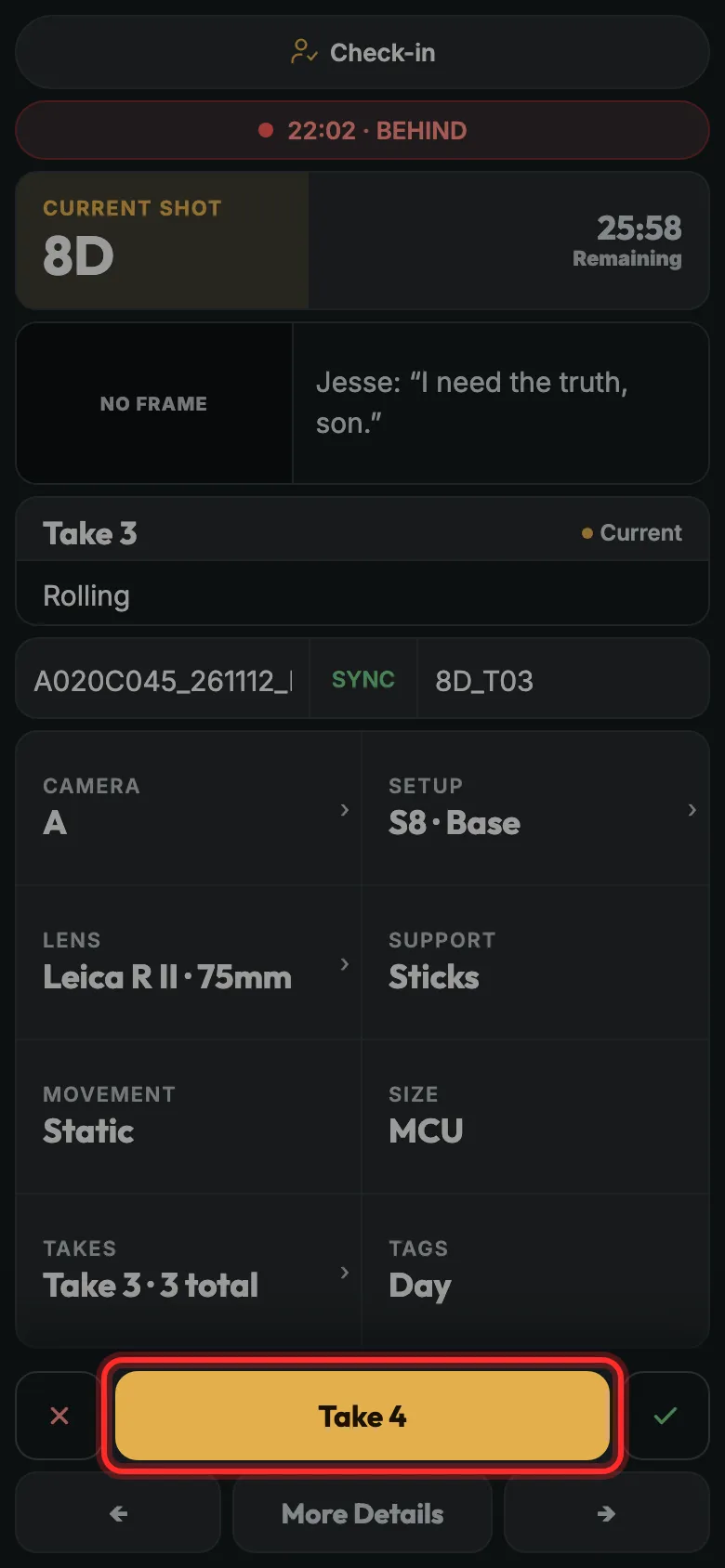
Step 3: You see the shot you’re on. Tap Take to go again.
It asks before it saves the take.
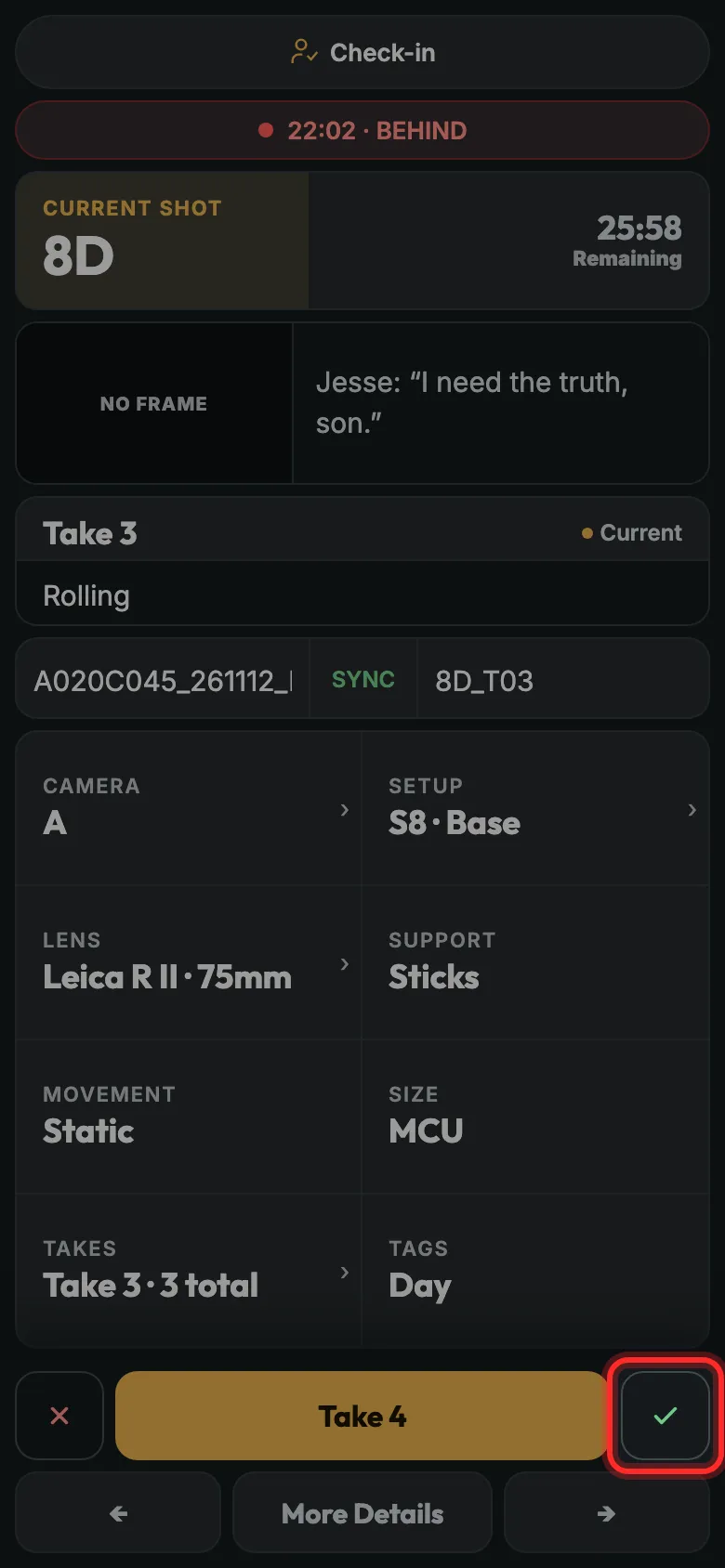
Step 4: Tap the tick when the shot’s done.
The arrows step through the day’s shots; the target goes back to the one you’re on.
Step 5: Everything else is under More.
Log a receipt with Log cost. It’s there for whoever runs the budget.
Still stuck?
Write to hello@proproduction.app. A person reads every message.