How do I give every project the same details, like a job number?
In the Organization area, open Project template and click Add a field. Every new project asks for it, and you can print it on call sheets.
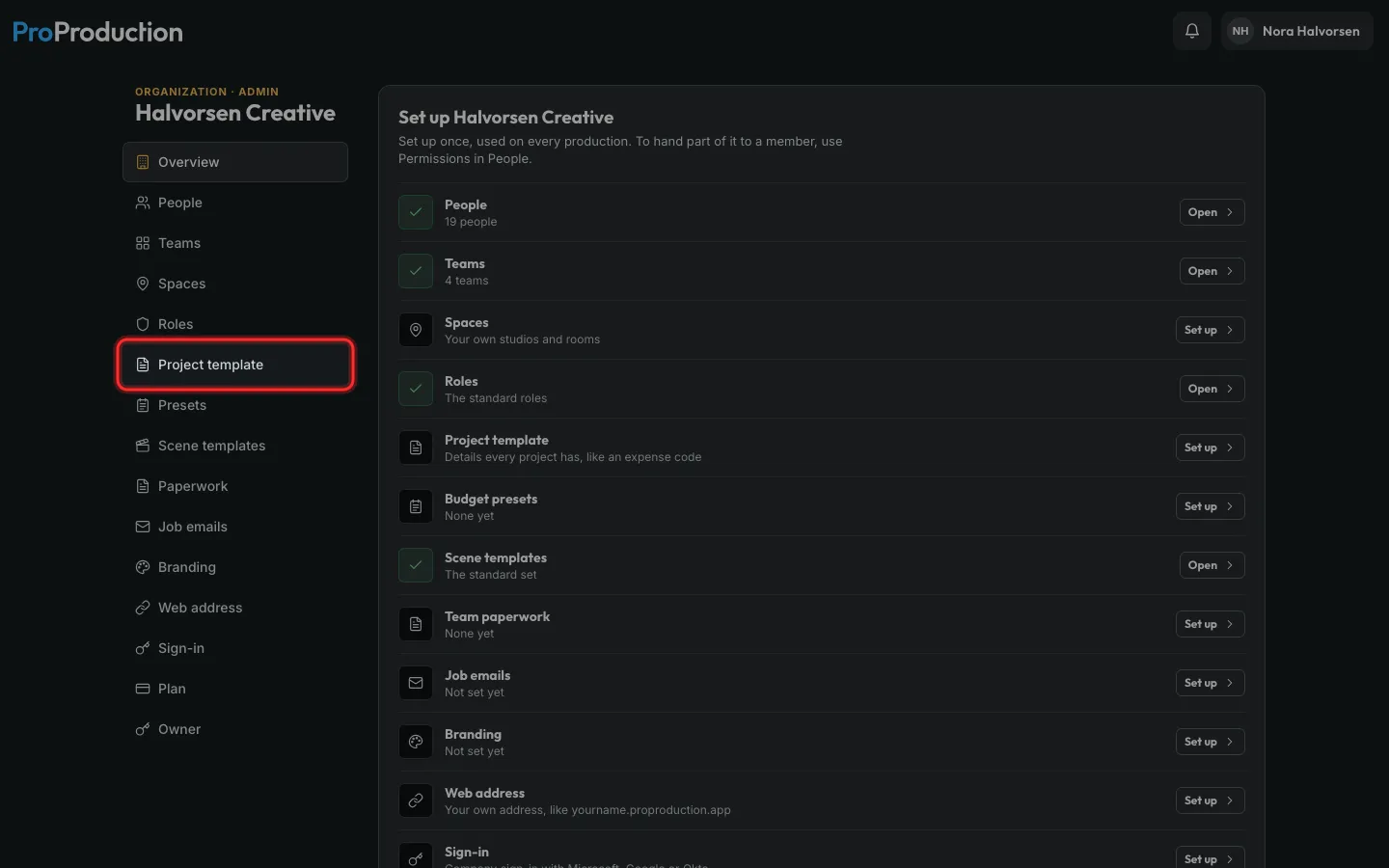
Step 1: In the Organization area, click Project template.
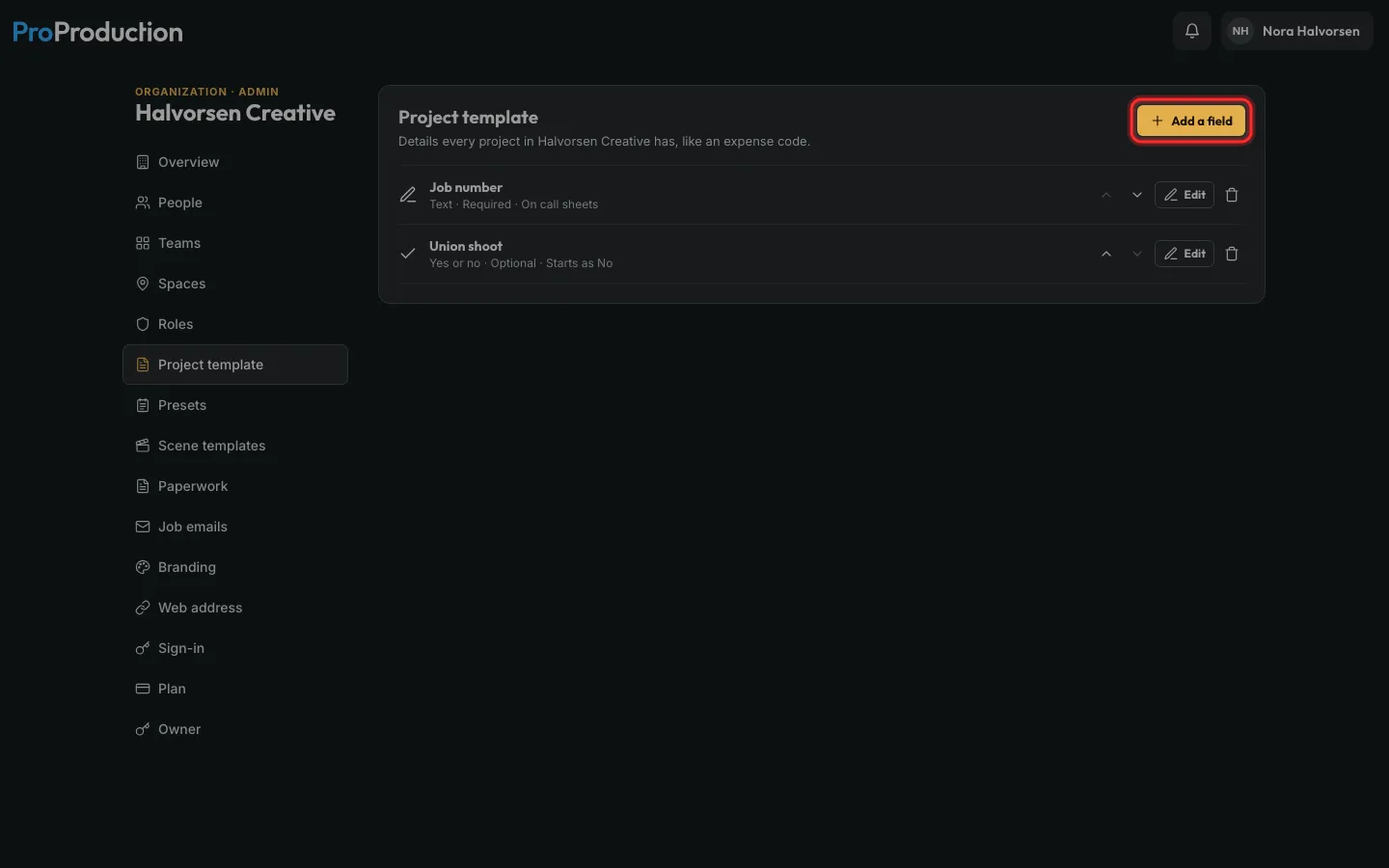
Step 2: Click Add a field.
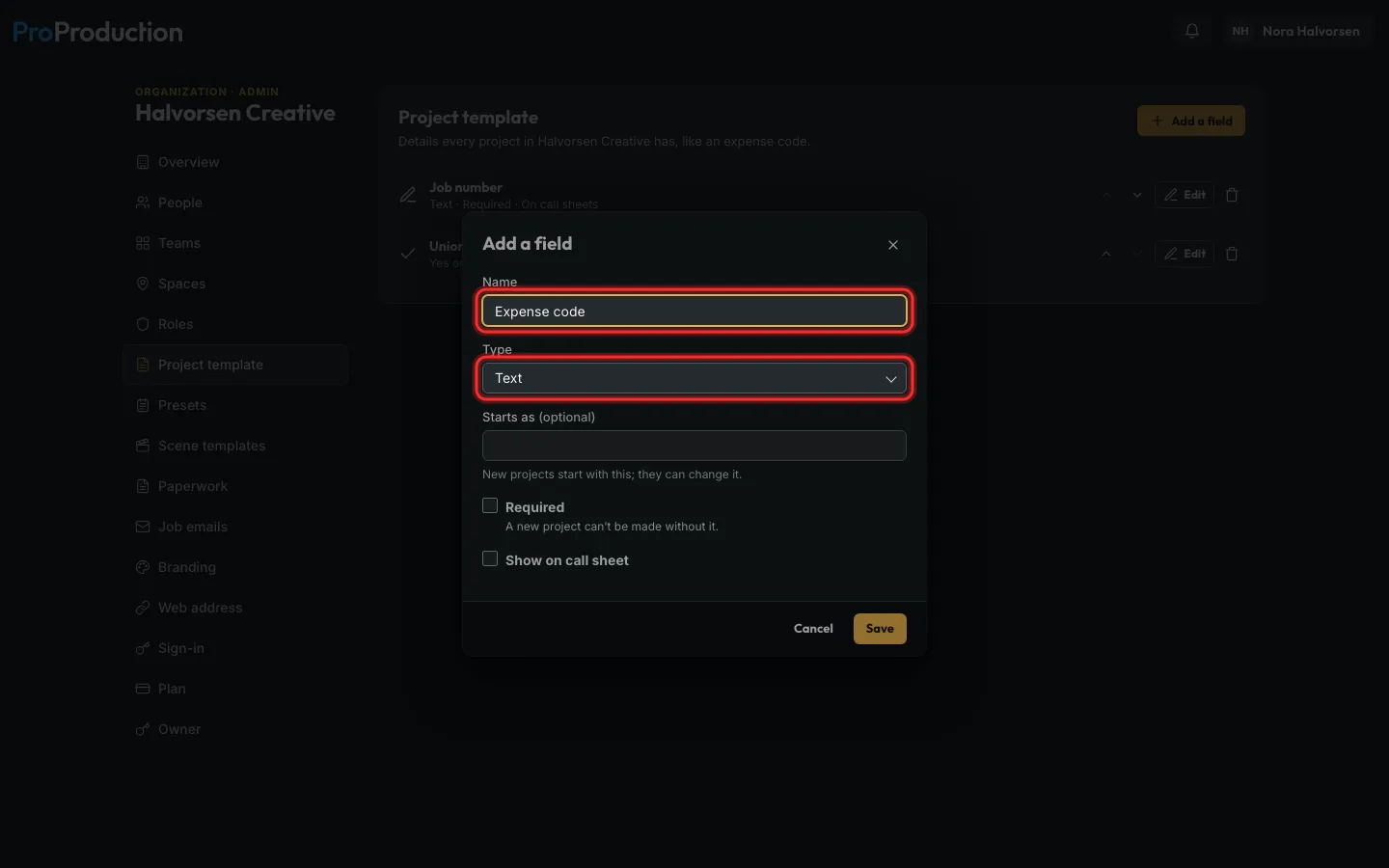
Step 3: Name it and pick its type: text, a number, a choice list, a date, or yes or no.
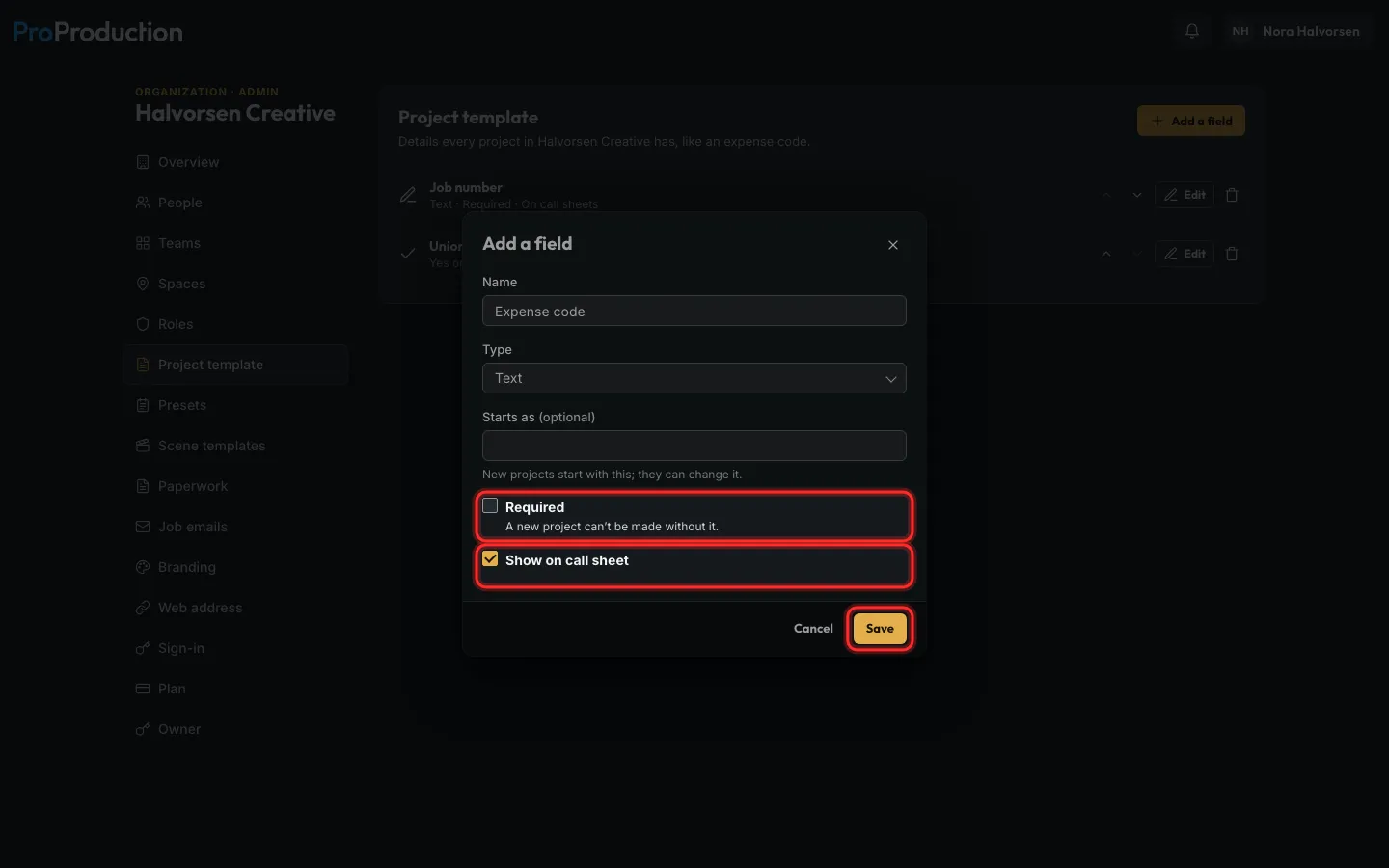
Step 4: Tick Required if a project can’t start without it, and Show on call sheet to print it there. Click Save.
Up to 20 fields. Arrows put them in order.
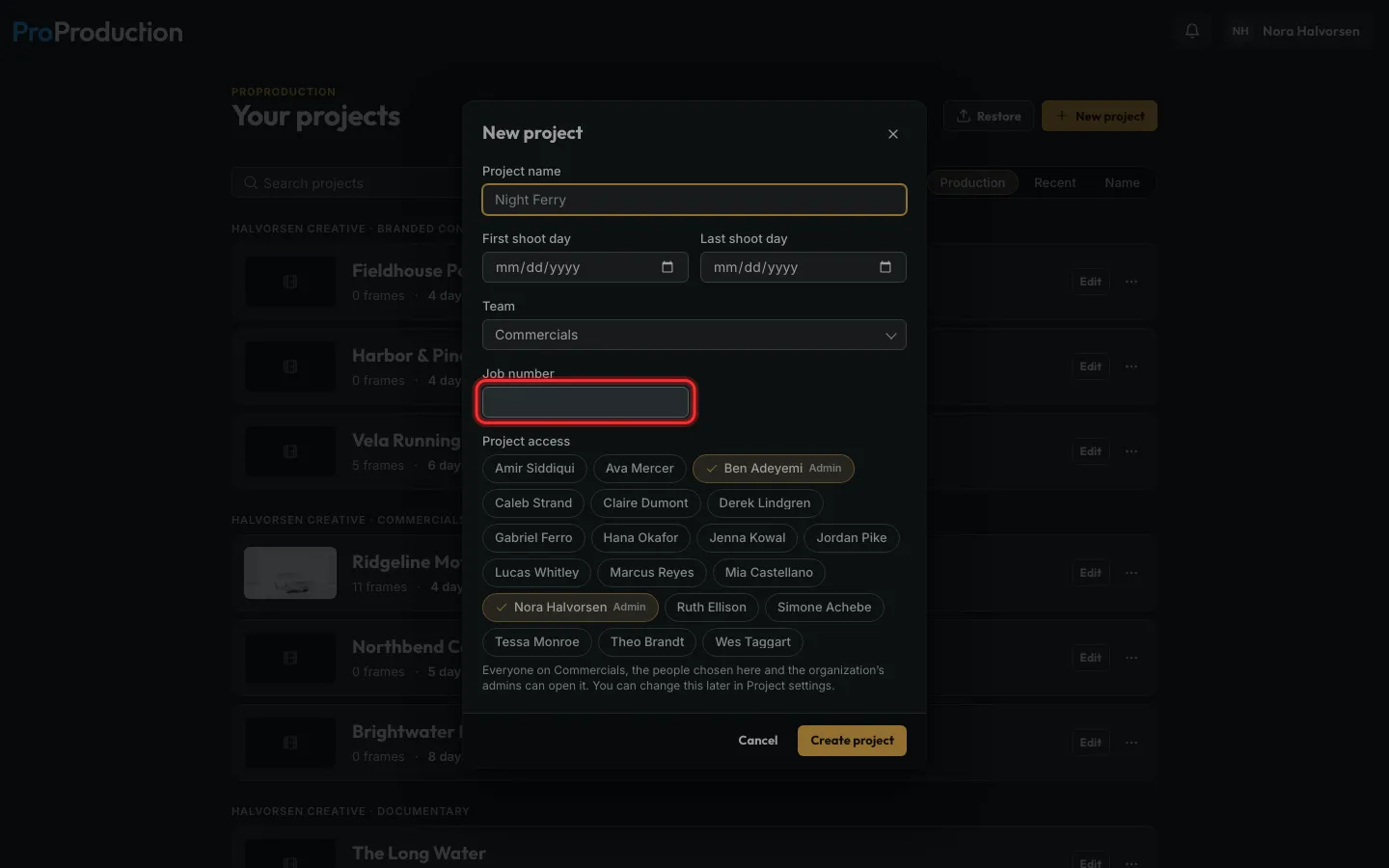
Step 5: Now New project asks for them.
A required one has to be filled before Create project. Existing projects fill theirs in Project settings.
Still stuck?
Write to hello@proproduction.app. A person reads every message.